



Light Clear GUI for Minecraft 1.21.11
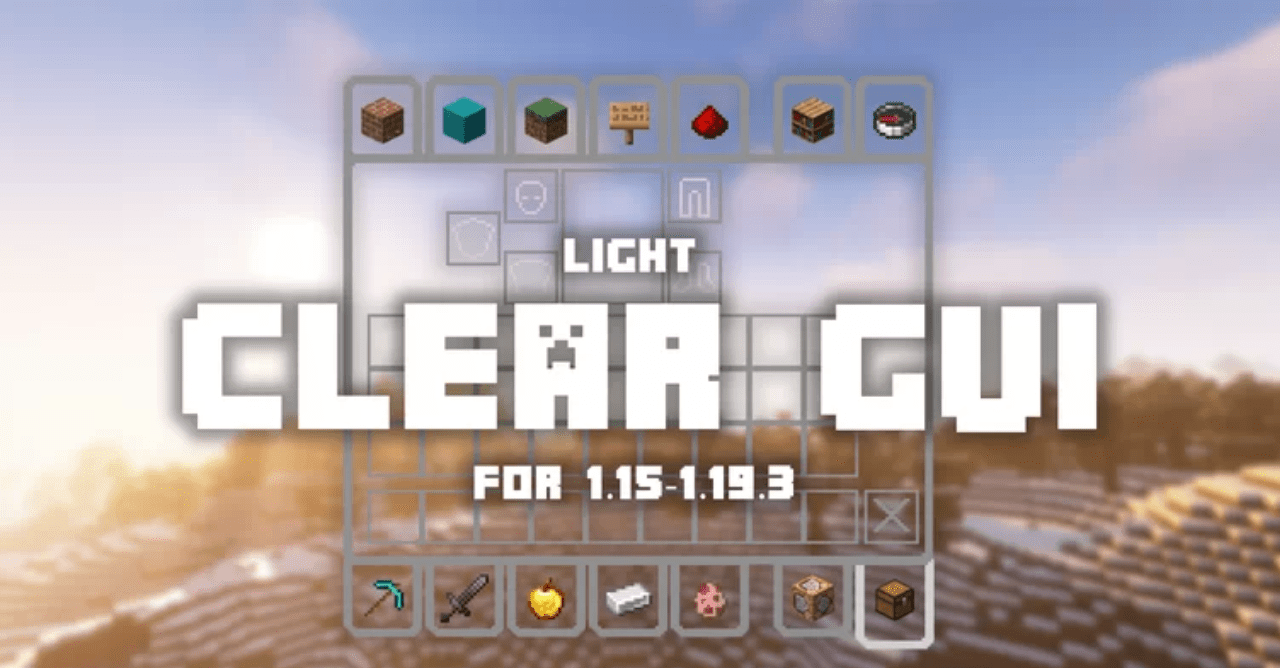
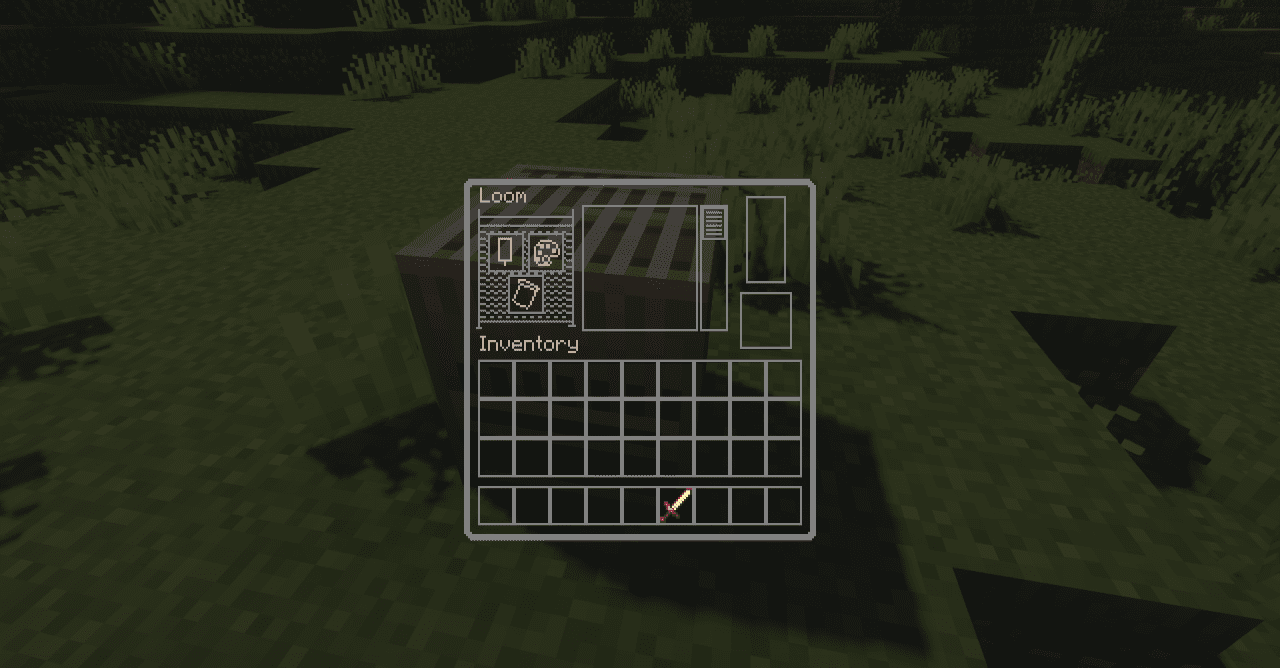
Working with the interface in Minecraft takes up a significant part of the gameplay, and that is why the changes introduced by Light Clear GUI are especially noticeable. Instead of dark and sometimes overloaded panels, the player receives a light base with neat gray outlines. These thin lines emphasize the structure of slots, frames, and sections without creating visual noise.
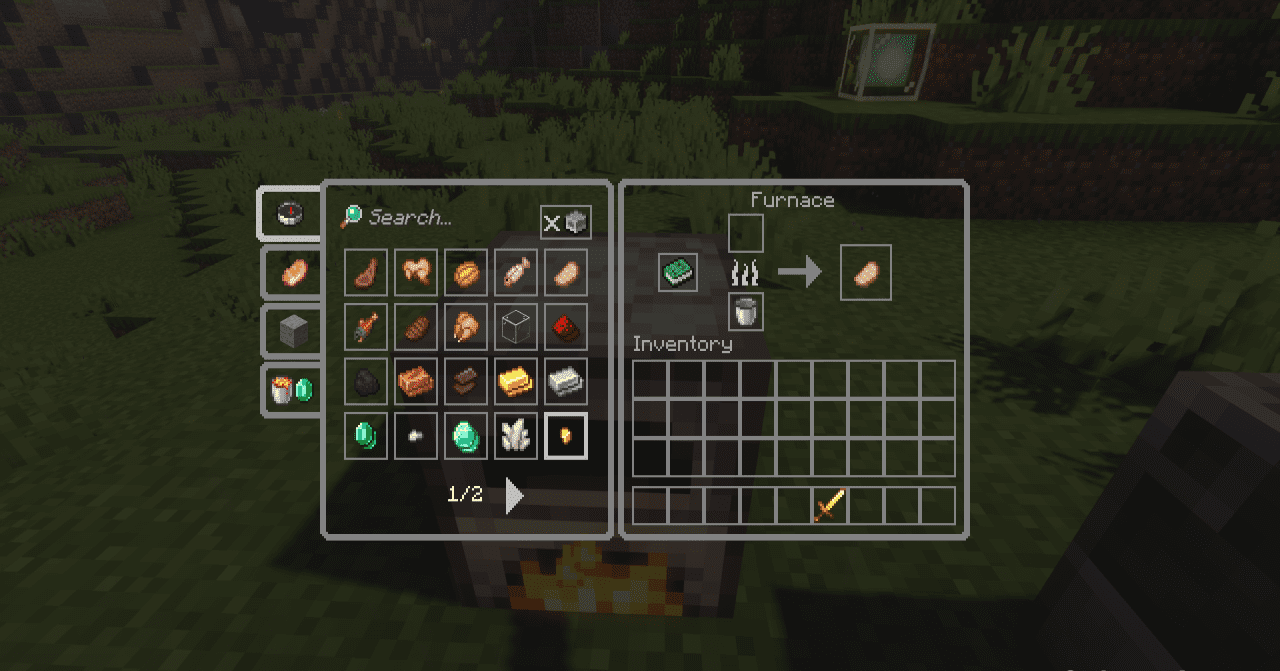
All shapes, spacing between elements, and the original symbols are fully preserved, allowing players to avoid relearning and not lose the familiar control logic. As a result, the interface looks cleaner, more modern, and more organized, especially during active crafting and item sorting.
How to install the texture pack:
First step: download and install Light Clear GUI
Second step: copy the texture pack to the C:\Users\USER_NAME\AppData\Roaming\.minecraft\resourcepacks
Third step: in game settings choose needed resource pack.
Comments (0)