



Lithos for Minecraft 1.21.11
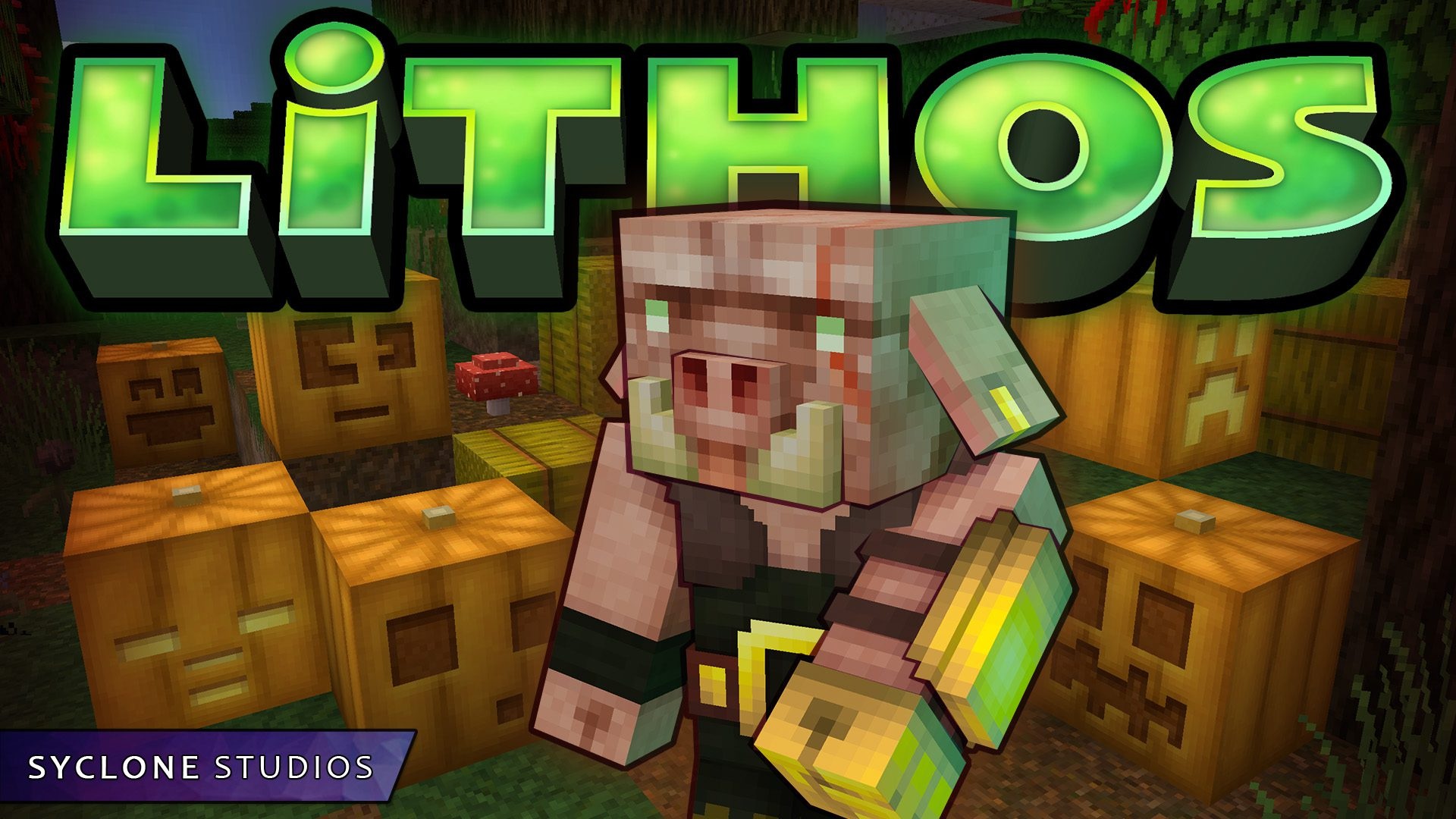
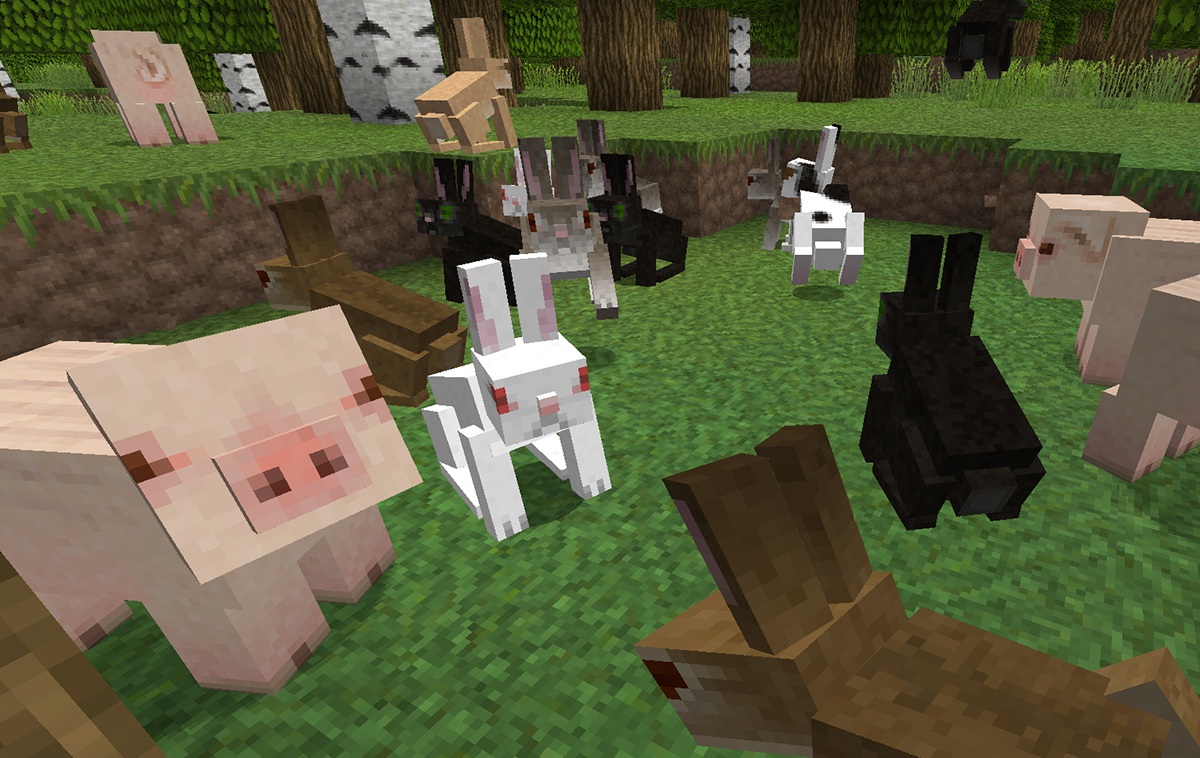
The visual style of the game changes significantly when standard textures are replaced with something more detailed while still retaining recognizability. This is exactly what the resource pack built around Lithos concept achieves through neat, bright, and clear 32x textures. Blocks become more expressive but do not lose their connection to Minecraft’s original style.
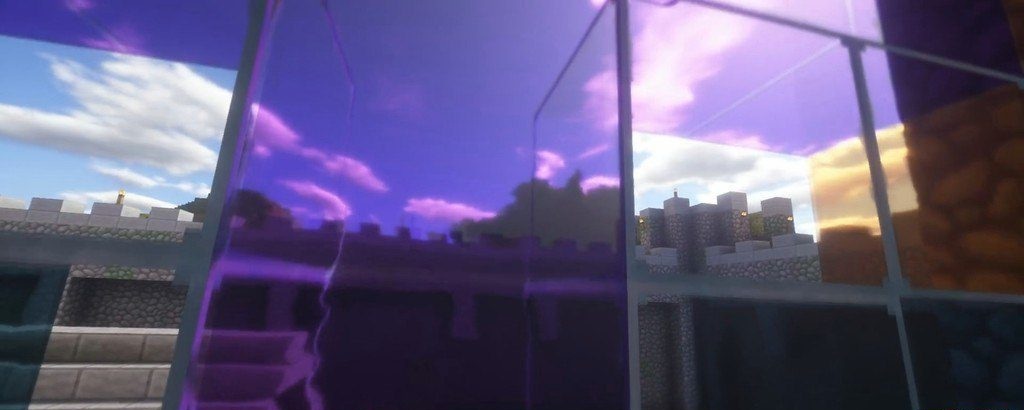
The color schemes remain close to the default ones, which makes buildings and natural landscapes feel natural. At the same time, the textures look softer, smoother, and more pleasing to the eye. This is an ideal balance between quality and authenticity: the game becomes more beautiful and cleaner, without losing its identity.
How to install the texture pack:
First step: download and install Lithos
Second step: copy the texture pack to the C:\Users\USER_NAME\AppData\Roaming\.minecraft\resourcepacks
Third step: in game settings choose needed resource pack.
Comments (1)