



Majora’s Block for Minecraft 1.21.8
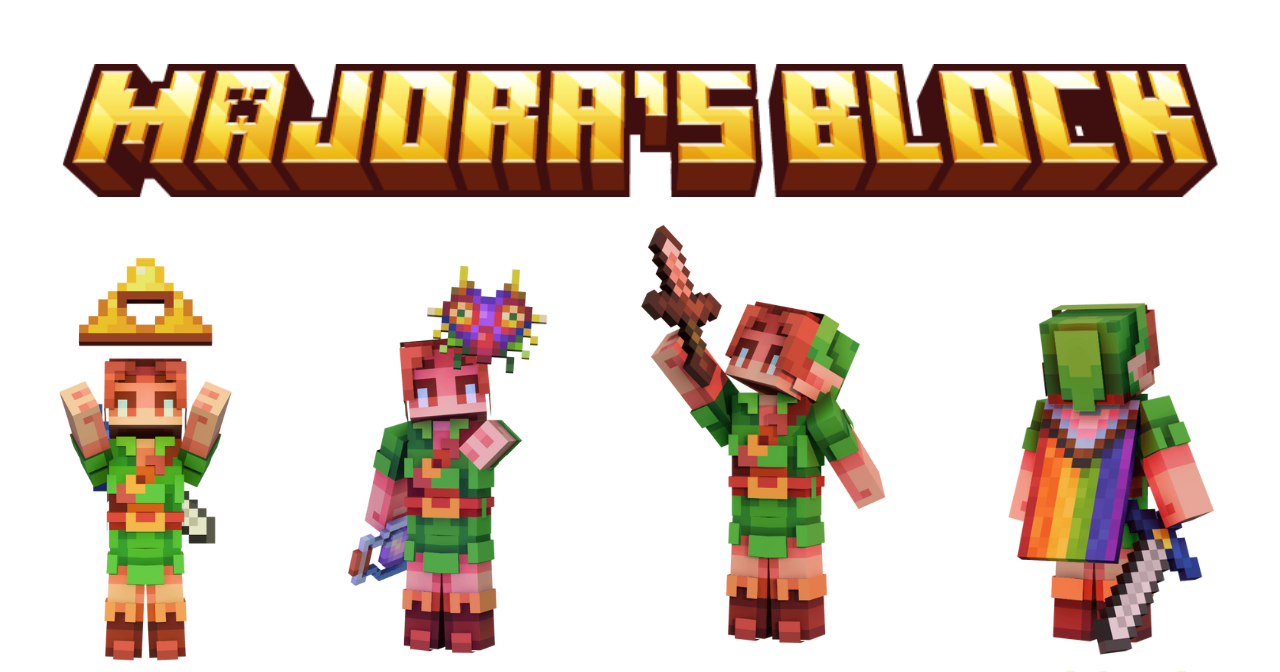
Thematic improvements always please with their unusual appearance and references, so it’s the perfect time to use Majora’s Block add-on for Minecraft. The new changes are directly related to The Legend of Zelda: Majora’s Mask theme and will add themed elements in the form of visual skins.
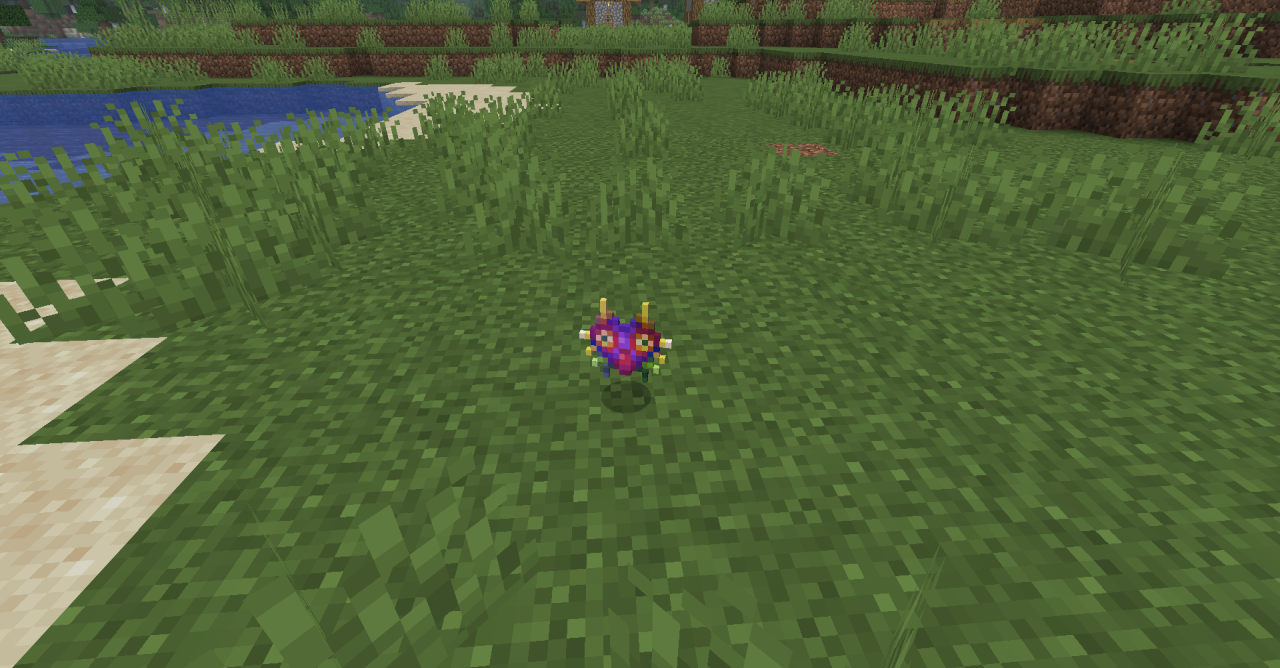
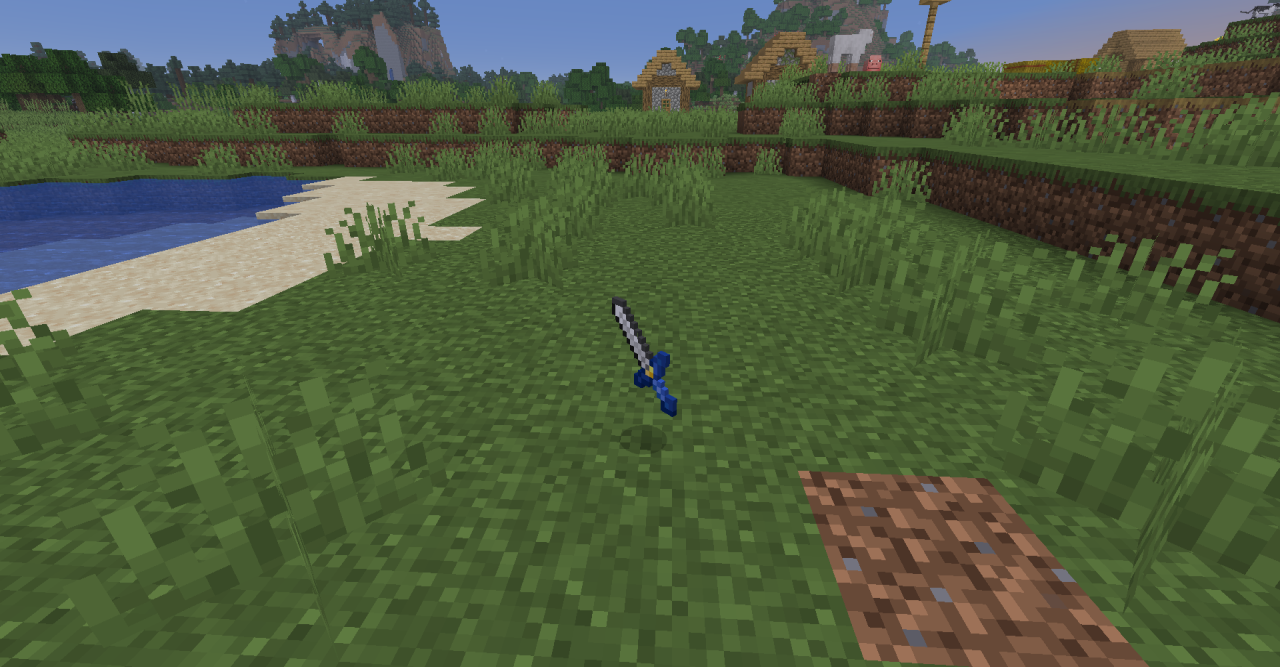
Swords, cloaks, totems — all of this will be changed and become references to legendary universes. Therefore, don’t waste time and go explore everything yourself. Just remember, the changes are purely visual and do not add any new functionality.
How to install the texture pack:
First step: download and install Majora’s Block
Second step: copy the texture pack to the C:\Users\USER_NAME\AppData\Roaming\.minecraft\resourcepacks
Third step: in game settings choose needed resource pack.
Comments (0)