



Mandala’s GUI – Dark Mode for Minecraft 1.21.10
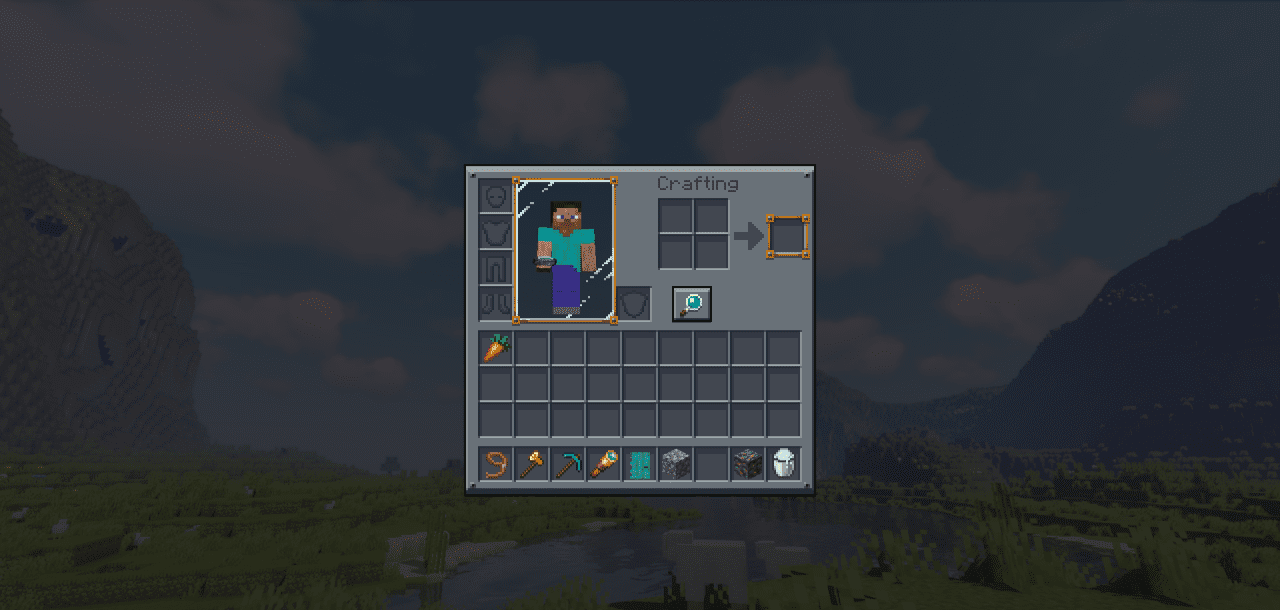
Those who prefer calm tones and aesthetic restraint will appreciate Mandala’s GUI – Dark Mode. This pack transforms the standard interface into a harmonious dark system with smooth lines and a deep color palette. Menus, buttons, and status bars are designed in a minimalist style, with every element looking thoughtful and tidy.
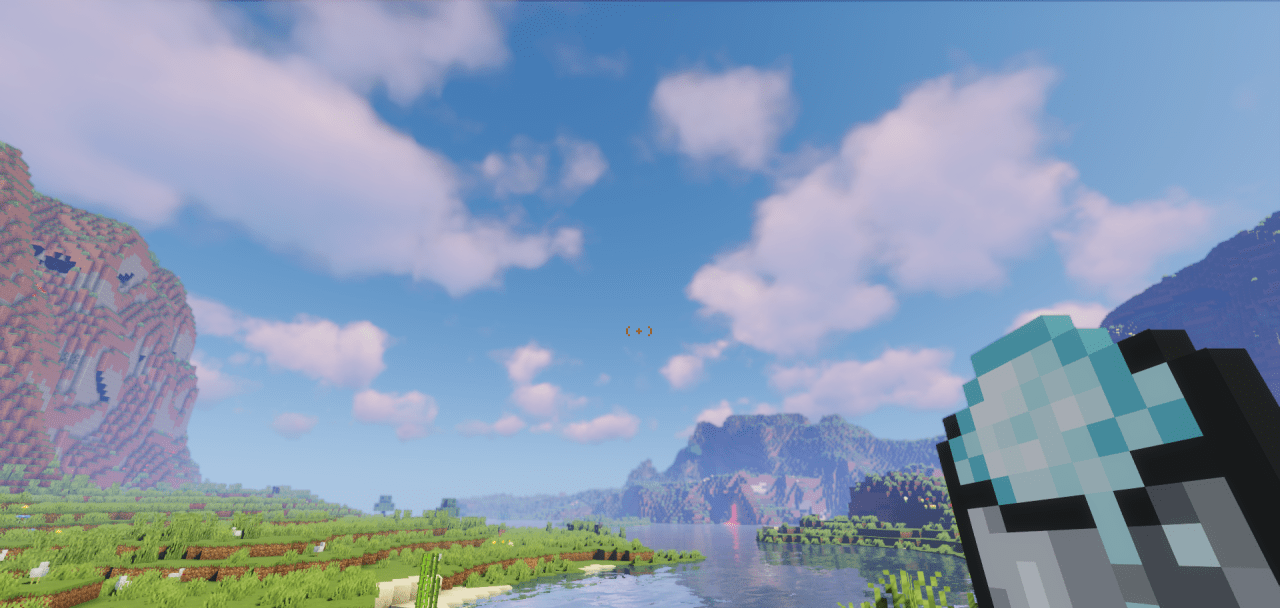
Visually, it resembles the interface of a modern app or premium game — nothing excessive, everything balanced and readable. The dark background not only looks elegant but also reduces eye strain, creating a sense of comfort and control. Evening gaming sessions become significantly more pleasant.
How to install the texture pack:
First step: download and install Mandala’s GUI – Dark Mode
Second step: copy the texture pack to the C:\Users\USER_NAME\AppData\Roaming\.minecraft\resourcepacks
Third step: in game settings choose needed resource pack.
Comments (0)