



MB-3D Items for Minecraft 1.21.11
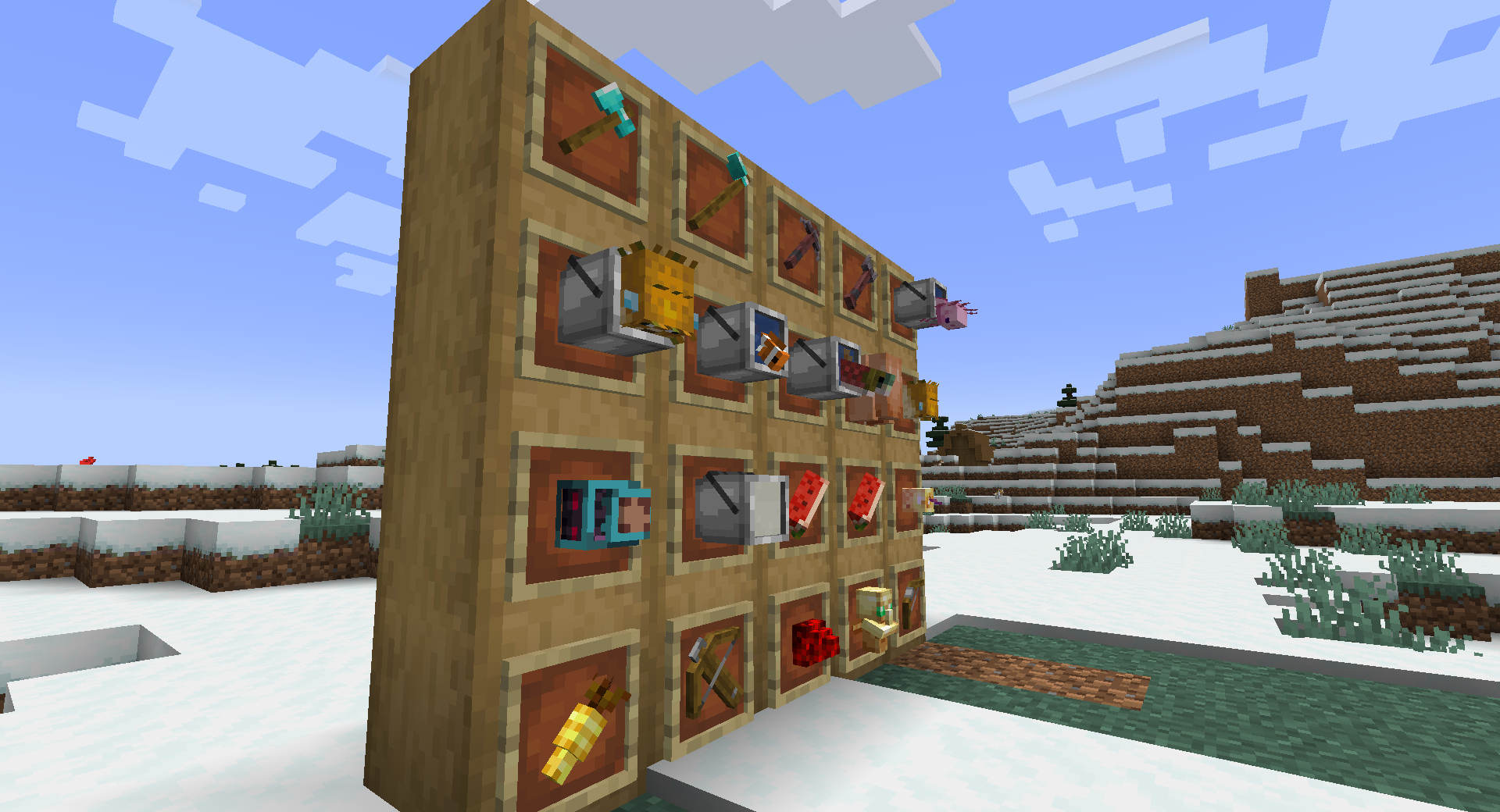
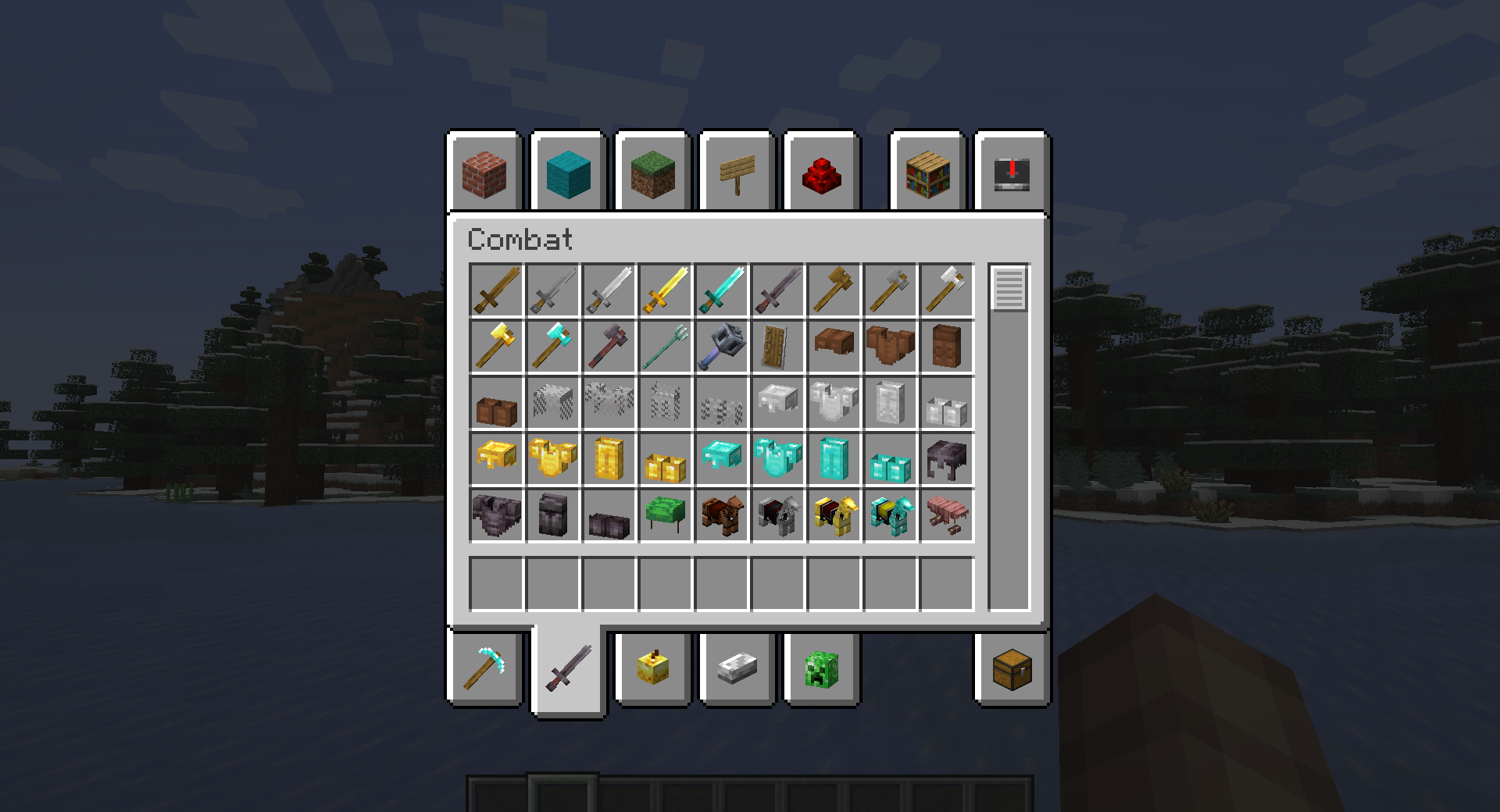
When items stop being flat, the entire environment starts to feel different. This is exactly the effect MB-3D Items is built around, replacing standard 2D icons with full-fledged three-dimensional models. Tools and weapons look more voluminous, more massive, and visually “heavier,” which is especially noticeable in the character’s hands. Even familiar actions—resource gathering, combat, or simply browsing the inventory—begin to feel new.
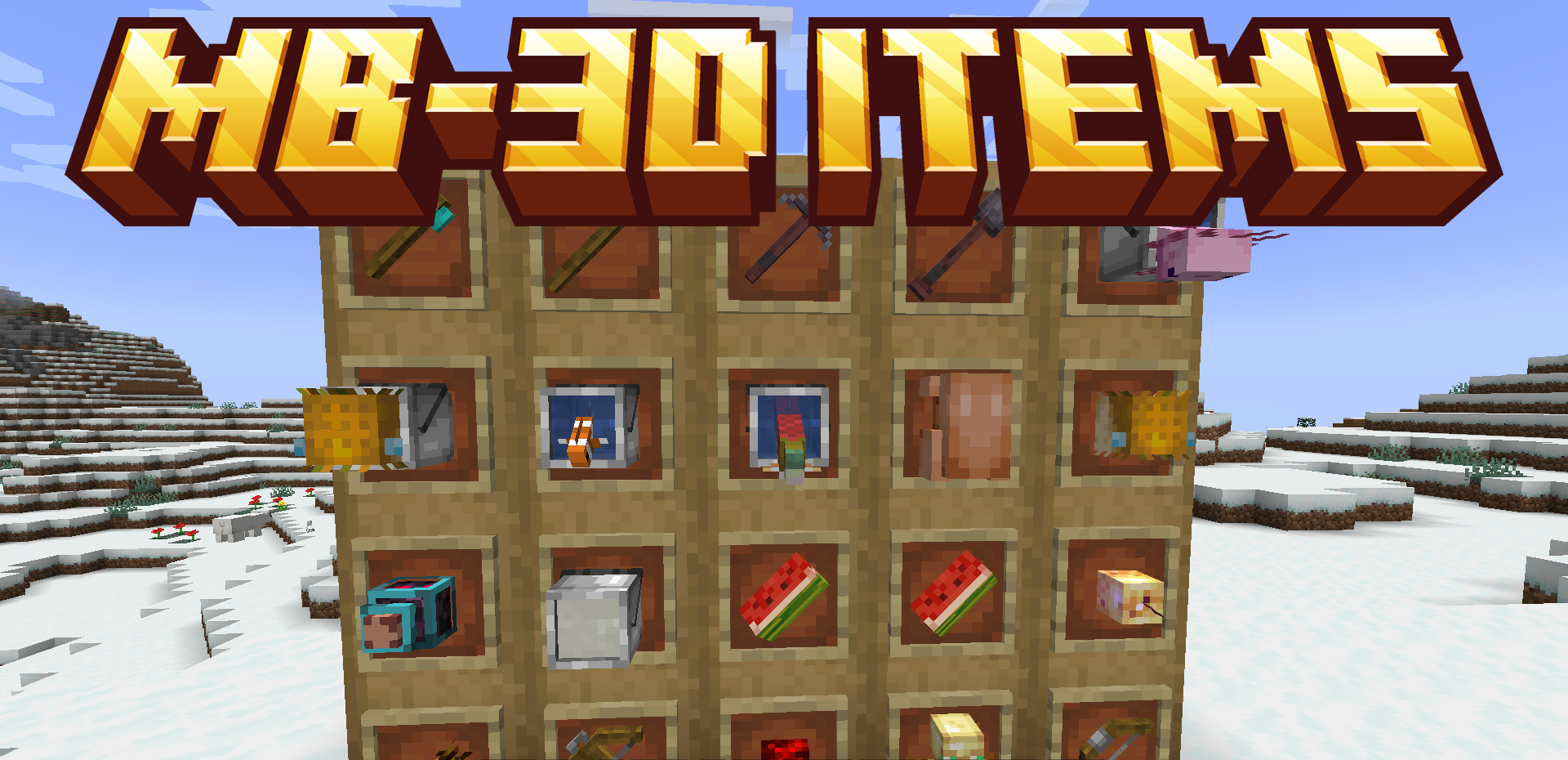
At the same time, the model style does not drift into excessive realism and remains fairly close to classic Minecraft. The pack does not overload the screen with details but carefully adds depth, creating a richer and more expressive visual experience.
How to install the texture pack:
First step: download and install MB-3D Items
Second step: copy the texture pack to the C:\Users\USER_NAME\AppData\Roaming\.minecraft\resourcepacks
Third step: in game settings choose needed resource pack.
Comments (2)