



MCE Tools & Weapons 3D for Minecraft 1.21.11
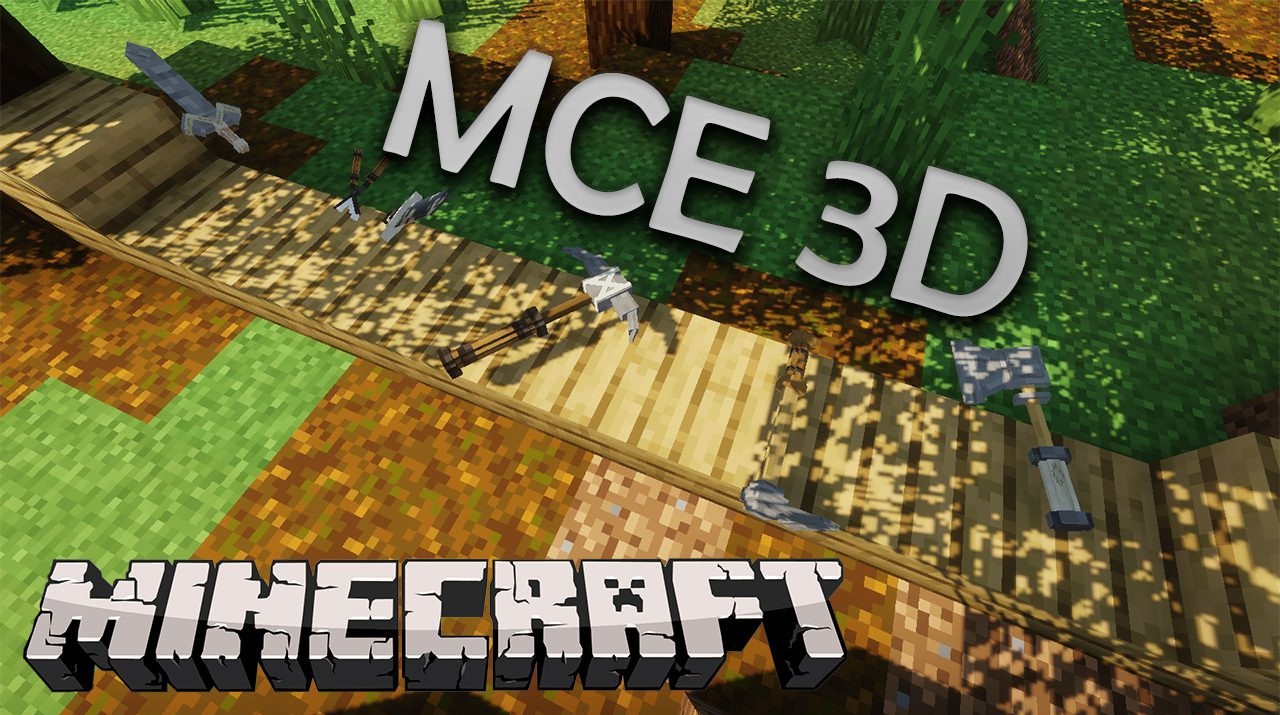
MCE Tools & Weapons 3D focuses on a complete overhaul of weapons and tools, replacing the standard flat textures with detailed three-dimensional models. Pickaxes, swords, axes, shovels, and other equipment gain volume, new shapes, well-crafted handles and blades, as well as more realistic proportions. During gameplay, the changes are especially noticeable in first-person view: tools no longer look like icons, but feel like real objects in the character’s hands.

Resource gathering, combat, and exploration all gain an added sense of presence. Even familiar actions begin to feel different thanks to the visual depth and a more “physical” feel of weapons and tools.

How to install the texture pack:
First step: download and install MCE Tools & Weapons 3D
Second step: copy the texture pack to the C:\Users\USER_NAME\AppData\Roaming\.minecraft\resourcepacks
Third step: in game settings choose needed resource pack.
Comments (1)