



MCE Tools & Weapons 3D for Minecraft 1.21.11
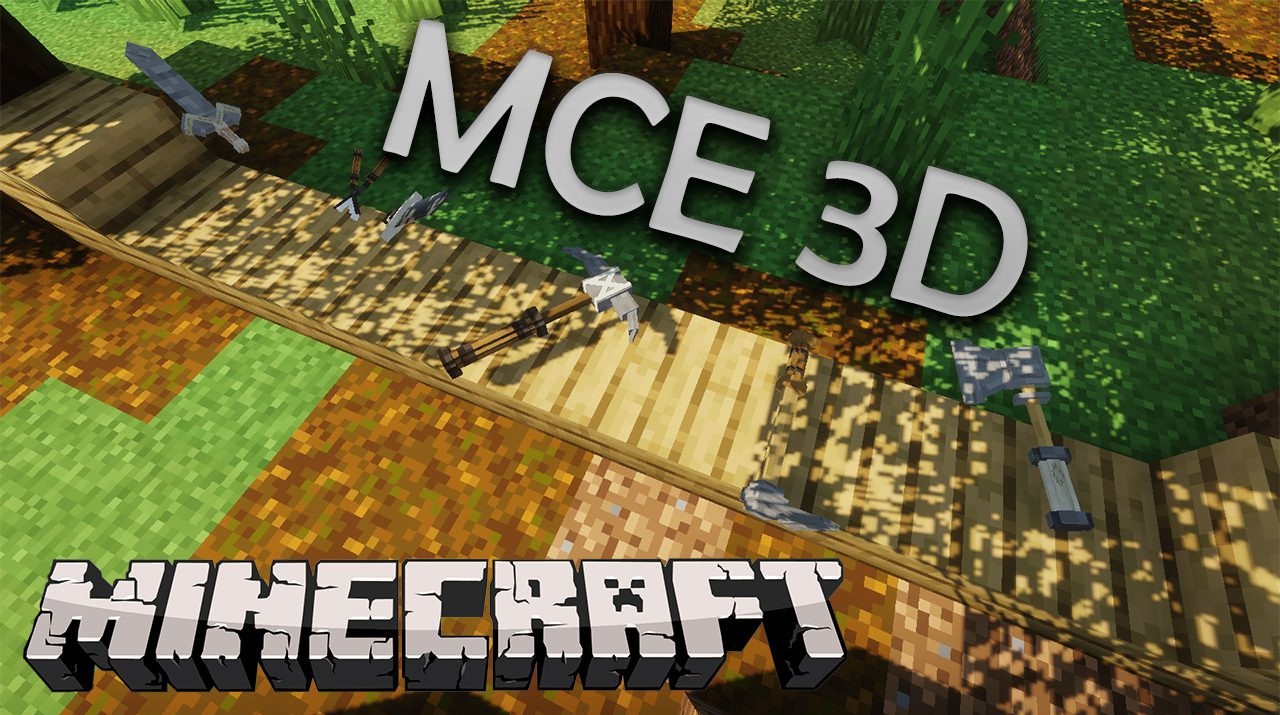
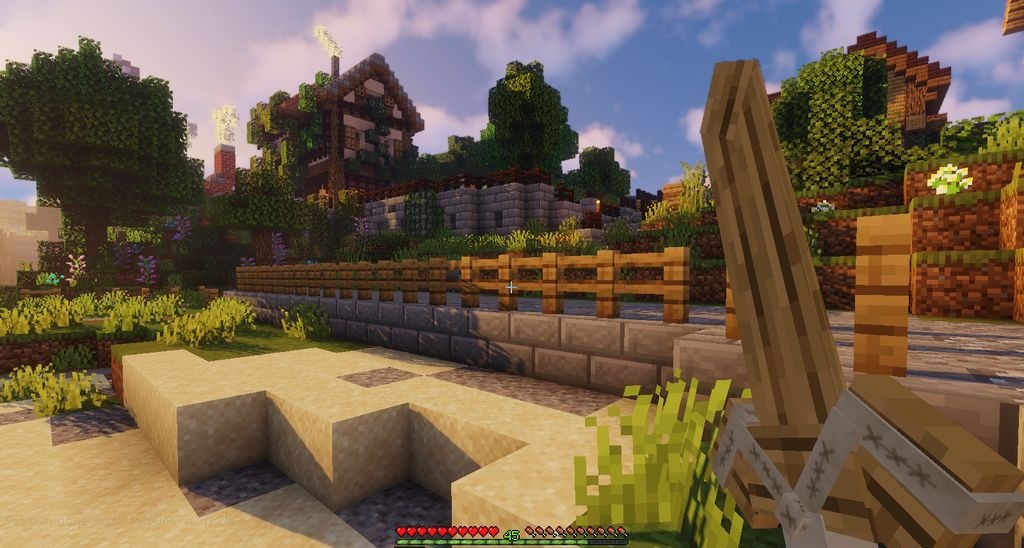
In standard Minecraft, most items look quite simple. But once you install MCE Tools & Weapons 3D, familiar tools begin to look completely different. The pack adds full three-dimensional models for weapons and tools. Pickaxes, axes, swords, and other items become more dimensional and detailed, so in the character’s hands they look much more realistic.
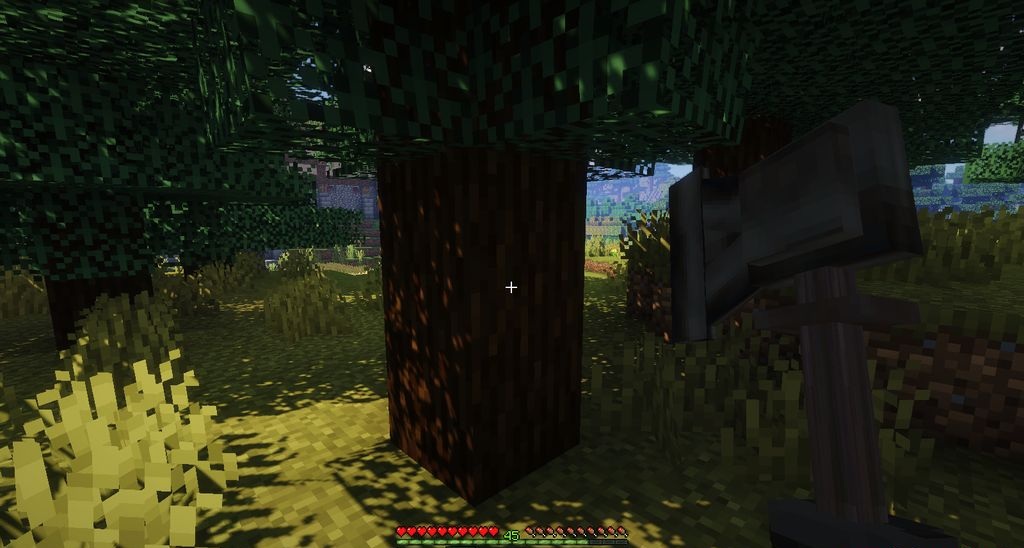
Even ordinary resource gathering starts to feel a little different, because each tool visually looks more “real.” At the same time, the blocks of the world remain standard, thanks to which the game’s style is not broken.
How to install the texture pack:
First step: download and install MCE Tools & Weapons 3D
Second step: copy the texture pack to the C:\Users\USER_NAME\AppData\Roaming\.minecraft\resourcepacks
Third step: in game settings choose needed resource pack.
Comments (0)