



Minebox Gray Crops for Minecraft 1.21.10
Farming setups in Minecraft can be incredibly large, and sometimes it’s visual confusion that prevents efficient work. In this regard, Minebox Gray Crops resource pack acts as an unobtrusive but extremely useful assistant. It highlights immature crops with a special gray tint, turning fields into a clear and intuitive maturation system.
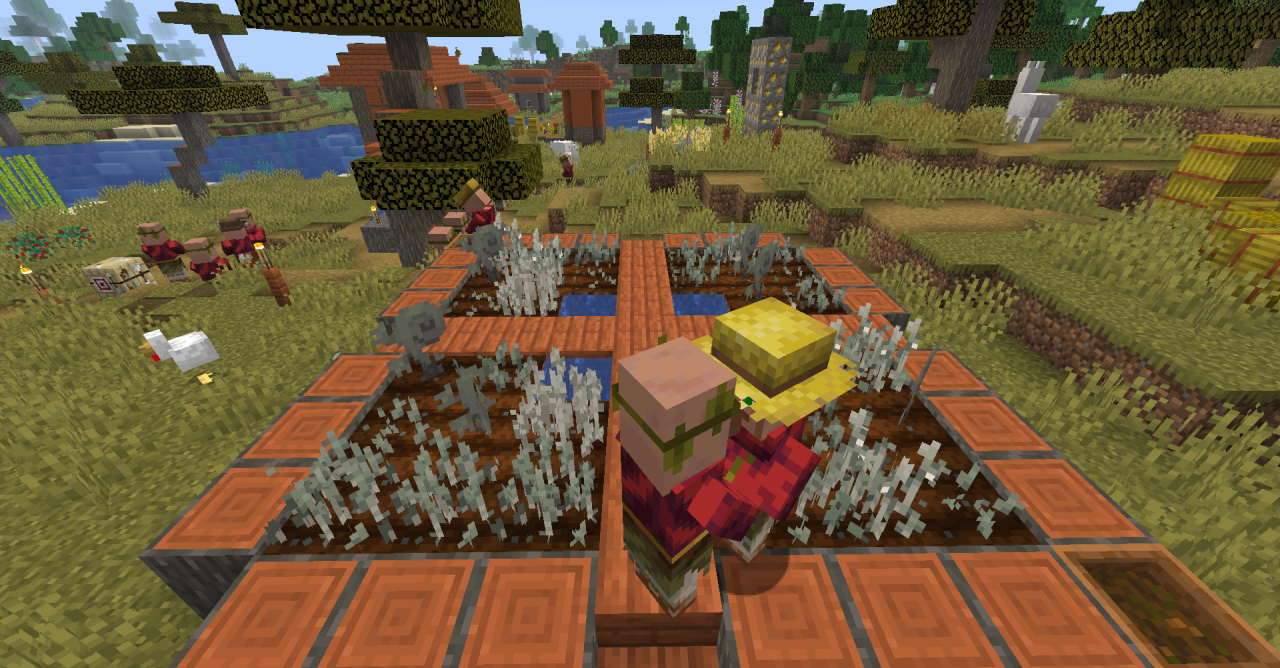
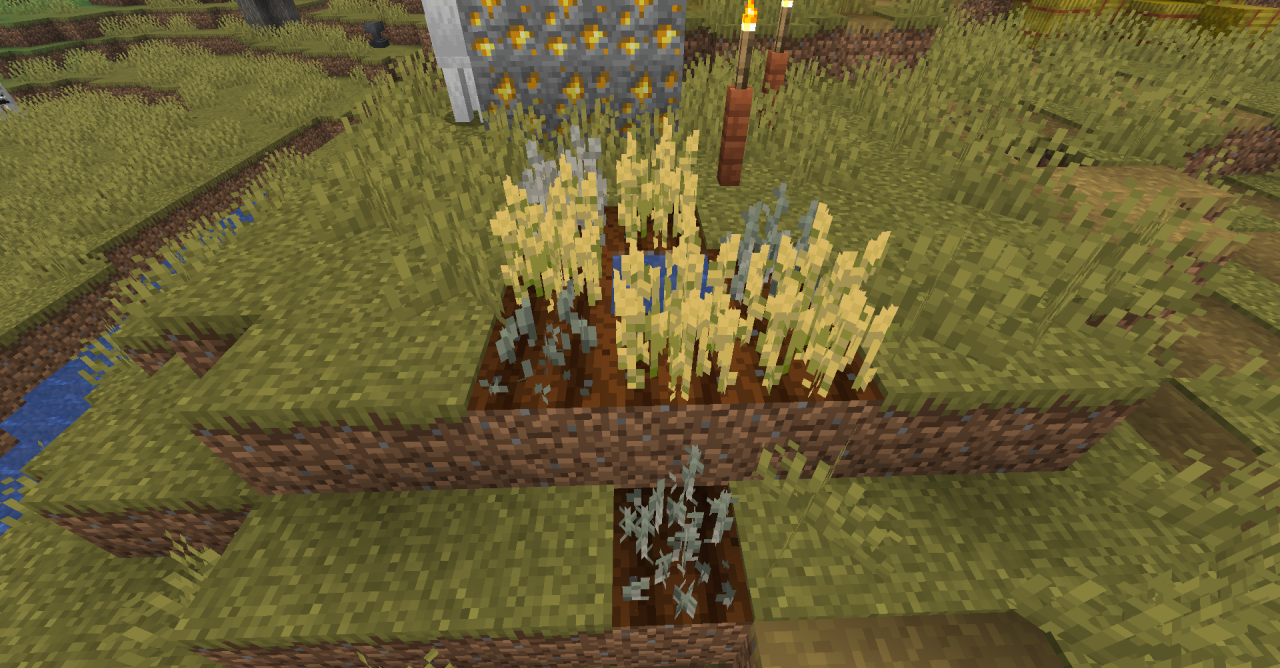
Wheat, carrots, potatoes, beetroots, cocoa beans, and even later plants gain a calm neutral color until they are fully ready for harvest. Thanks to this approach, fields become almost interactive: one glance is enough to understand which sections need attention and which can be harvested immediately.
How to install the texture pack:
First step: download and install Minebox Gray Crops
Second step: copy the texture pack to the C:\Users\USER_NAME\AppData\Roaming\.minecraft\resourcepacks
Third step: in game settings choose needed resource pack.
Comments (0)