



Mint Fantome GUI for Minecraft 1.21.8
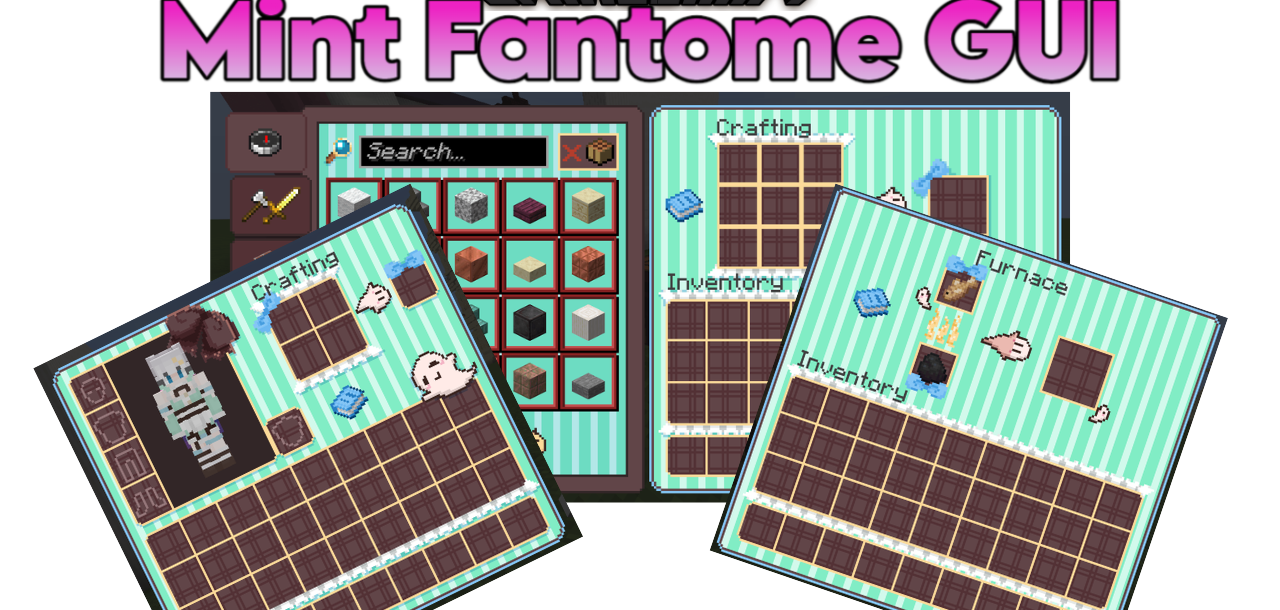
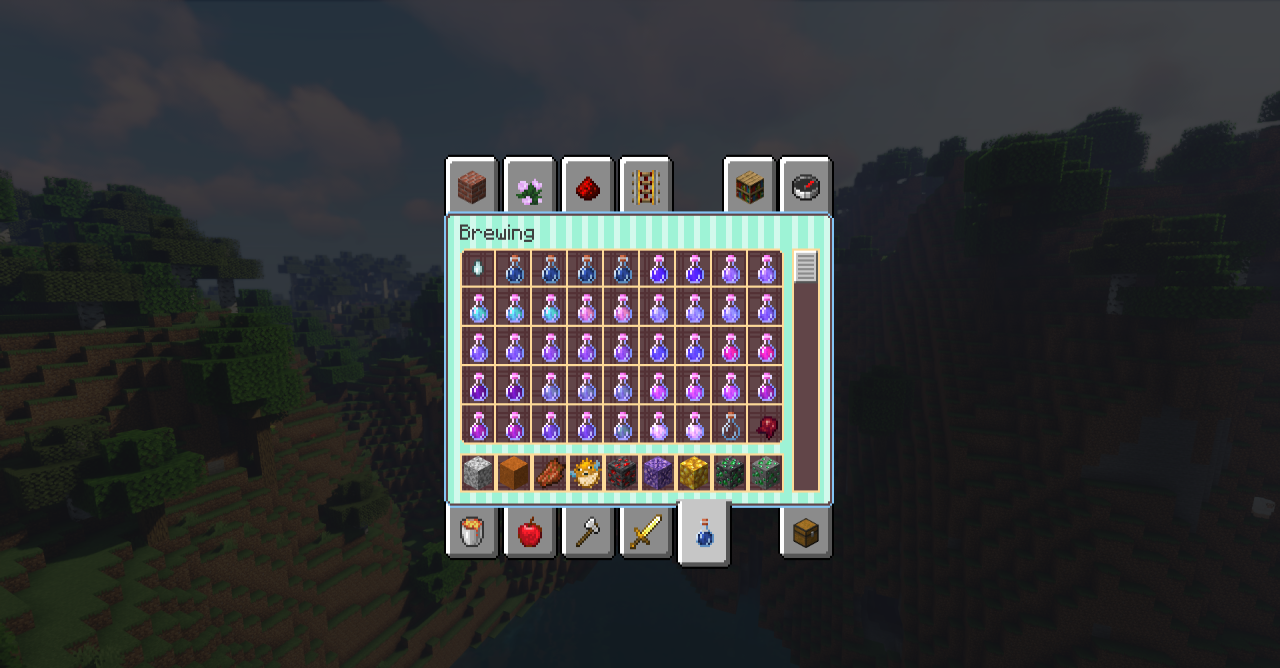
The interface plays an important role in adventures since you interact with it quite often. To make it less dull, you can use a completely new design option. We recommend trying Mint Fantome GUI add-on for Minecraft, which adds mint-colored interface designs and, as a bonus, places cute ghost images throughout the UI.
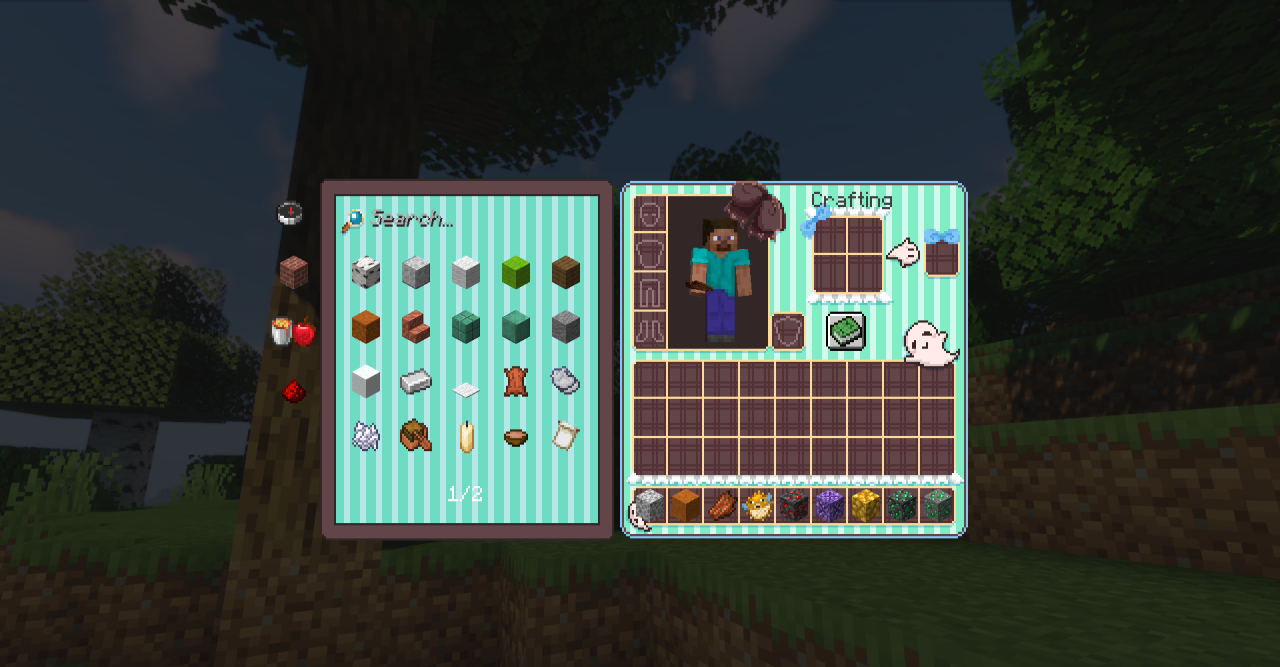
These graphic elements combine perfectly and bring plenty of new impressions. Calming mint colors, fun little ghosts, and a pleasant interface — all this becomes the basis for positive emotions.
How to install the texture pack:
First step: download and install Mint Fantome GUI
Second step: copy the texture pack to the C:\Users\USER_NAME\AppData\Roaming\.minecraft\resourcepacks
Third step: in game settings choose needed resource pack.
Comments (0)