



Nate’s Tweaks for Minecraft 1.21.11
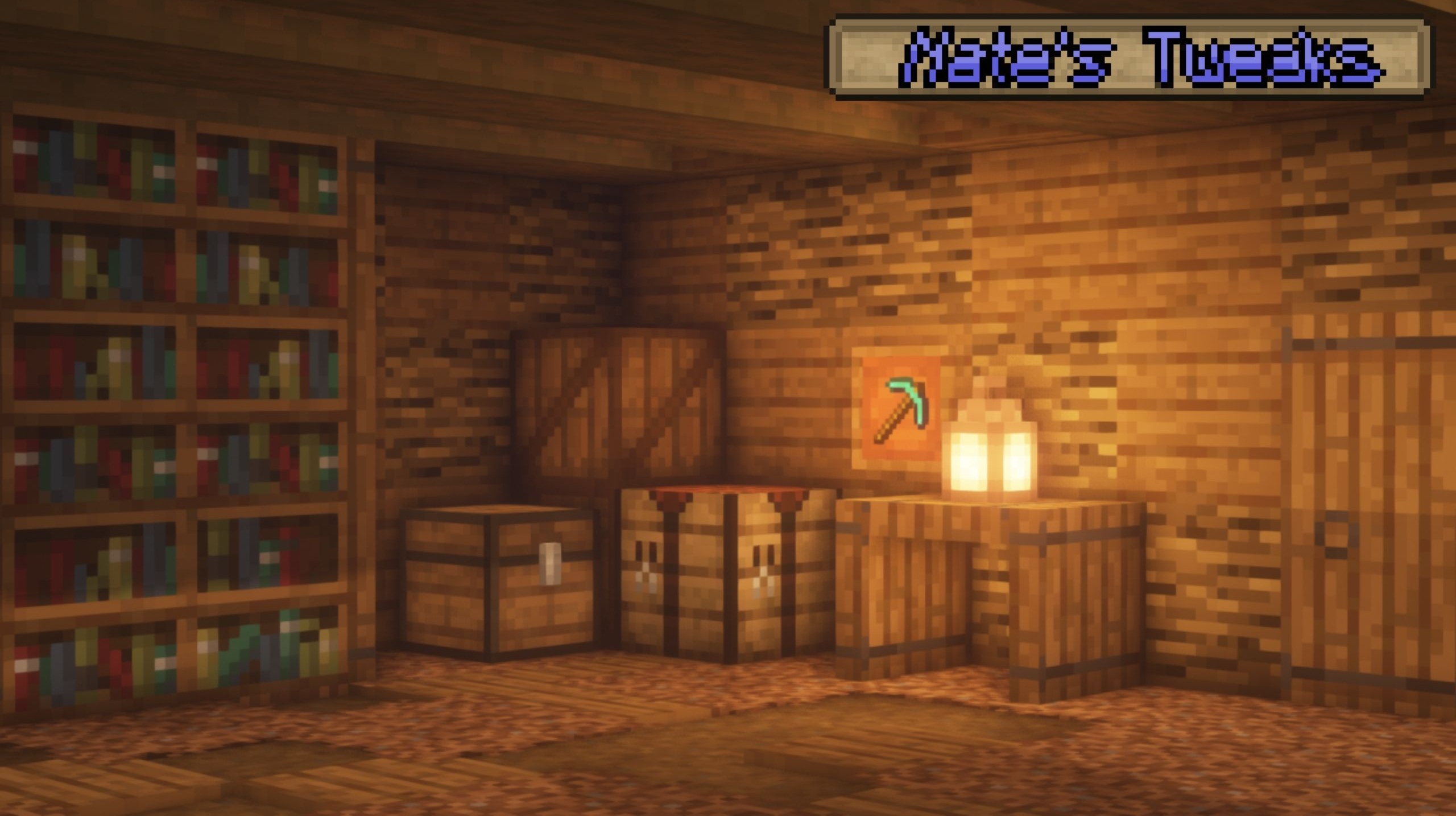
At the core of Nate’s Tweaks lies the idea of carefully improving the standard graphics without radically changing the style. The pack does not try to turn Minecraft into something completely different — instead, it gently refines each texture, making it cleaner and more balanced. Colors become slightly deeper and richer, transitions between shades are smoothed, and outlines gain neatness.
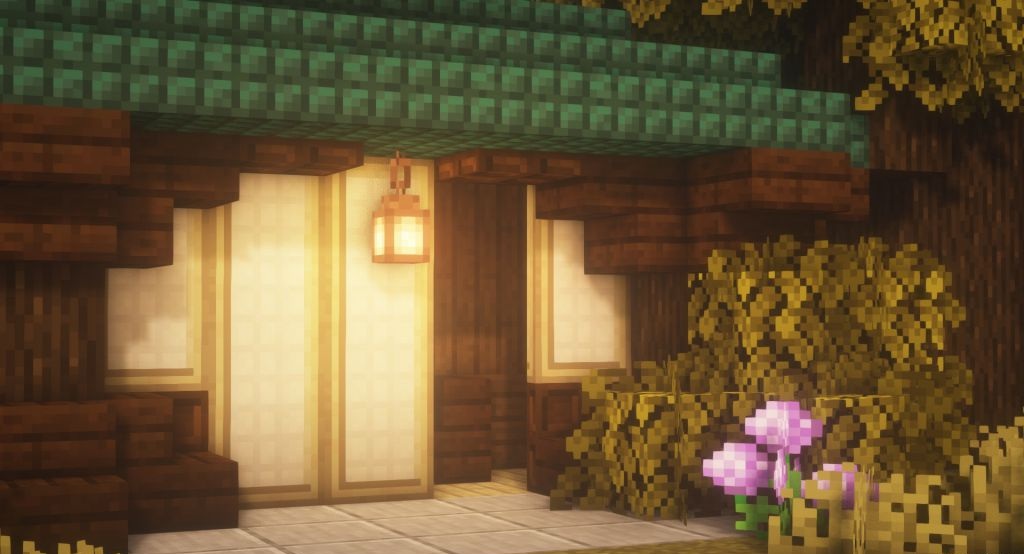
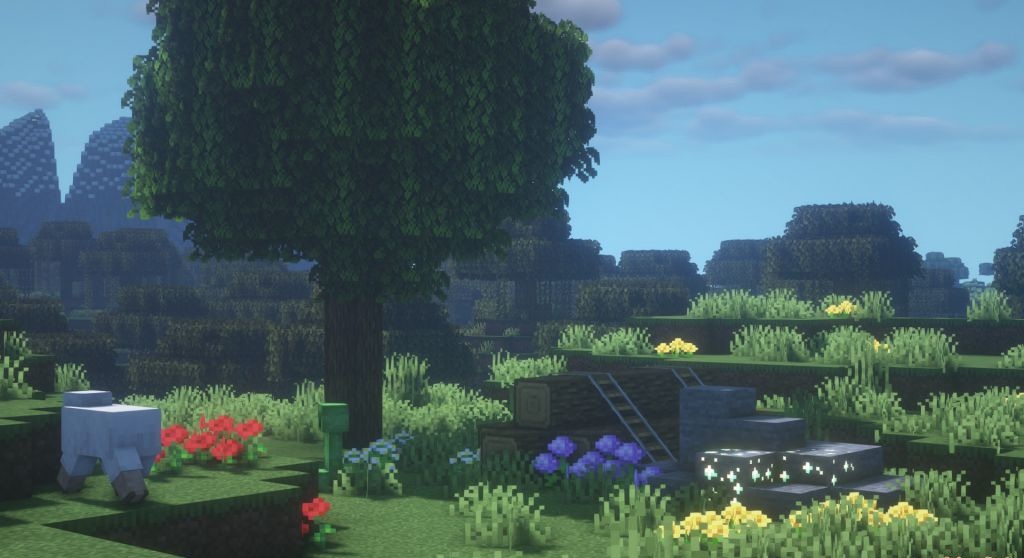
At the same time, the full recognizability of blocks and items is preserved. The changes affect not only the environment but also the interface, inventory elements, and some small visual details that in the standard version could appear somewhat rough.
How to install the texture pack:
First step: download and install Nate’s Tweaks
Second step: copy the texture pack to the C:\Users\USER_NAME\AppData\Roaming\.minecraft\resourcepacks
Third step: in game settings choose needed resource pack.
Comments (0)