



Nautilus3D for Minecraft 1.21.10
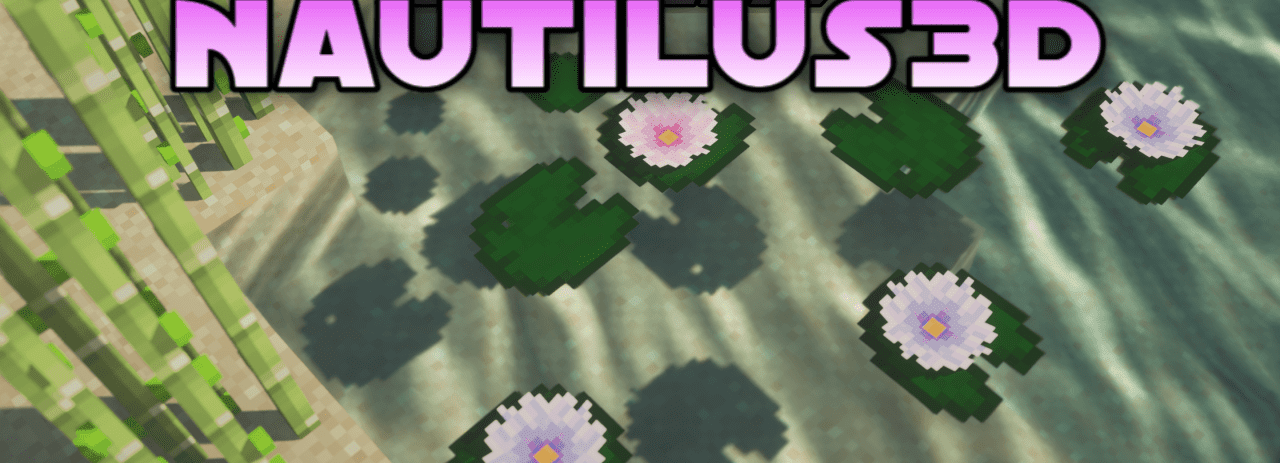
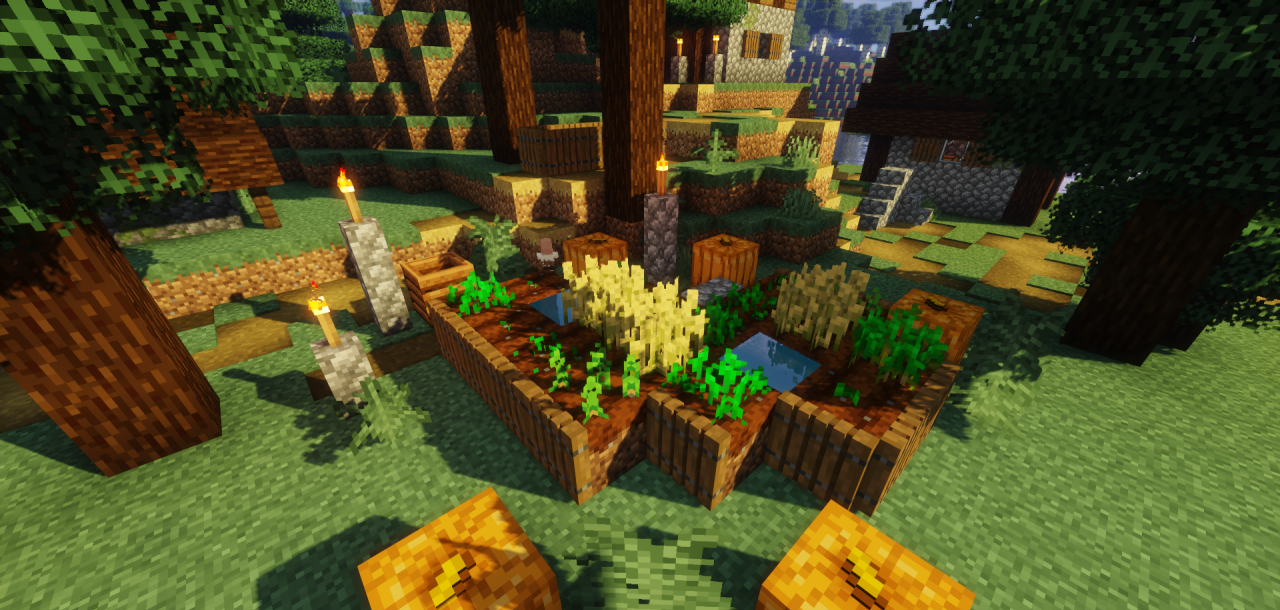
For those who love detailed 3D models, it is worth paying attention to Nautilus3D — a neat resource pack that enhances the decorative qualities of the environment but leaves the vanilla aesthetic untouched. The main focus here is on decorative blocks: stairs, tables, plants, and other elements gain volume without clashing with the overall style.
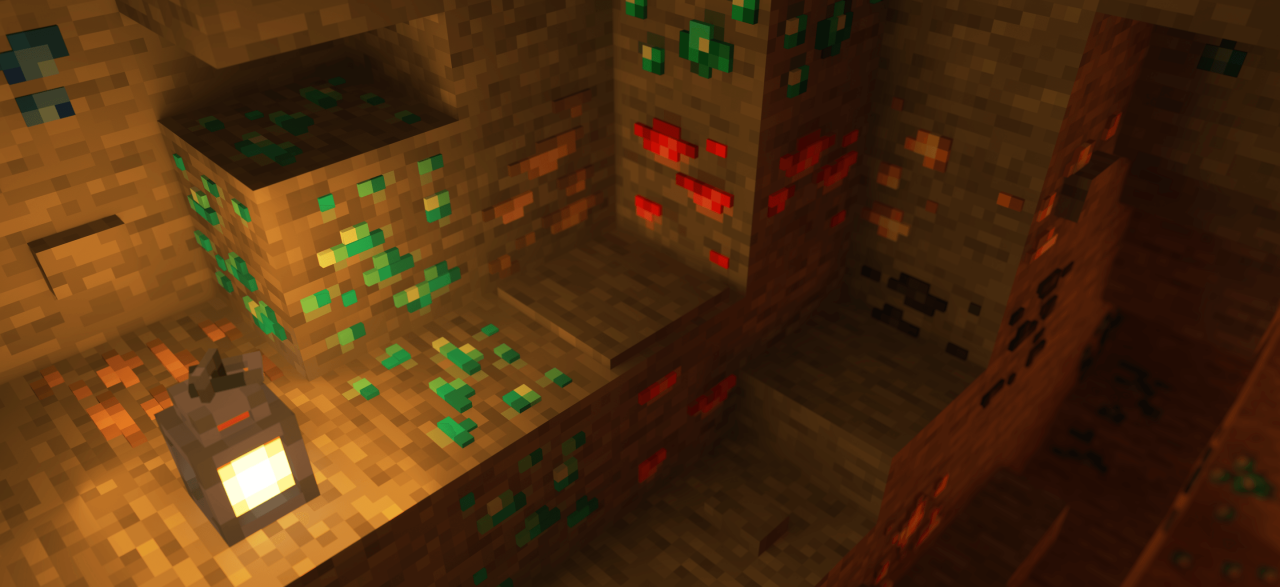
Thanks to this, builds become more expressive, and interiors feel richer. The pack creates an effect of world refreshment without any sense of “foreignness.” If you want to add artistry while keeping the atmosphere of original Minecraft, this approach is the perfect balance between novelty and tradition.
How to install the texture pack:
First step: download and install Nautilus3D
Second step: copy the texture pack to the C:\Users\USER_NAME\AppData\Roaming\.minecraft\resourcepacks
Third step: in game settings choose needed resource pack.
Comments (1)