



Nautilus3D for Minecraft 1.21.11
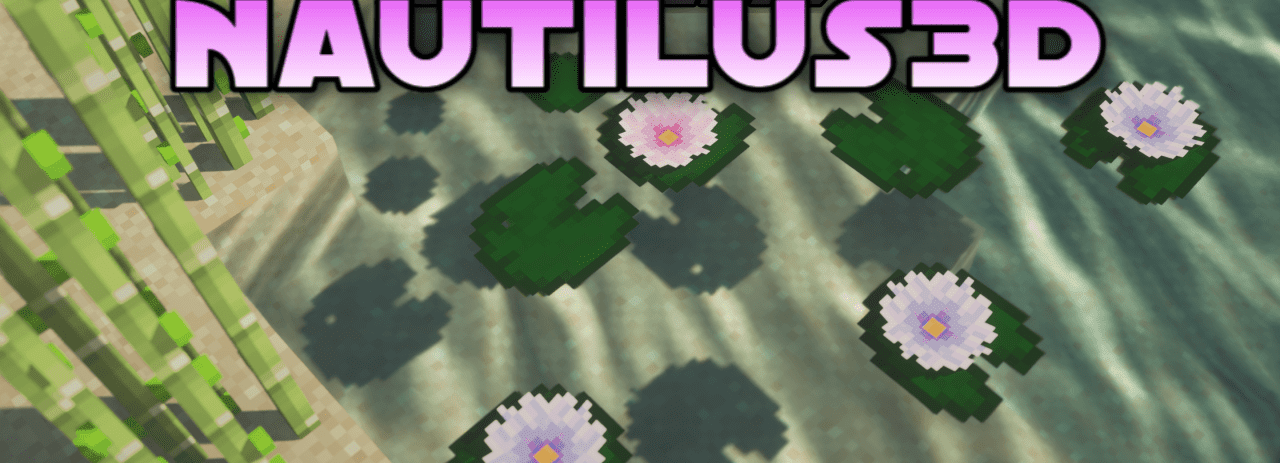
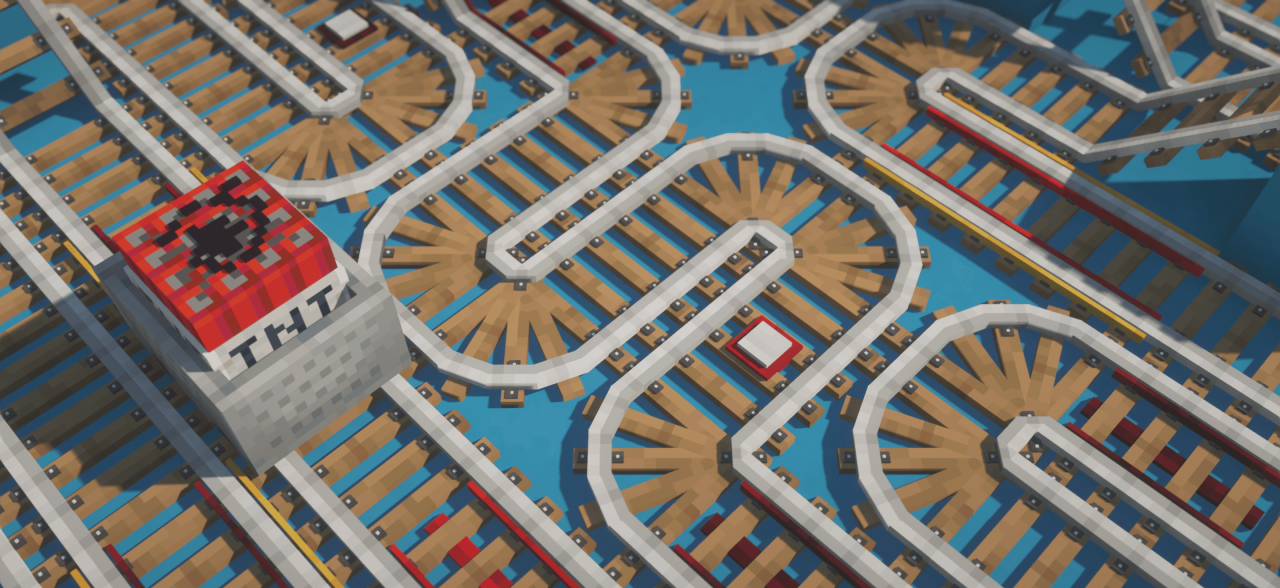
Nautilus3D adds a large number of 3D models, primarily for decorative blocks, while preserving the original vanilla aesthetic of Minecraft. As a result, familiar environmental elements begin to look more lively and detailed without losing their recognizable “blocky” character. The pack is especially impressive in building: interiors become deeper, facades more expressive, and construction details noticeably more interesting.
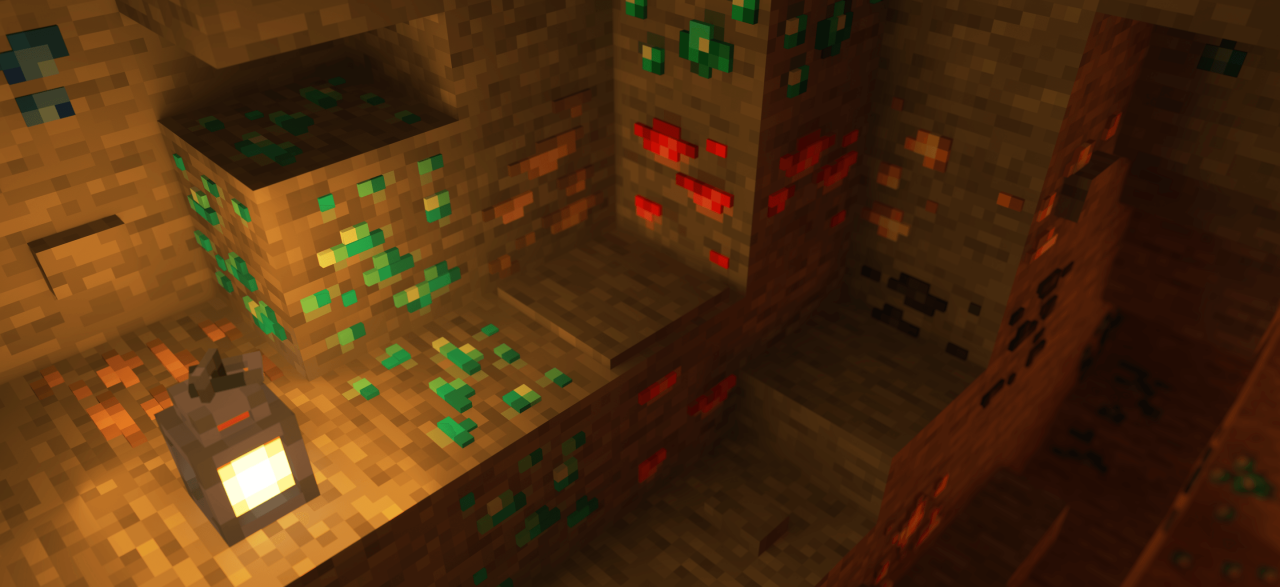
The world starts to feel richer without turning into realism. It is an excellent choice for those who want to give their builds additional visual depth and elegance while staying true to the classic spirit of the game.
How to install the texture pack:
First step: download and install Nautilus3D
Second step: copy the texture pack to the C:\Users\USER_NAME\AppData\Roaming\.minecraft\resourcepacks
Third step: in game settings choose needed resource pack.
Comments (1)