



Optimum Realism POM & PBR for Minecraft 1.21.11
If maximum immersion is the goal, Optimum Realism POM & PBR takes graphics to an entirely new level. Thanks to depth mapping and physically based rendering technologies, surfaces gain volume, materials reflect light more naturally, and shadows appear soft and realistic. Stone feels rough, wood appears richly textured, and metal looks cold and reflective.
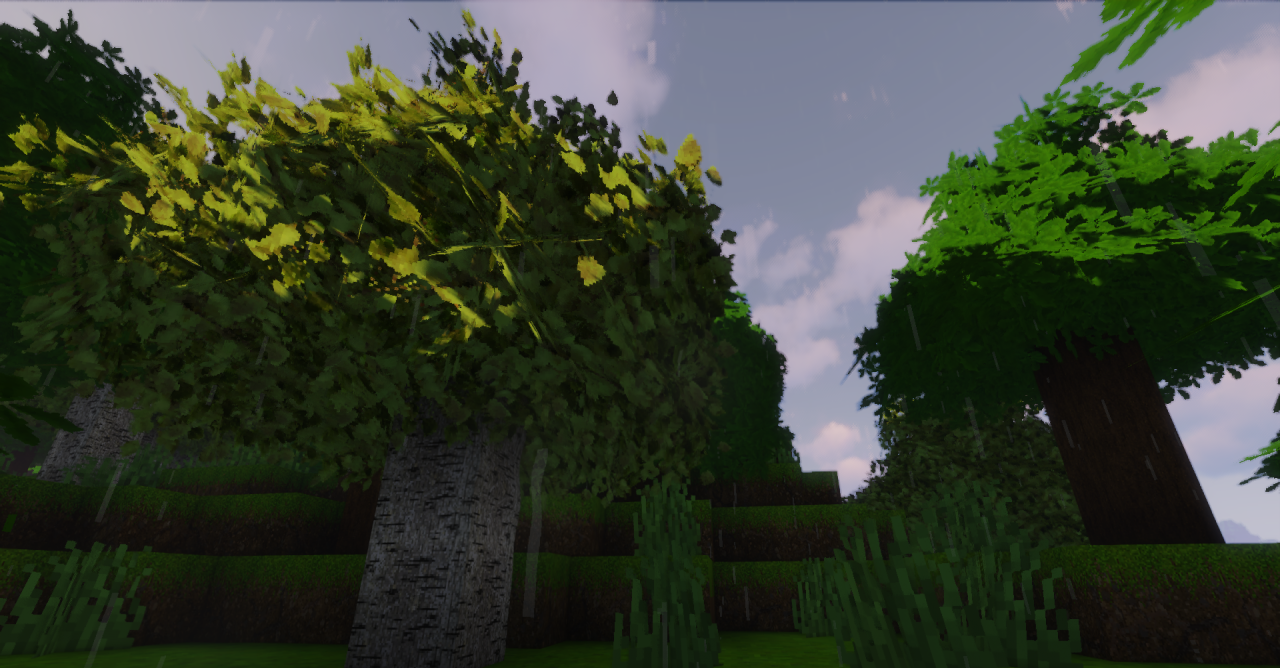
The world becomes visually dense and almost photorealistic. At the same time, the pack strives to maintain a balance between quality and performance. It dramatically transforms the perception of familiar blocks, creating the impression of a modern realistic render within a cubic environment.
How to install the texture pack:
First step: download and install Optimum Realism POM & PBR
Second step: copy the texture pack to the C:\Users\USER_NAME\AppData\Roaming\.minecraft\resourcepacks
Third step: in game settings choose needed resource pack.
Comments (0)