



OsOCraft for Minecraft 1.21.5
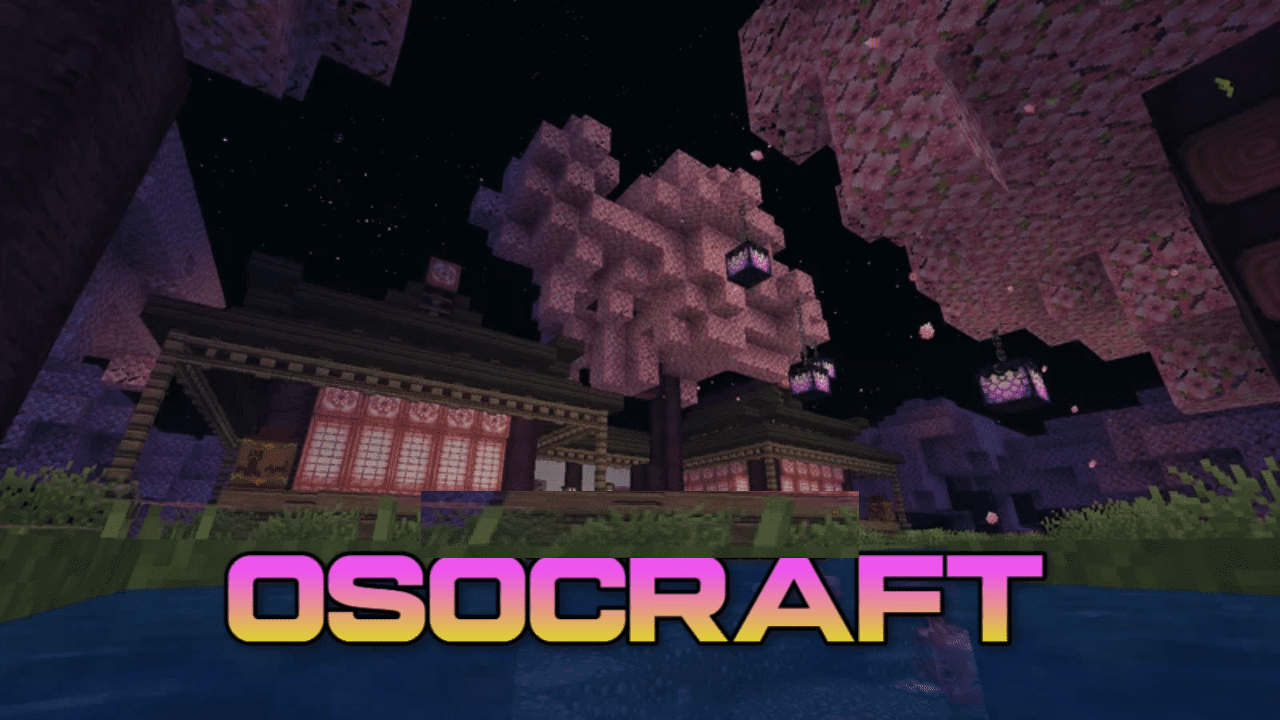
OsOCraft texture pack for Minecraft brings back nostalgia for the times when the game still had original textures without any changes. The developer added one of the first versions to show you how the blocky world used to look.
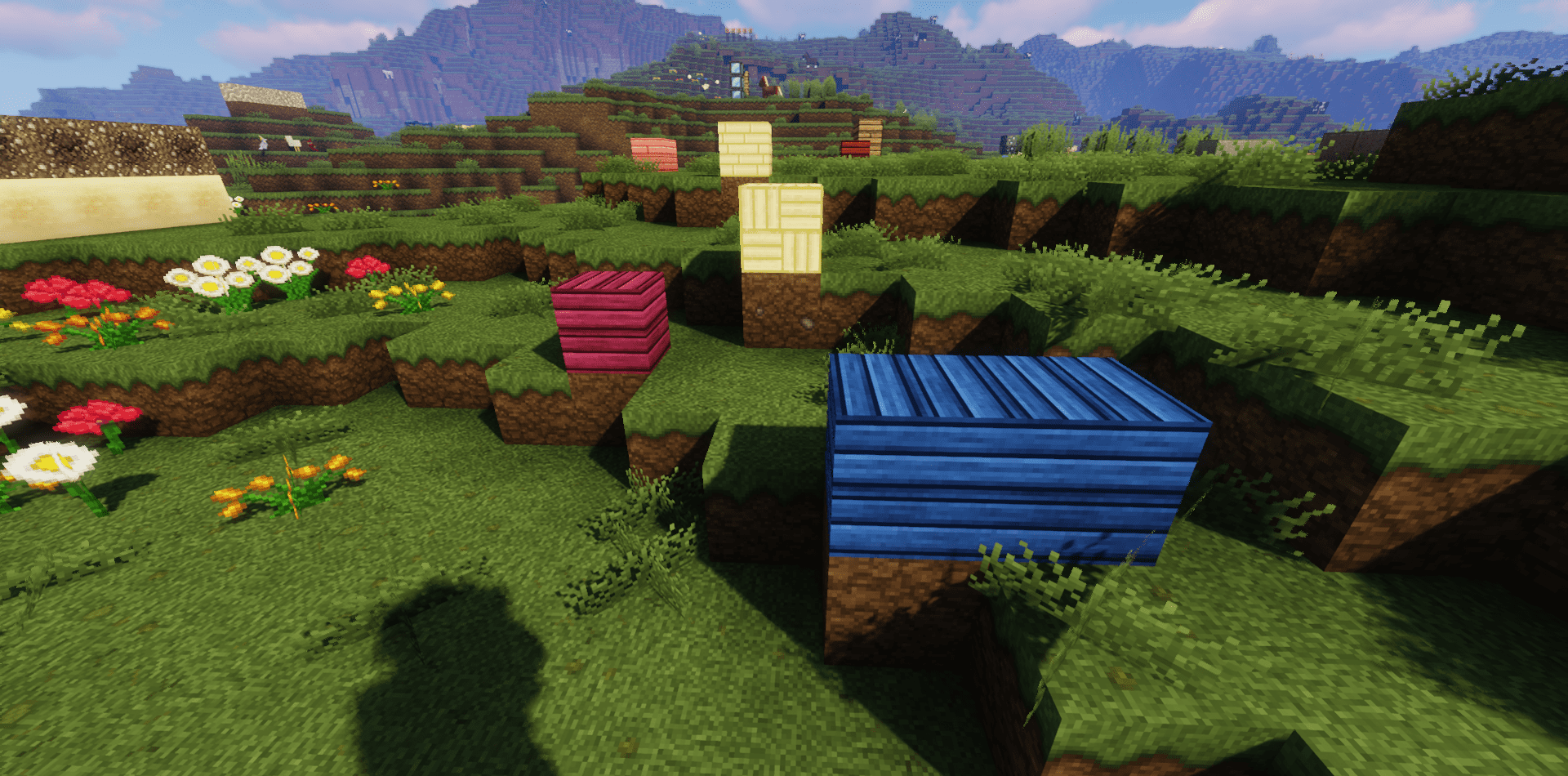
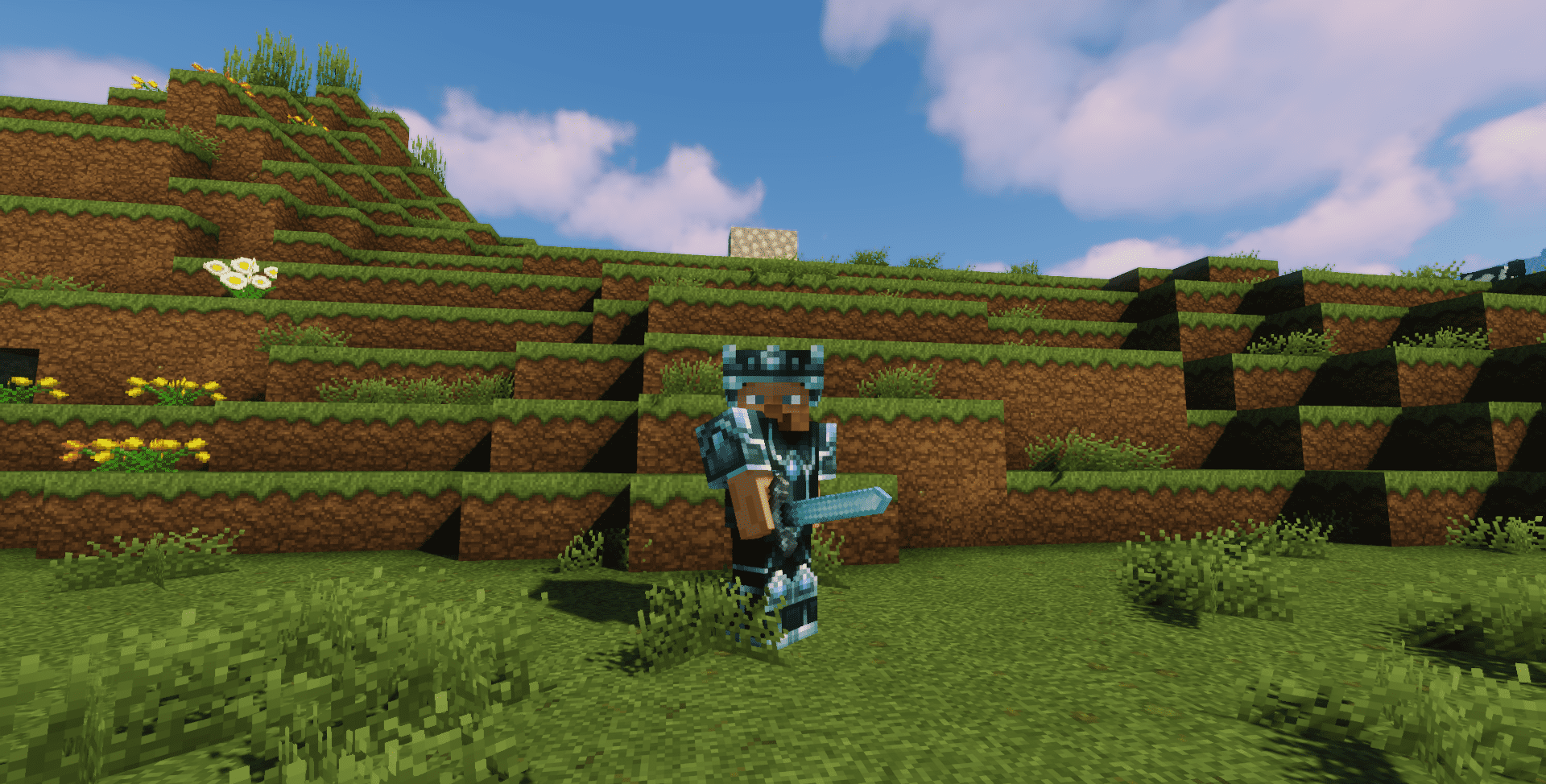
However, he also tried to do everything with modern standards in mind so that the graphics look more colorful and detailed. As a result, it turned out to be a pretty good pack that transforms the game world. It managed to maintain a balance between “nostalgia” and “quality graphics.” After installing this pack, not only the entire game content will change inside, but also the interface, various menu tabs, and GUI when interacting with different objects.
How to install the texture pack:
First step: download and install OsOCraft
Second step: copy the texture pack to the C:\Users\USER_NAME\AppData\Roaming\.minecraft\resourcepacks
Third step: in game settings choose needed resource pack.
Comments (0)