



Overgrowth for Minecraft 1.21.11
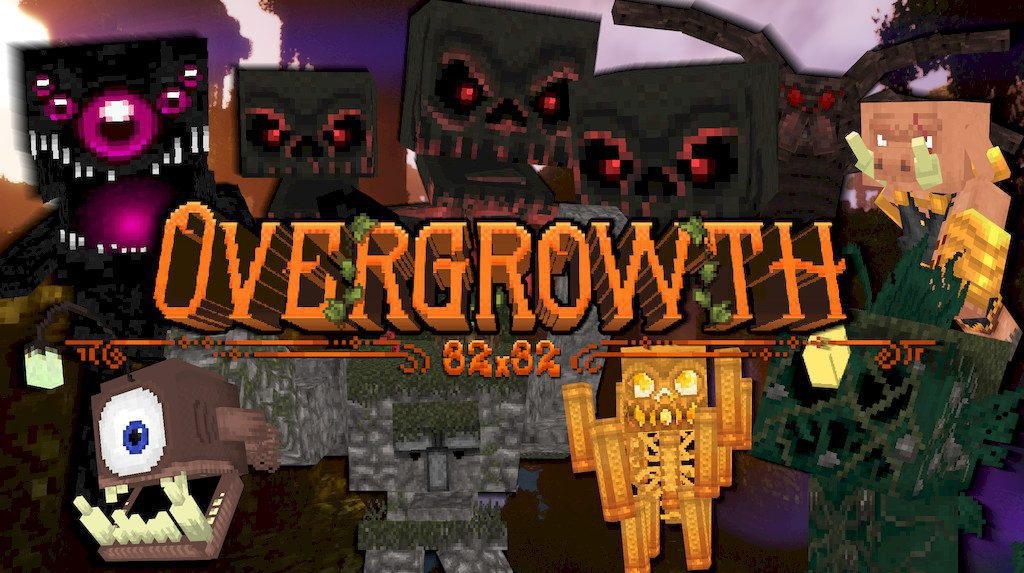
Overgrowth radically transforms the visual perception of Minecraft while preserving its vanilla character. Textures become cleaner, softer, and more detailed thanks to the 32×32 resolution, while new 3D models of blocks and mobs add depth to the surrounding world. Most importantly, the game does not lose its calm atmosphere — on the contrary, it becomes more lively and expressive.
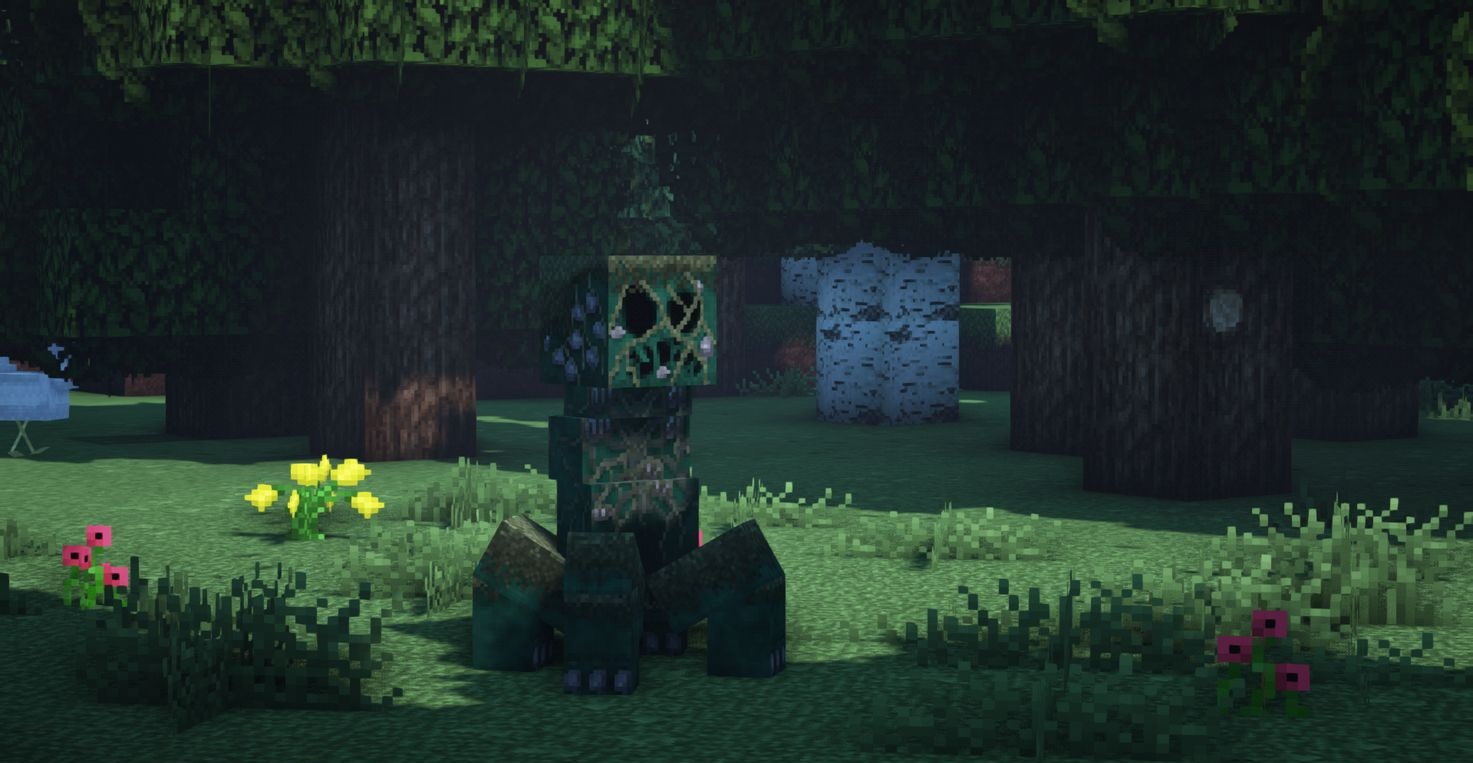
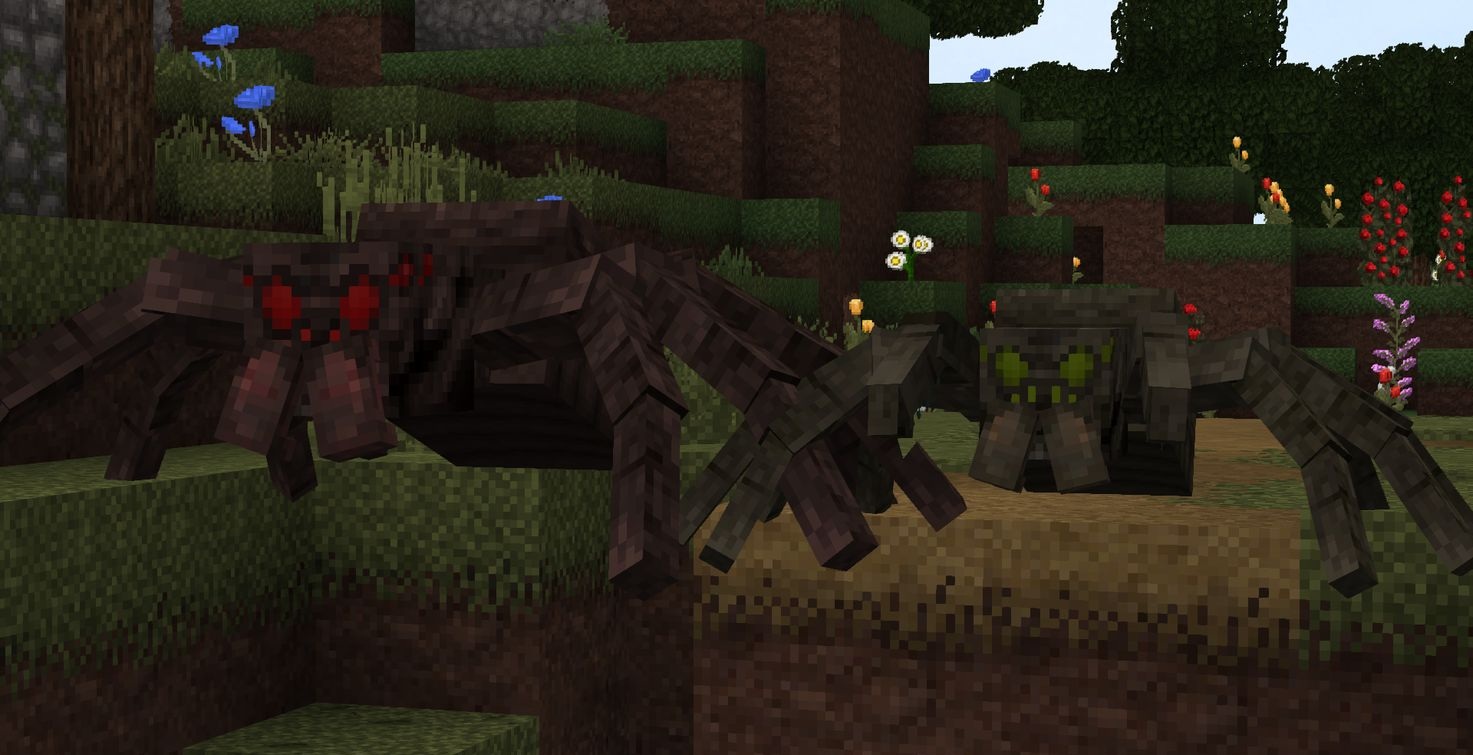
The changes affect almost everything, from landscapes and creatures to items and tools. The world looks “richer,” but not overloaded. This is a versatile pack for survival, building, and exploration.
How to install the texture pack:
First step: download and install Overgrowth
Second step: copy the texture pack to the C:\Users\USER_NAME\AppData\Roaming\.minecraft\resourcepacks
Third step: in game settings choose needed resource pack.
Comments (0)