



OzoCraftfor Minecraft 1.21.11
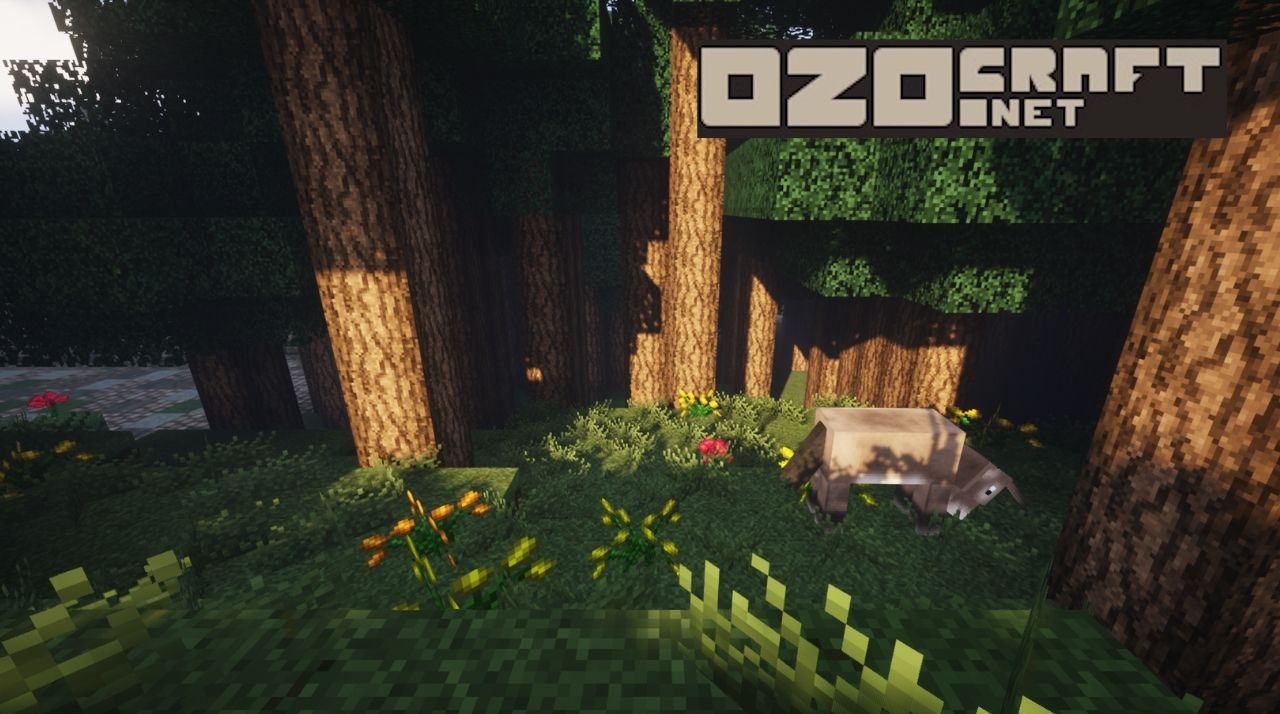
OzoCraft is about atmosphere rather than dry detailing. A warm color palette, soft shade transitions, and carefully refined textures create a sense of coziness from the very first minutes of gameplay. Houses seem more lived-in, torches feel warmer, and sunsets appear calmer. The updated interface blends harmoniously with redesigned items, armor, and metal blocks, while new particles add subtle dynamism to the environment.
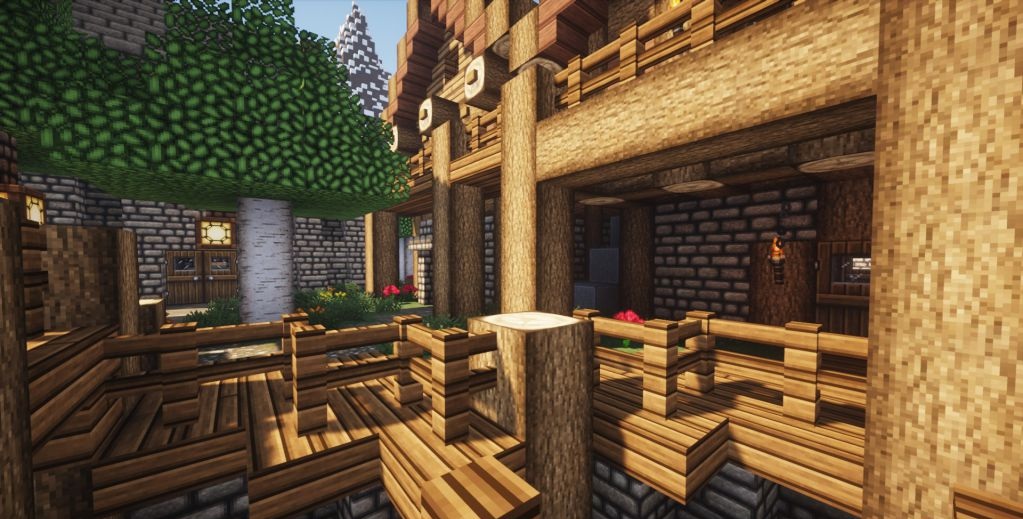
The sky and lighting emphasize the relaxed mood of the pack. It is well suited for unhurried survival, village building, and immersive role-playing worlds where comfort and visual harmony matter most.
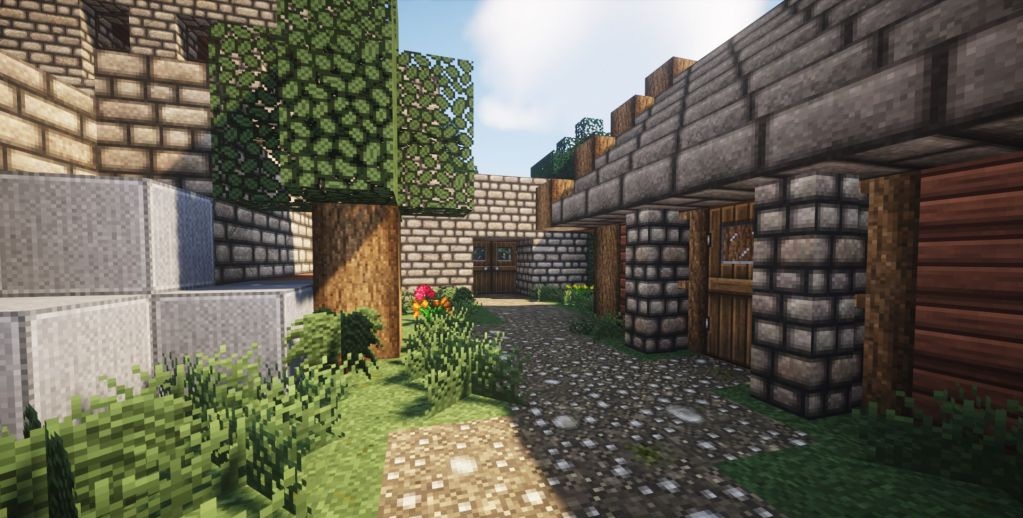
How to install the texture pack:
First step: download and install OzoCraft
Second step: copy the texture pack to the C:\Users\USER_NAME\AppData\Roaming\.minecraft\resourcepacks
Third step: in game settings choose needed resource pack.
Comments (3)