



Perch for Minecraft 1.21.10
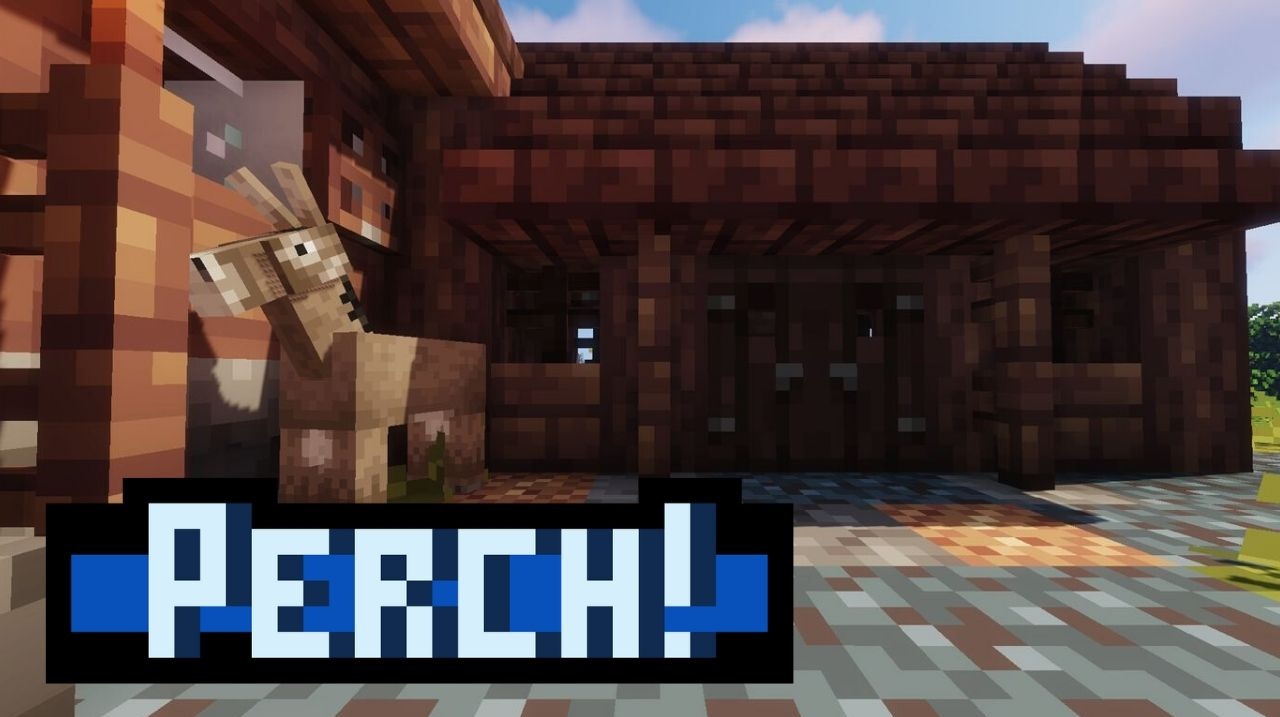
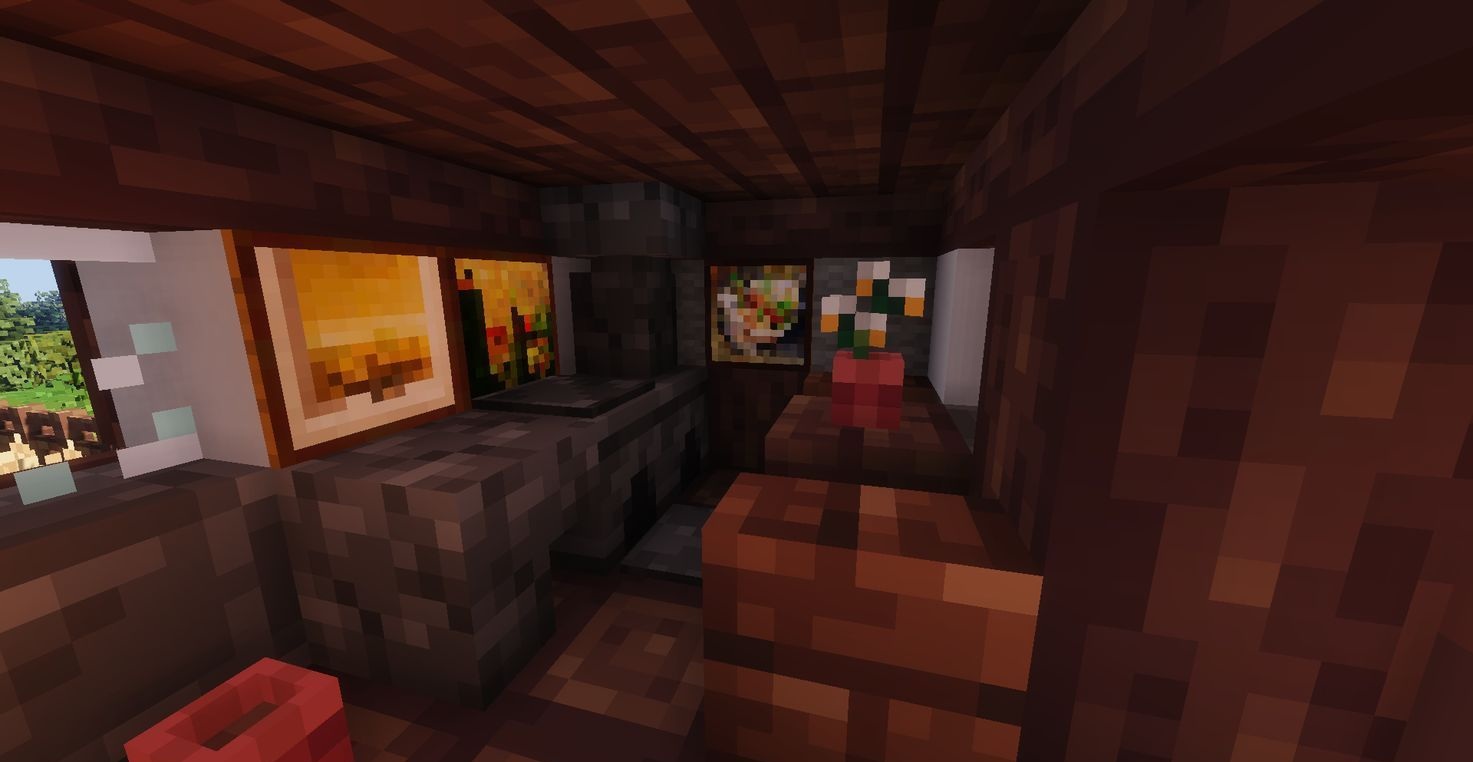
Perch pack brings the game into the atmosphere of old RPGs, where the world is full of color, rich detail, and soft light. The textures aren’t simply replaced — they’re lovingly reworked: the grass is brighter, the stone more expressive, the wood warmer. Everything feels alive and energetic, as if the game world has finally awakened after a long sleep.
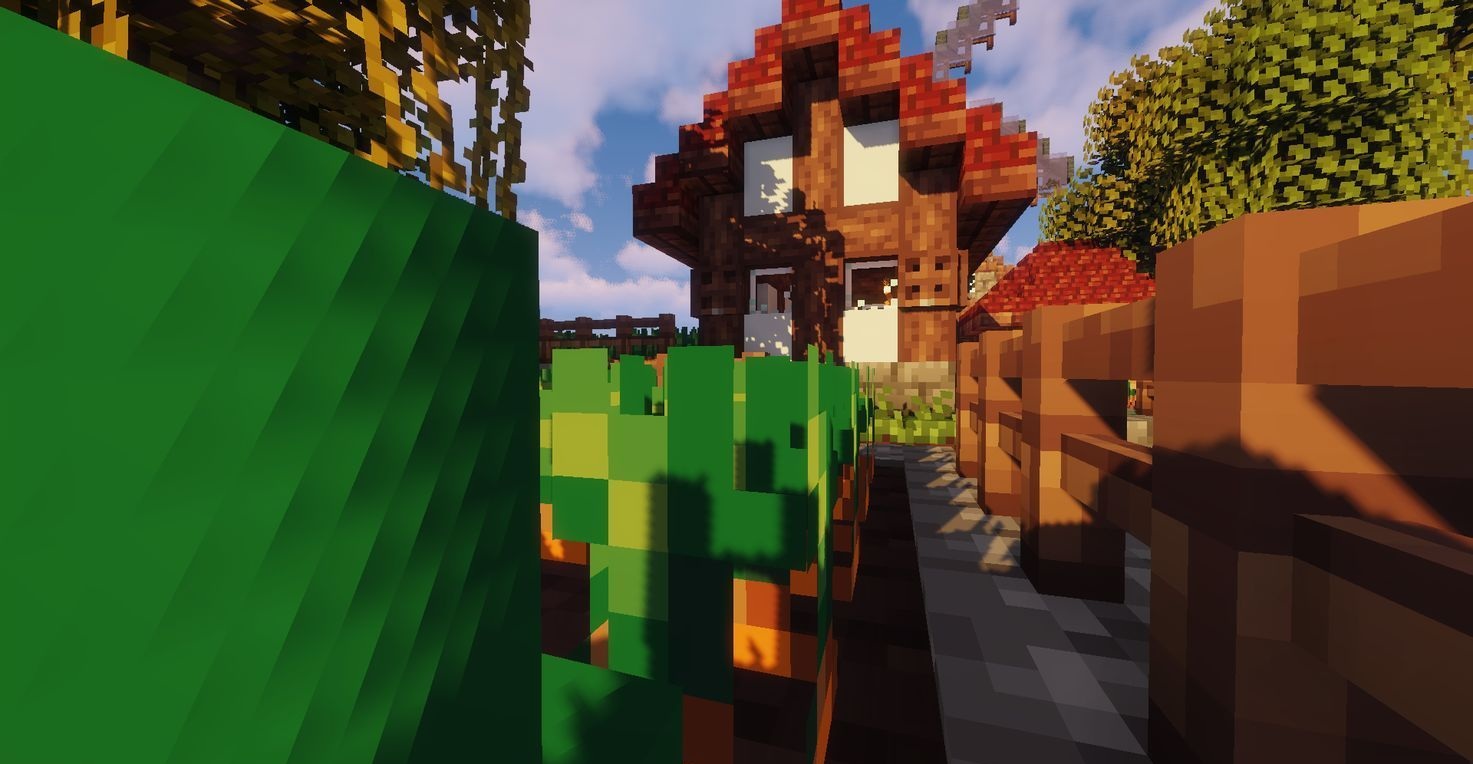
The palette is carefully balanced: no neon tones or dull surfaces, only harmonious shades reminiscent of classic fantasy locations. Architecture and landscapes in this visual setting look picturesque — like frames from old adventure games, where every house and mountain has its own story.
How to install the texture pack:
First step: download and install Perch
Second step: copy the texture pack to the C:\Users\USER_NAME\AppData\Roaming\.minecraft\resourcepacks
Third step: in game settings choose needed resource pack.
Comments (0)