



Pixel Drift for Minecraft 1.21.8

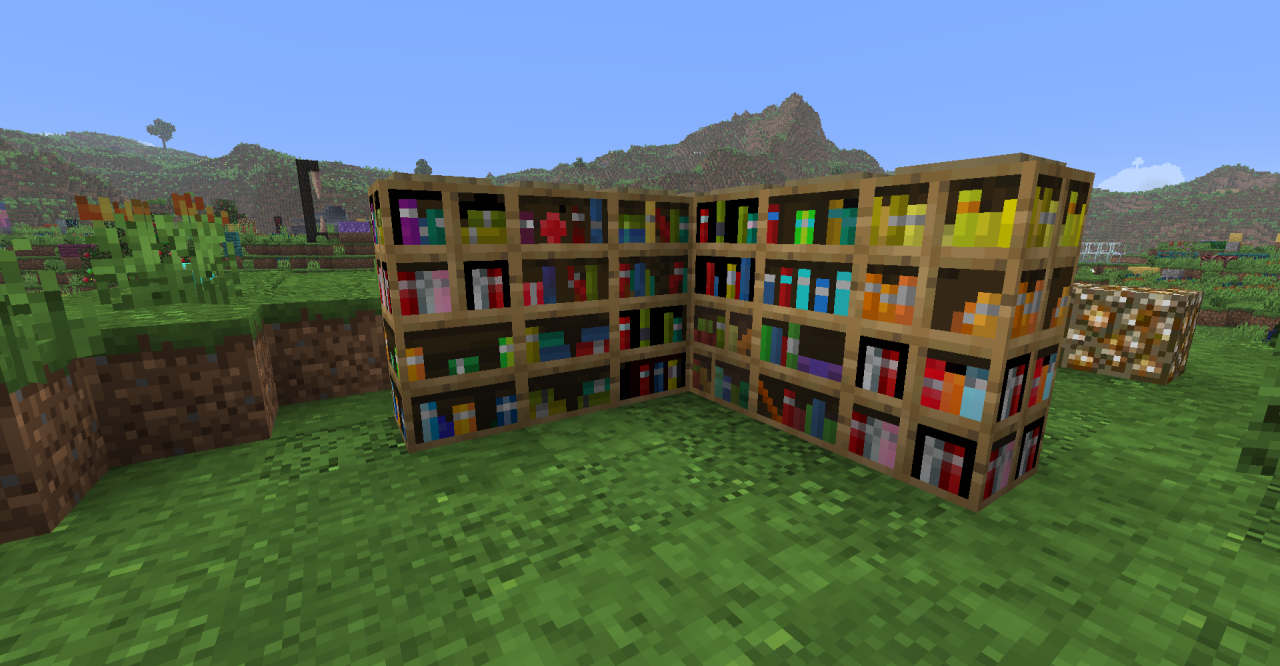
To transform the surrounding world, it is enough to make a number of changes to the visual display of textures. For example, if you use Pixel Drift add-on for Minecraft, you will have the opportunity to appreciate many new changes that affect a huge number of various textures. Now during your adventure, the textures will not look the same and will delight you with their variety.
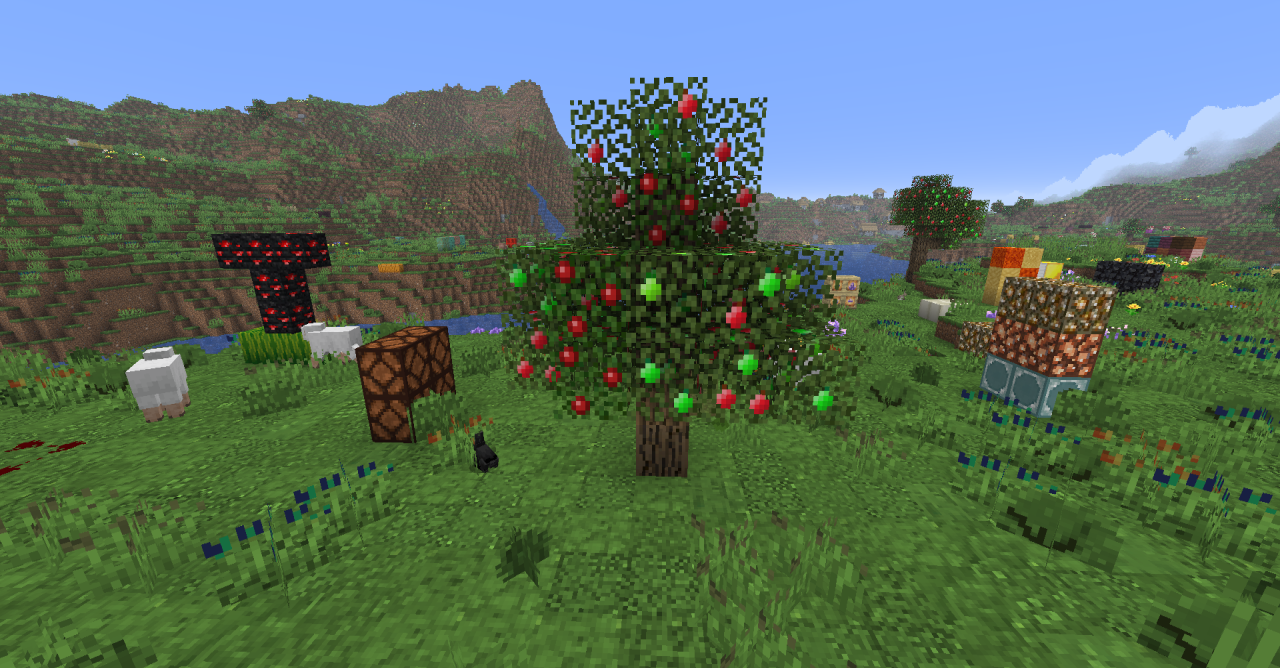
You will see not only a large number of different texture variations with distinctive features, but also new ones. For example, several types of brickwork will appear, wooden blocks will receive various visual variations, and so on.
How to install the texture pack:
First step: download and install Pixel Drift
Second step: copy the texture pack to the C:\Users\USER_NAME\AppData\Roaming\.minecraft\resourcepacks
Third step: in game settings choose needed resource pack.
Comments (0)