



Pixels by Shapescape for Minecraft 1.21.5
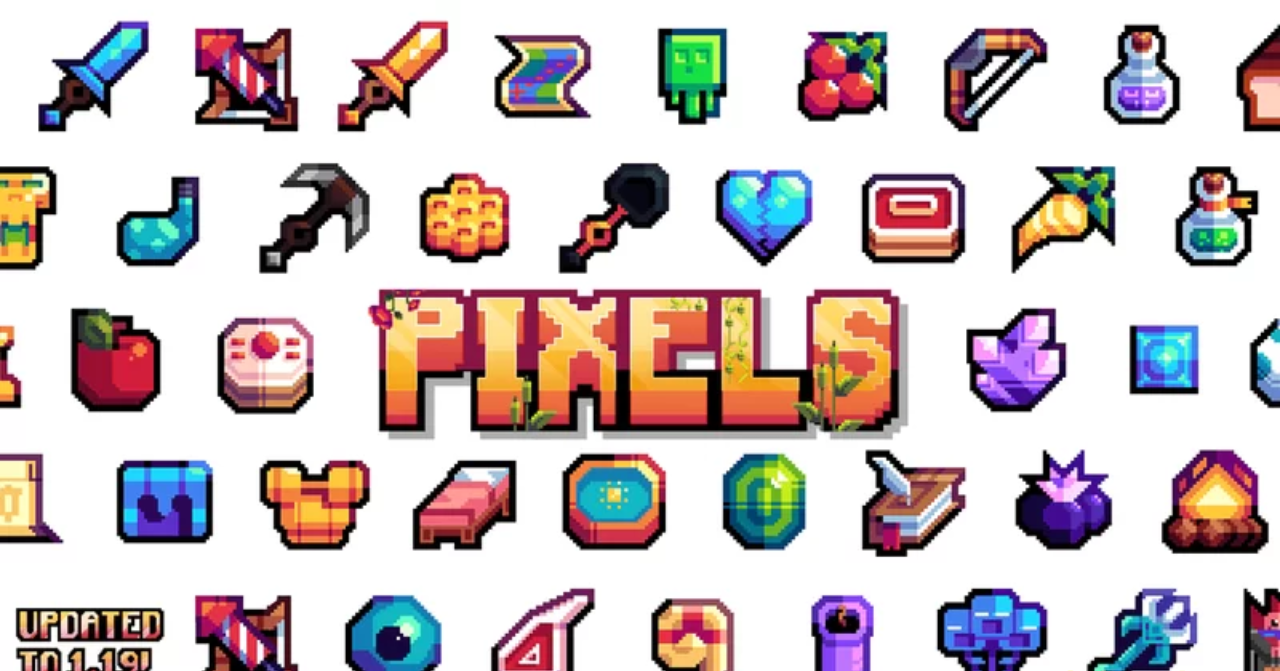
Pixels by Shapescape texture pack for Minecraft will change the entire game world, turning it into a cartoon. Now in the blocky space, there will be full-fledged cartoon characters, various types of items, and blocks.
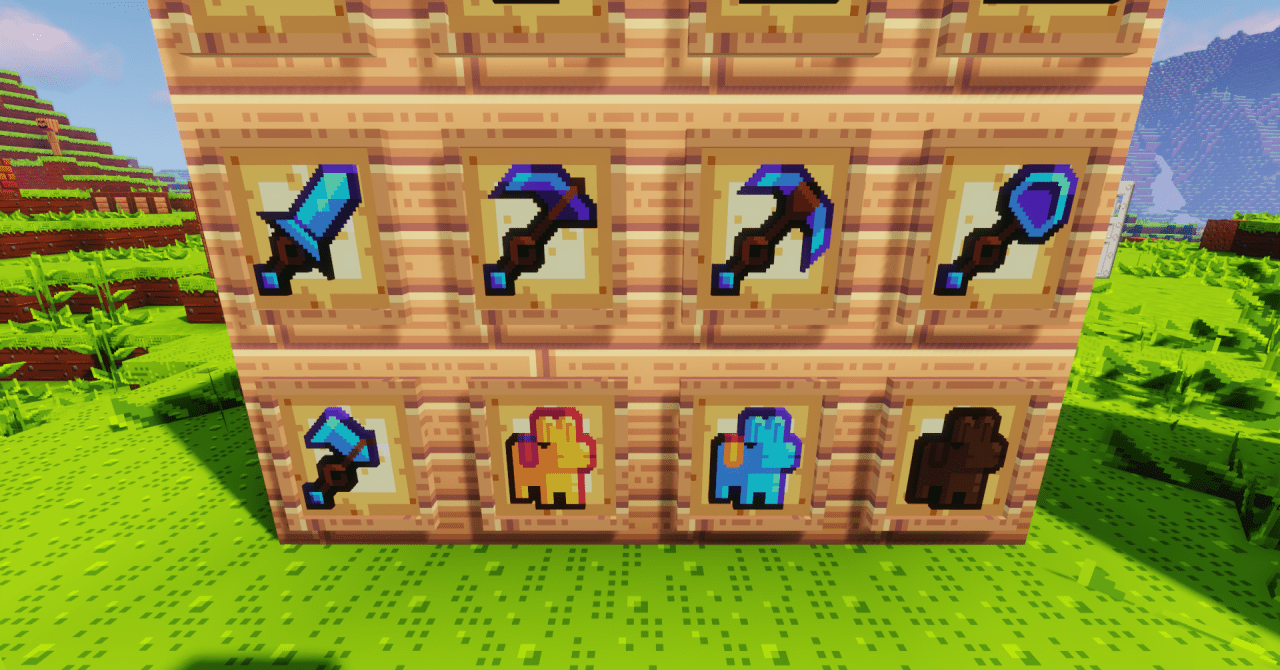
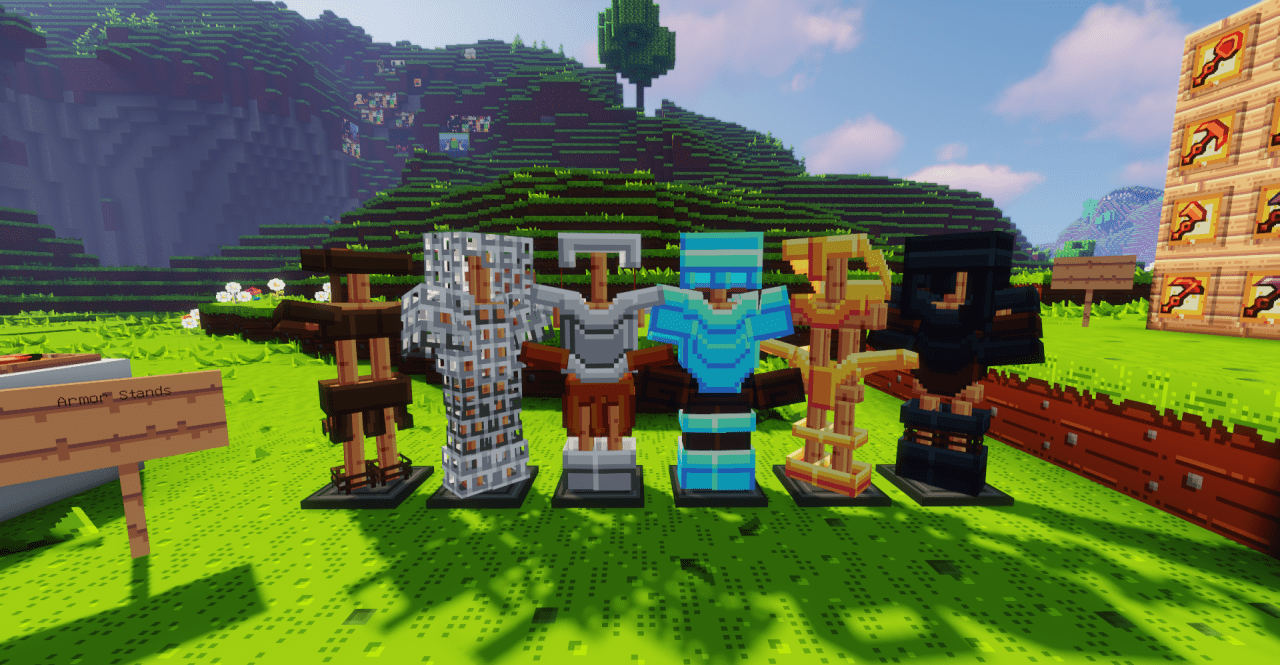
Such packs are distinguished by an abundance of bright colors, juicy contrasts, and specific drawn styles for each element. However, you will see this not as a cartoon, but as full-fledged gameplay where you’ll have to control the character yourself. This texture pack looks very high-quality and literally immerses us in the atmosphere of the 90s, when such cartoons were widespread.
How to install the texture pack:
First step: download and install Pixels by Shapescape
Second step: copy the texture pack to the C:\Users\USER_NAME\AppData\Roaming\.minecraft\resourcepacks
Third step: in game settings choose needed resource pack.
Comments (0)