



Polybrick for Minecraft 1.21.11
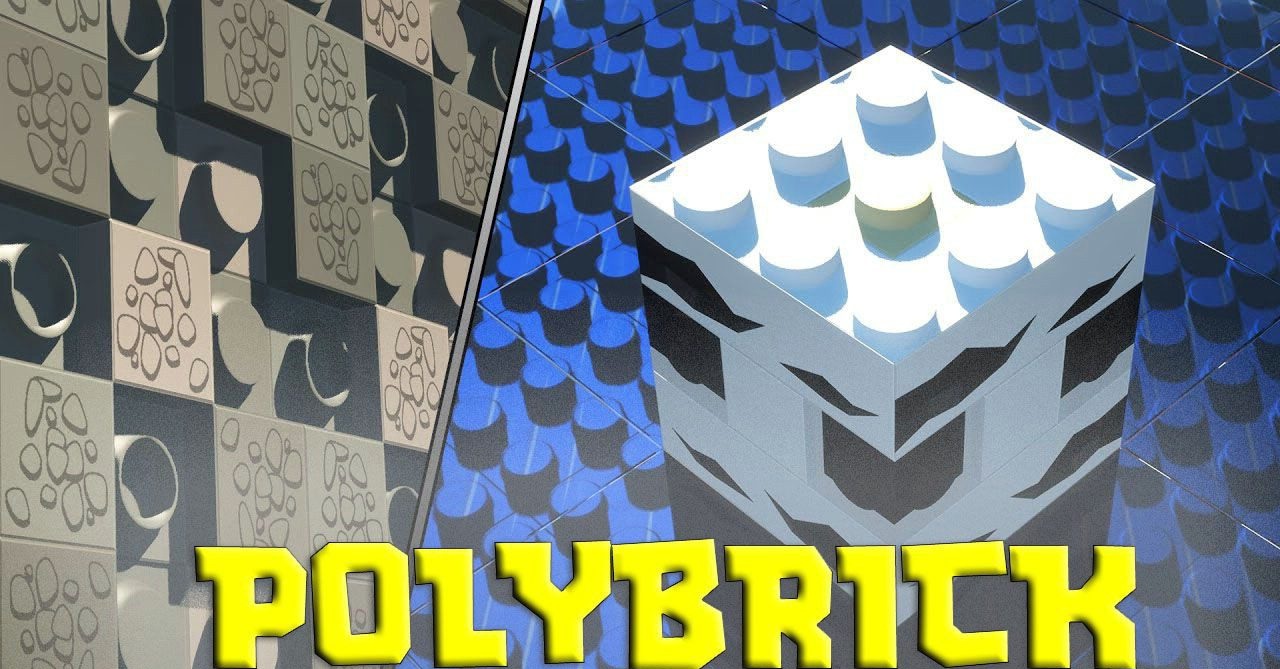
The cubic foundation of Minecraft unexpectedly pairs well with a construction toy aesthetic, and Polybrick clearly demonstrates this. All textures are designed in the style of plastic pieces with solid colors and clean shapes, making each block easy to read even from a distance. The world begins to resemble a physical model assembled from parts, and builds look neat and structured.
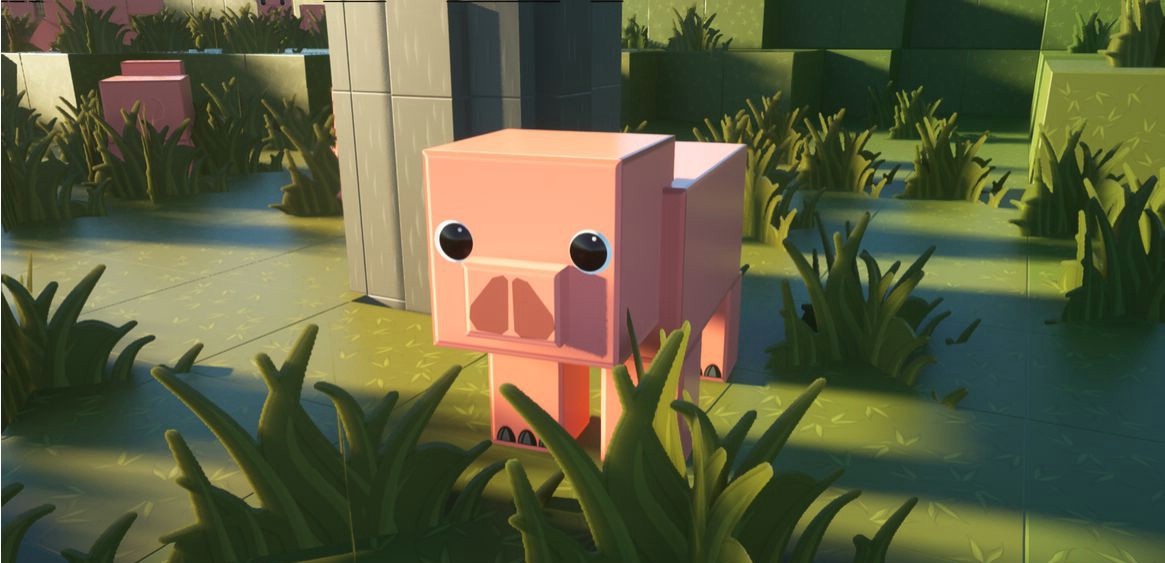
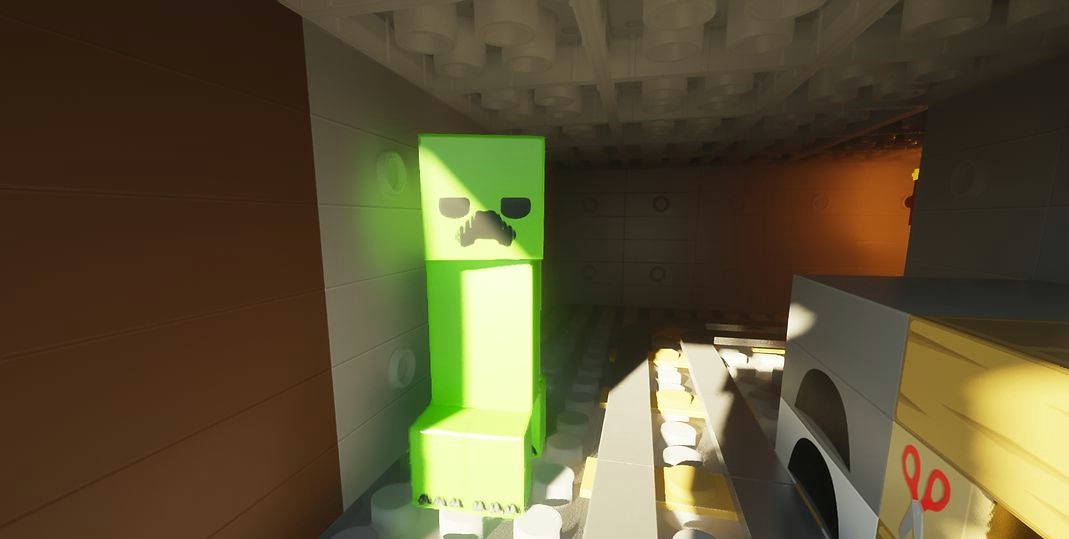
Additional three-dimensional item models, redesigned armor, and mobs enhance the toy-like atmosphere. Surface depth support adds volume without breaking the overall style, creating a cohesive and memorable visual identity.
How to install the texture pack:
First step: download and install Polybrick
Second step: copy the texture pack to the C:\Users\USER_NAME\AppData\Roaming\.minecraft\resourcepacks
Third step: in game settings choose needed resource pack.
Comments (1)