



Prime’s HD for Minecraft 1.21.10
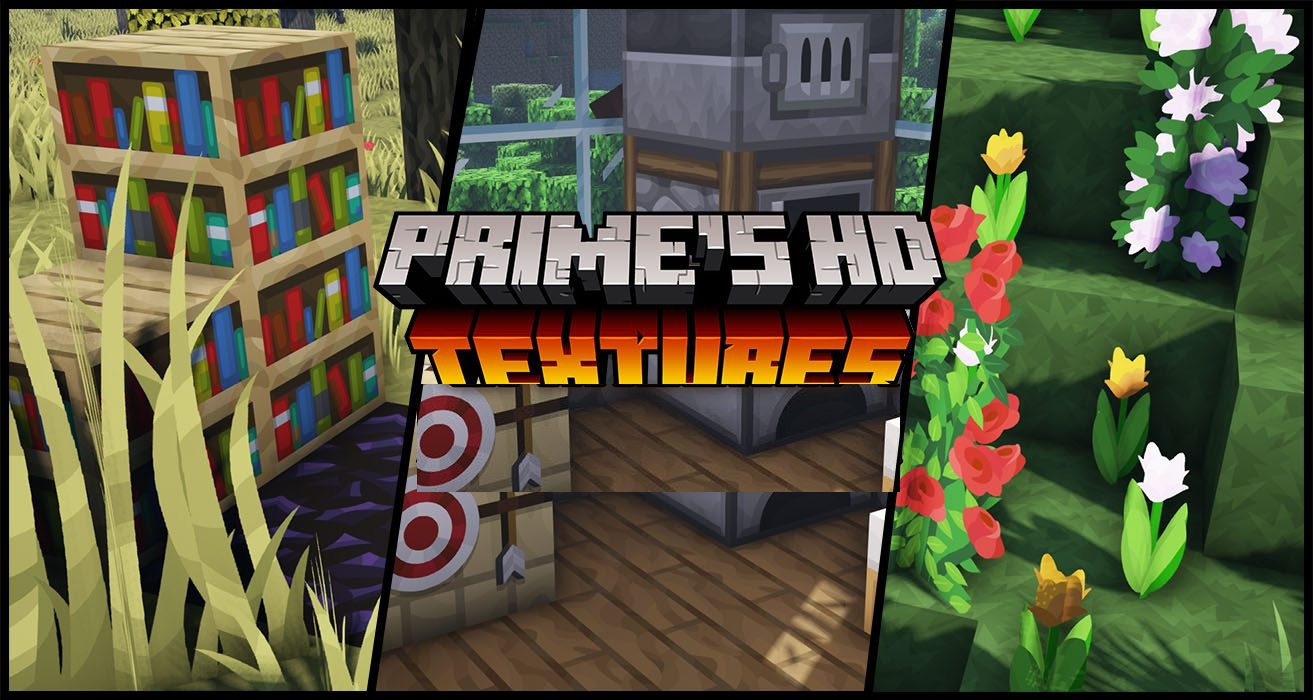
Increased texture resolution always transforms Minecraft’s visuals, and Prime’s HD does this as gently as possible. Instead of sharply departing from the vanilla style, the pack aims to enhance the original aesthetic, making it cleaner, brighter, and more natural. It is available in several variants and supports additional modules, so anyone can choose the ideal balance between quality and performance.
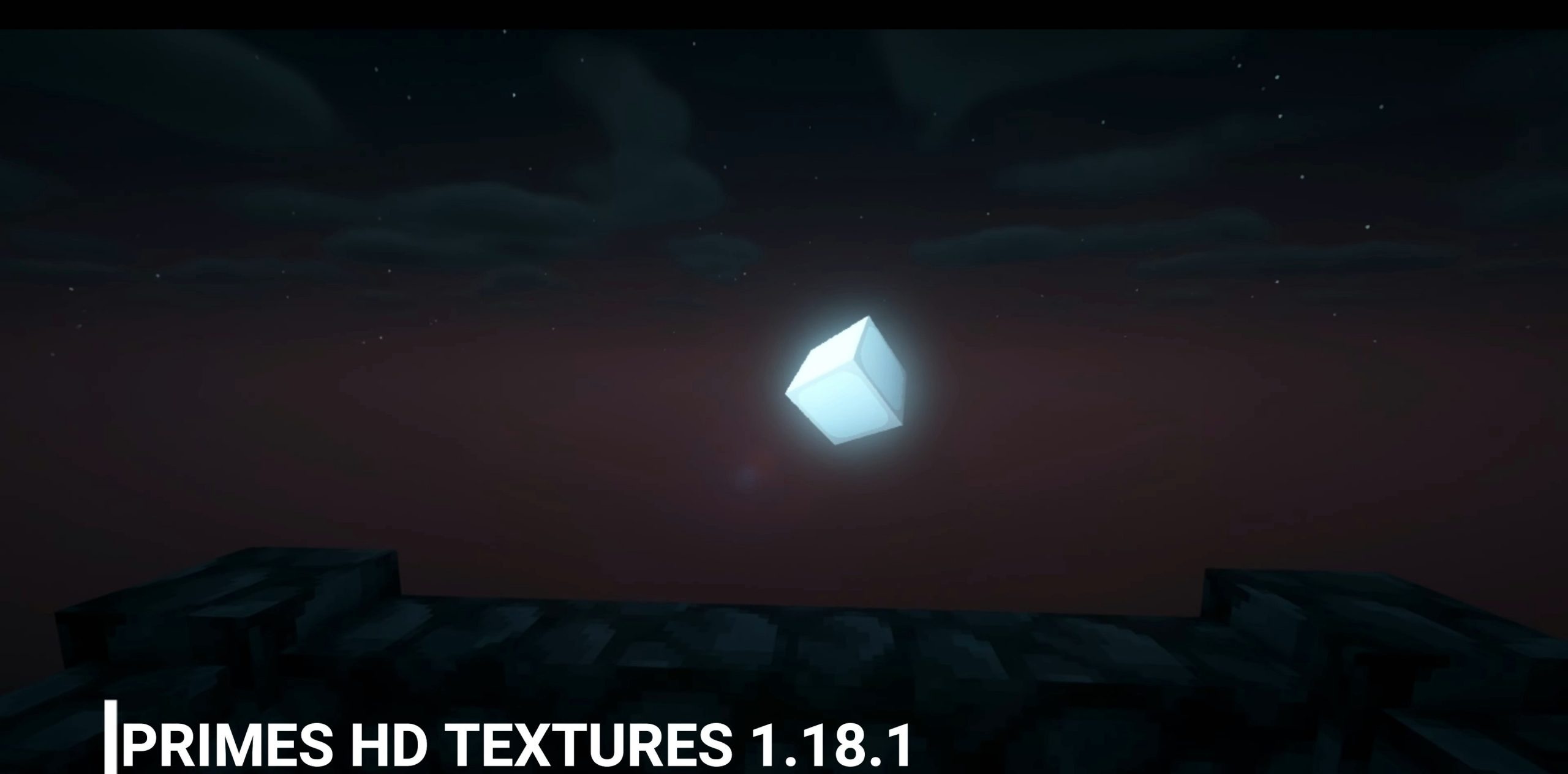
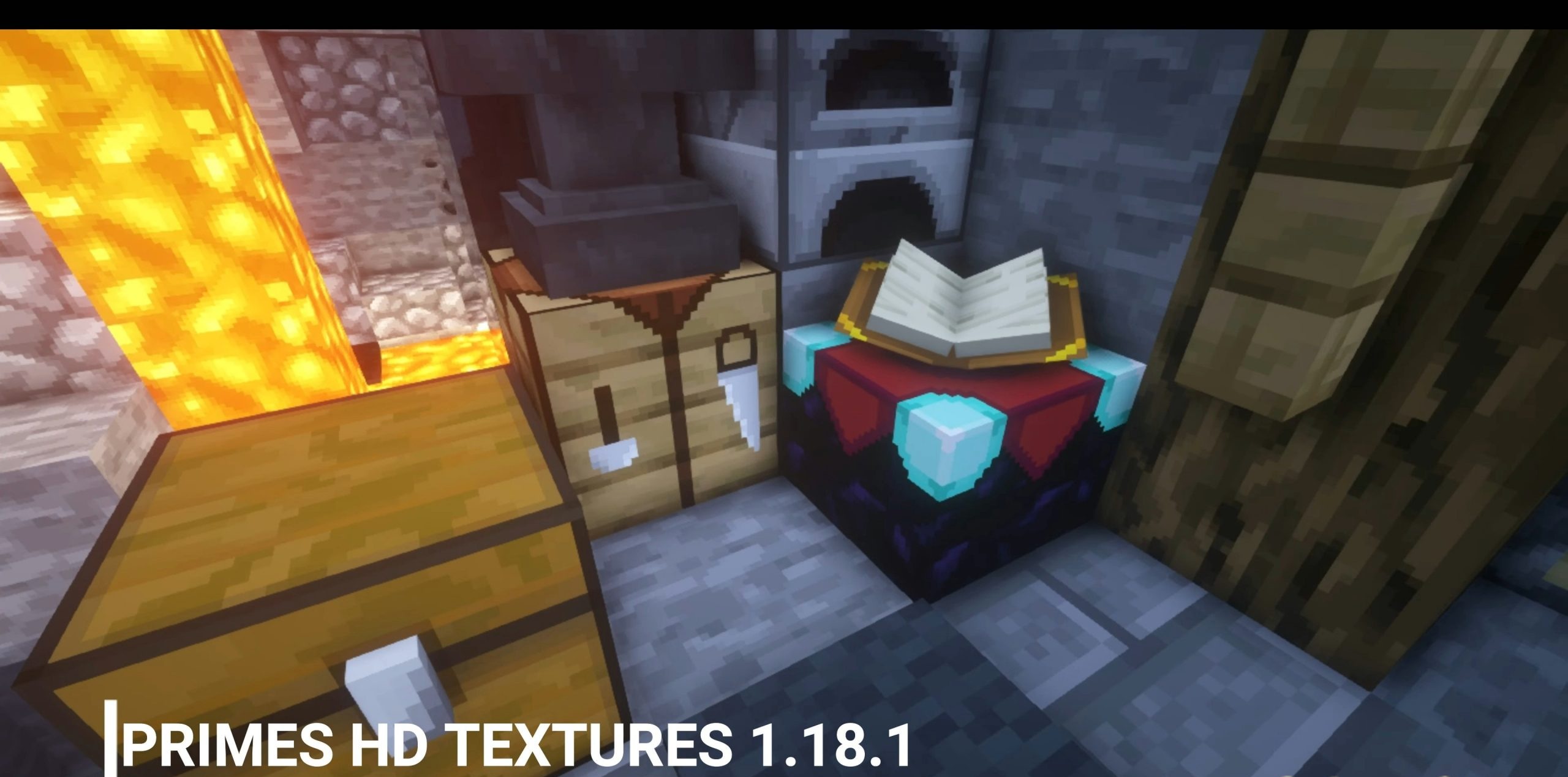
This format suits players who are drawn to realism but still want to preserve the world’s recognizability. As a result, the game looks more modern yet remains that same cubic world.
How to install the texture pack:
First step: download and install Prime’s HD
Second step: copy the texture pack to the C:\Users\USER_NAME\AppData\Roaming\.minecraft\resourcepacks
Third step: in game settings choose needed resource pack.
Comments (4)