



Purplefied GUI for Minecraft 1.21.11
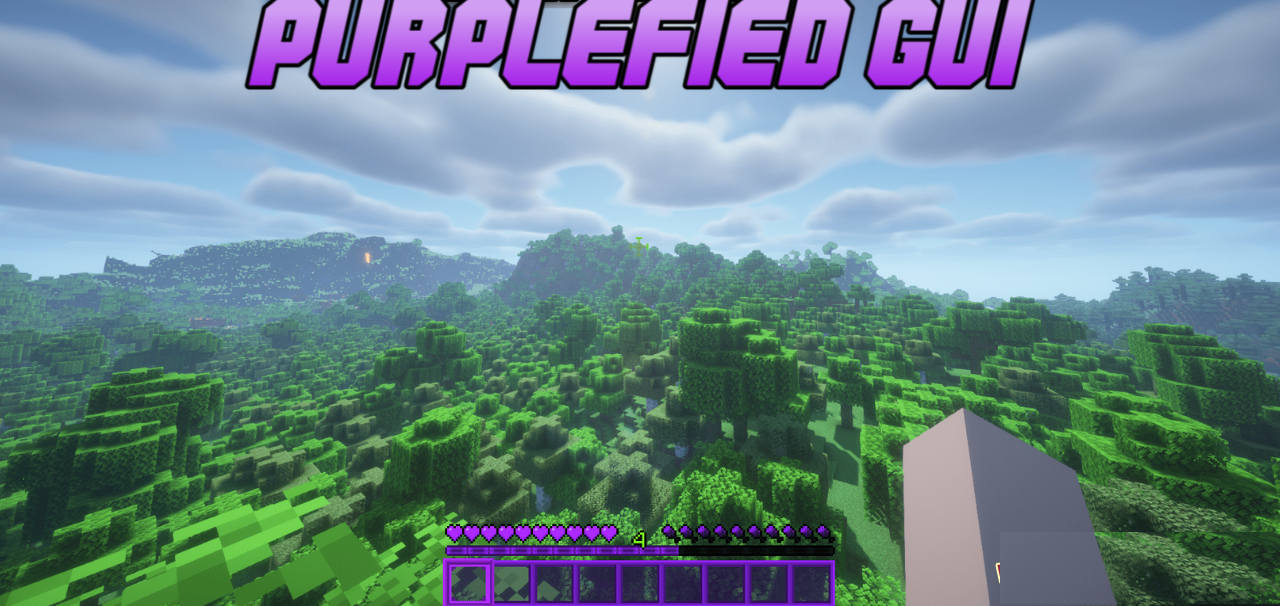
Sometimes in Minecraft you don’t want global changes, but simply a new atmosphere — and in such cases Purplefied GUI shows itself at its best. This resource pack completely reimagines the interface, coloring it in rich purple shades that create a vivid mood and noticeably enliven the screen. Dialog windows, buttons, health and experience bars, the inventory, and even small icons receive a unified style, as if they were parts of a single cohesive visual set.
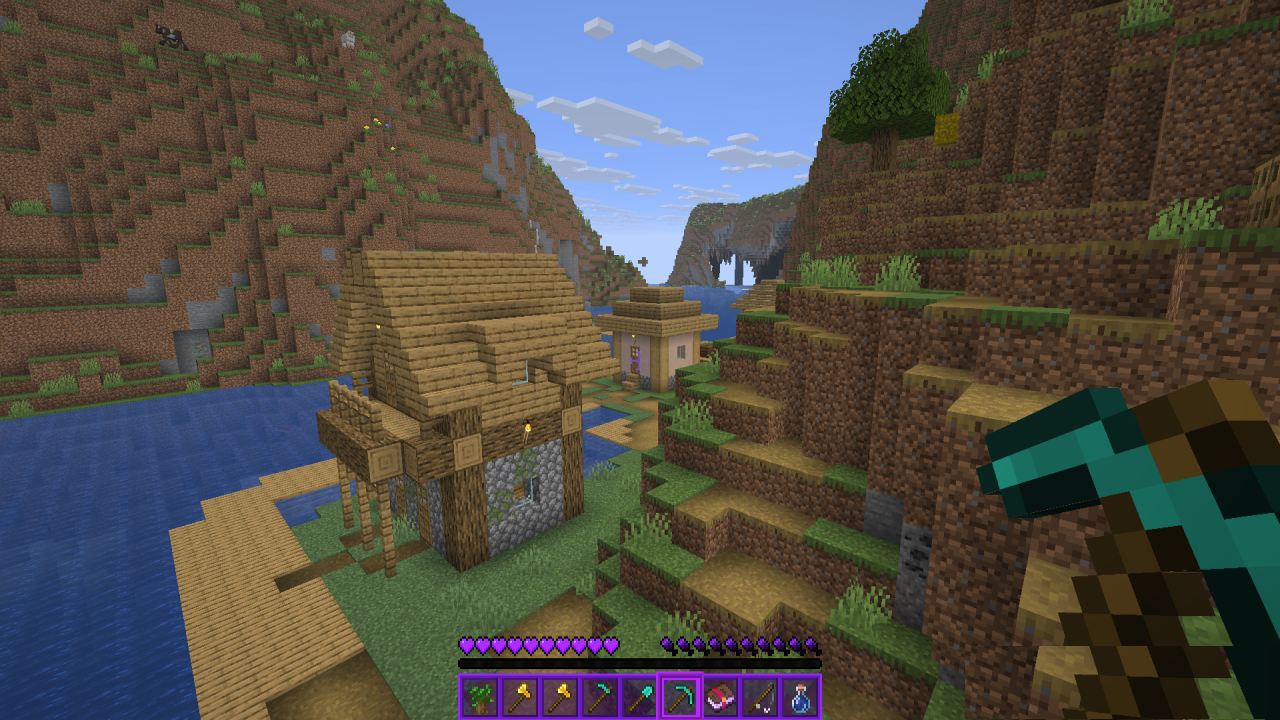
What is especially pleasing is that the pack does not disrupt the familiar interface logic: the layout of elements remains vanilla, and all changes affect aesthetics only. The purple palette adds character to the game, making the HUD more expressive and individual.
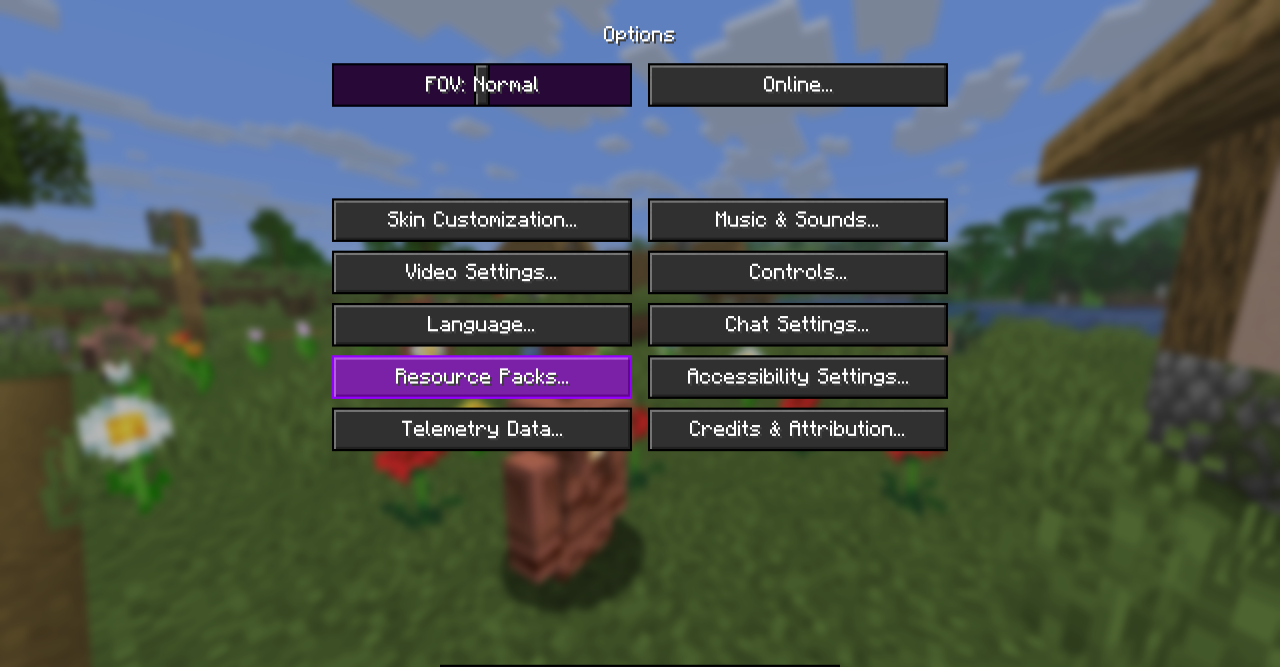
How to install the texture pack:
First step: download and install Purplefied GUI
Second step: copy the texture pack to the C:\Users\USER_NAME\AppData\Roaming\.minecraft\resourcepacks
Third step: in game settings choose needed resource pack.
Comments (0)