



Realistic Moon for Minecraft 1.21.11
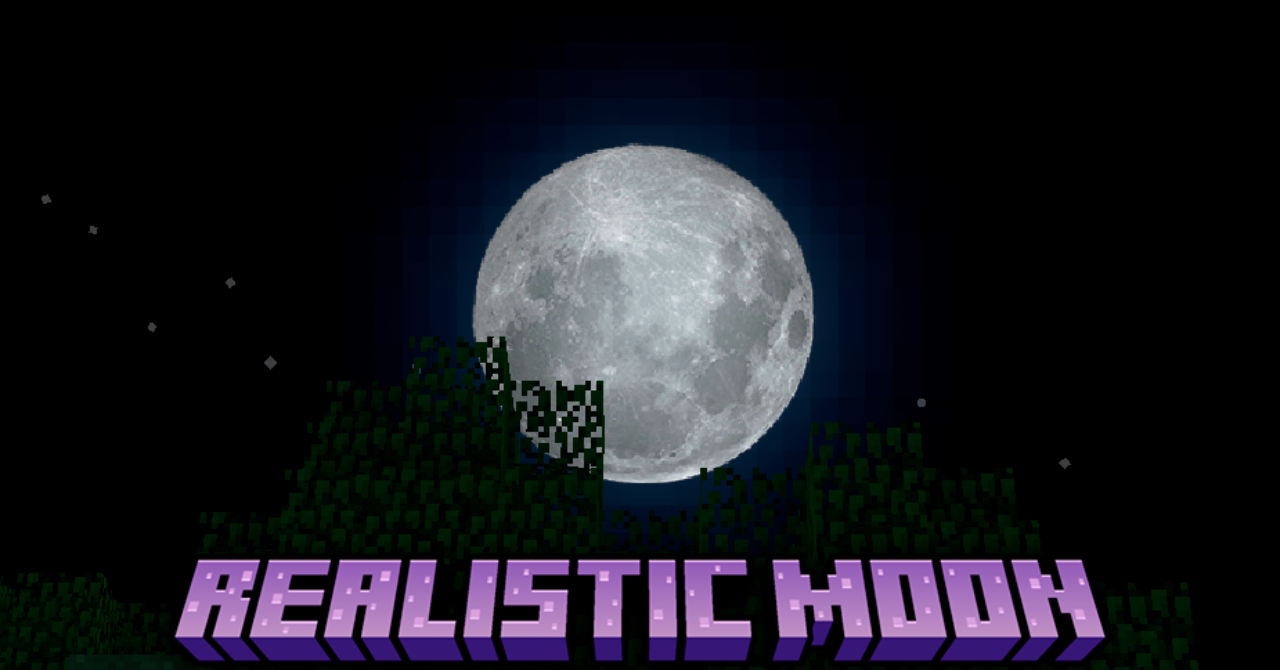
The night sky in Minecraft looks quite simple, but Realistic Moon resource pack can noticeably change the atmosphere of nighttime journeys. It replaces the standard blocky Moon with a more detailed and realistic version. The new satellite looks like a real celestial body with a more complex texture and depth.
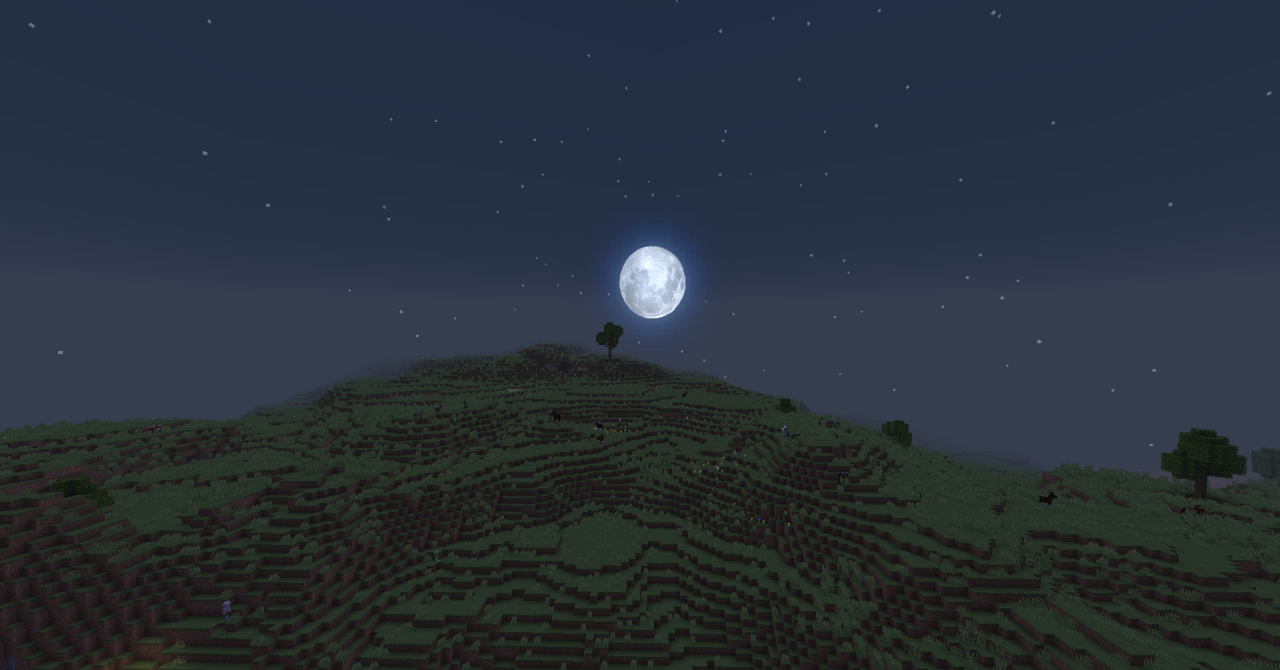
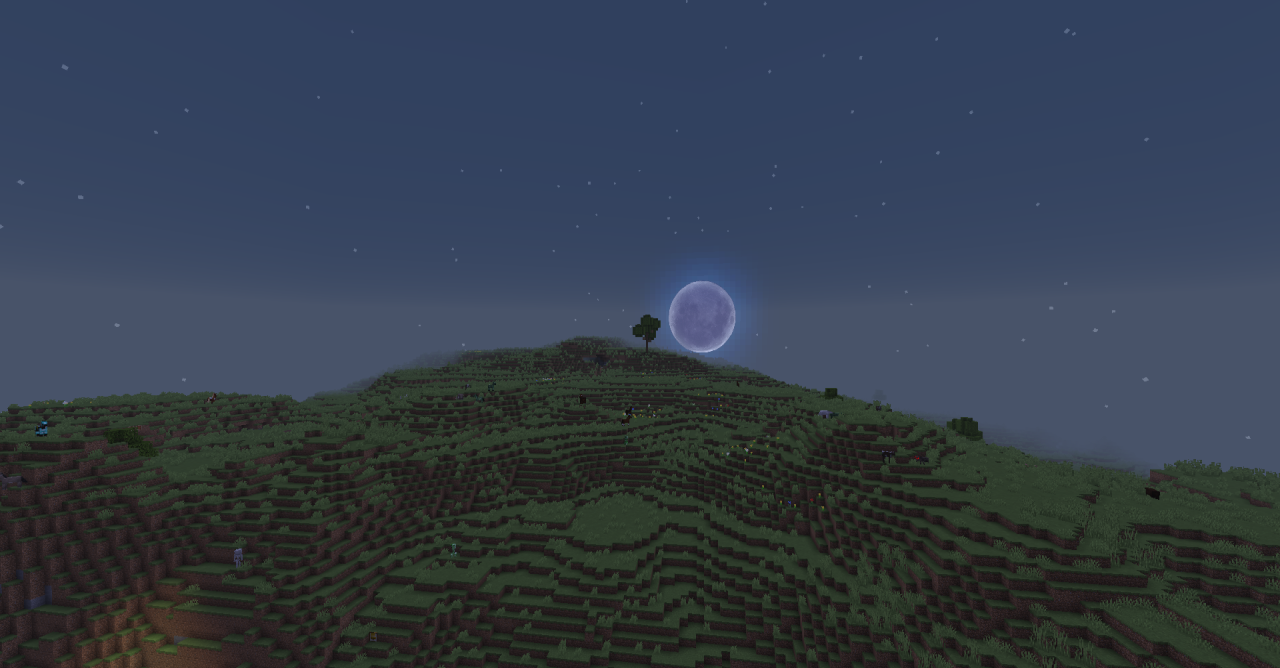
At the same time, all phases of the Moon are preserved, and the style of the sky remains in the spirit of the original game. Thanks to this small change, the night world becomes much more atmospheric: walking across plains, building under the stars, or watching the sky looks far more impressive.
How to install the texture pack:
First step: download and install Realistic Moon
Second step: copy the texture pack to the C:\Users\USER_NAME\AppData\Roaming\.minecraft\resourcepacks
Third step: in game settings choose needed resource pack.
Comments (2)