



Realistic Moonlight Sky Effect for Minecraft 1.21.11
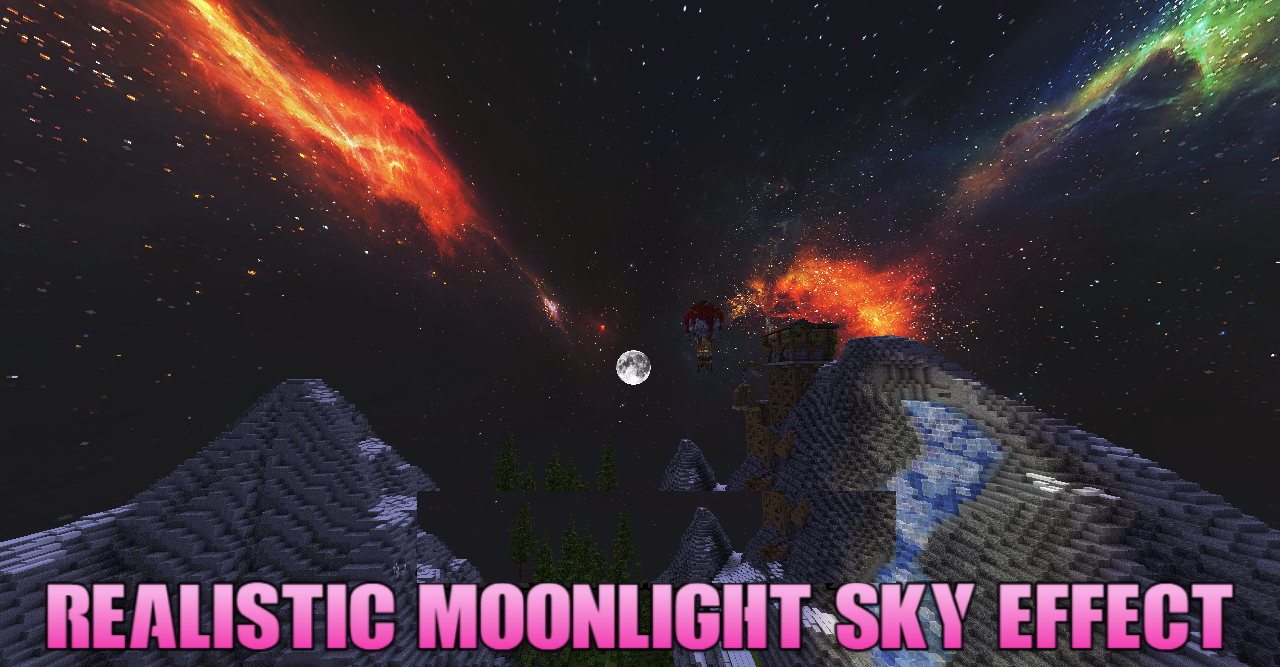
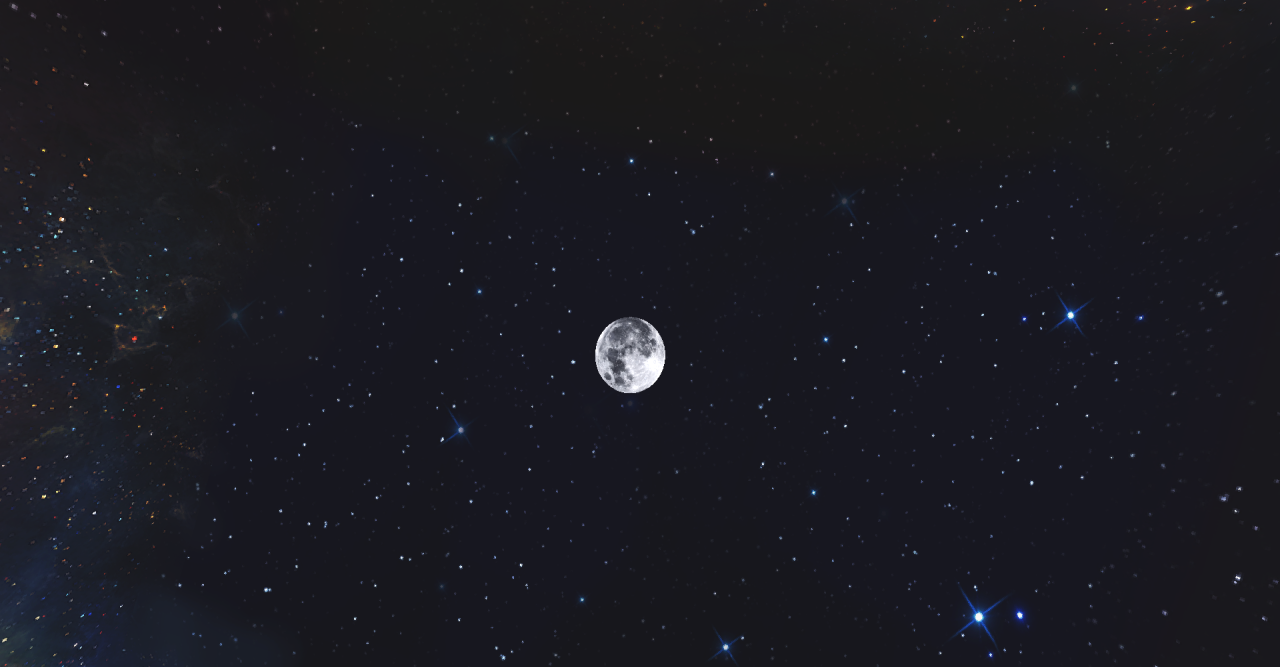
When you want to change the mood of the world without interfering with block textures, Realistic Moonlight Sky Effect comes to the rescue — a resource pack that replaces the standard sky with an incredibly realistic sky dome. Night landscapes become deep and atmospheric: stars shimmer with a soft glow, and a detailed moon seems to float above the world, creating an almost mystical silence.
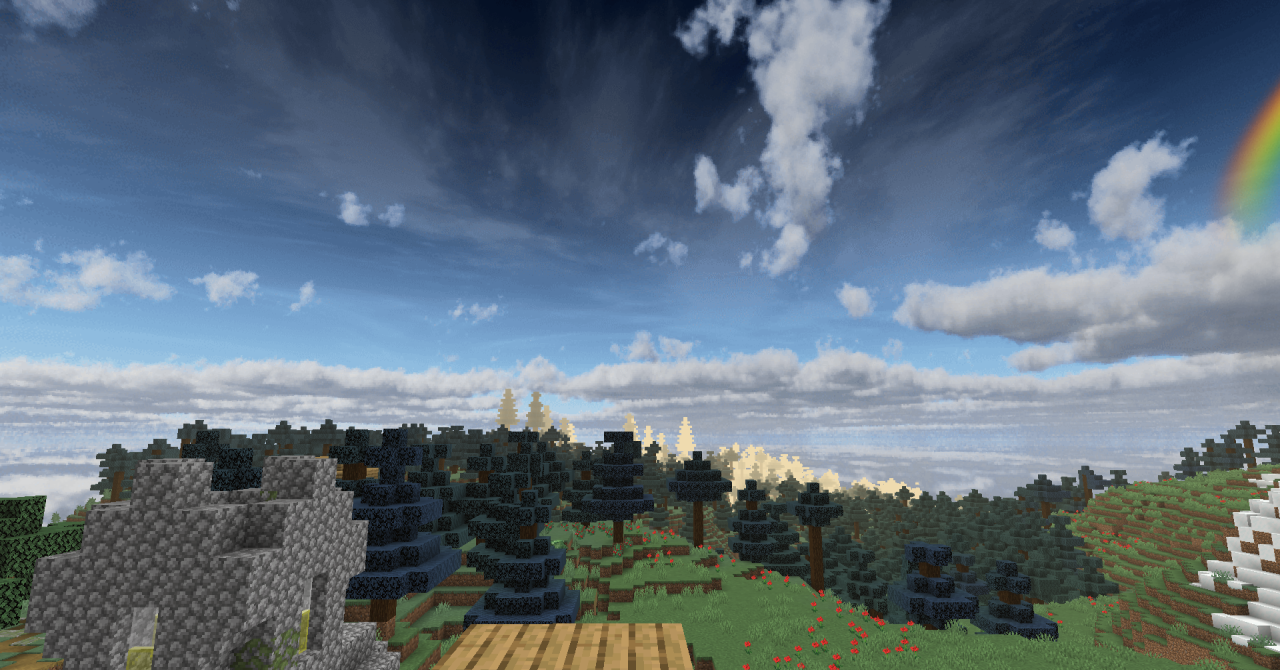
During the day, the sky is filled with smooth color gradients and expressive clouds, making sunrises and sunsets truly picturesque. This approach adds a cinematic quality to the game, even if you are simply standing on a hill and looking into the distance.
How to install the texture pack:
First step: download and install Realistic Moonlight Sky Effect
Second step: copy the texture pack to the C:\Users\USER_NAME\AppData\Roaming\.minecraft\resourcepacks
Third step: in game settings choose needed resource pack.
Comments (0)