



Refreshed for Minecraft 1.21.8
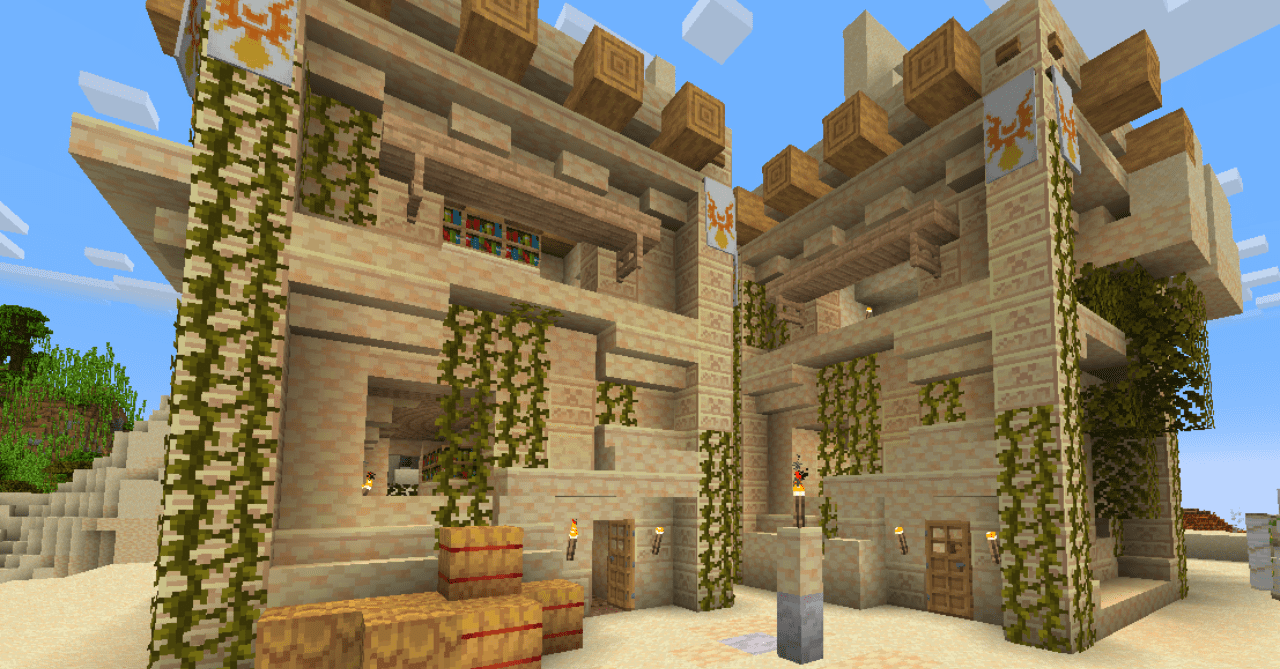
Not every pack can change the perception of the game as deeply as Refreshed. Its concept is to remove unnecessary visual noise and create a more streamlined picture of the world. To achieve this, it uses adjusted tones and a limited palette, making textures cleaner and more harmonious. Landscapes look more unified, and each biome feels more natural.
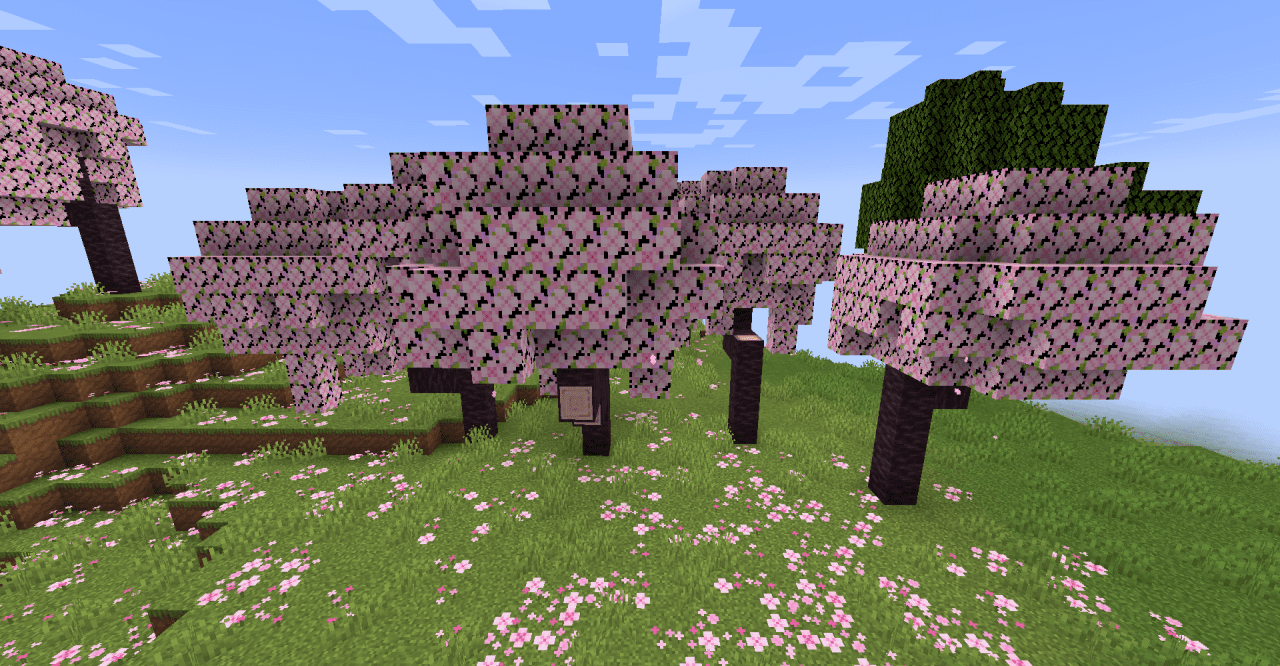
Minecraft’s visual style is preserved but feels more modern, as if the game has gone through a light remaster. This texture pack is perfect for those who value clarity and neatness: it makes the world more comfortable for long journeys and building, letting you focus on the atmosphere instead of jagged details.
How to install the texture pack:
First step: download and install Refreshed
Second step: copy the texture pack to the C:\Users\USER_NAME\AppData\Roaming\.minecraft\resourcepacks
Third step: in game settings choose needed resource pack.
Comments (0)