



Refreshed HUD for Minecraft 1.21.10
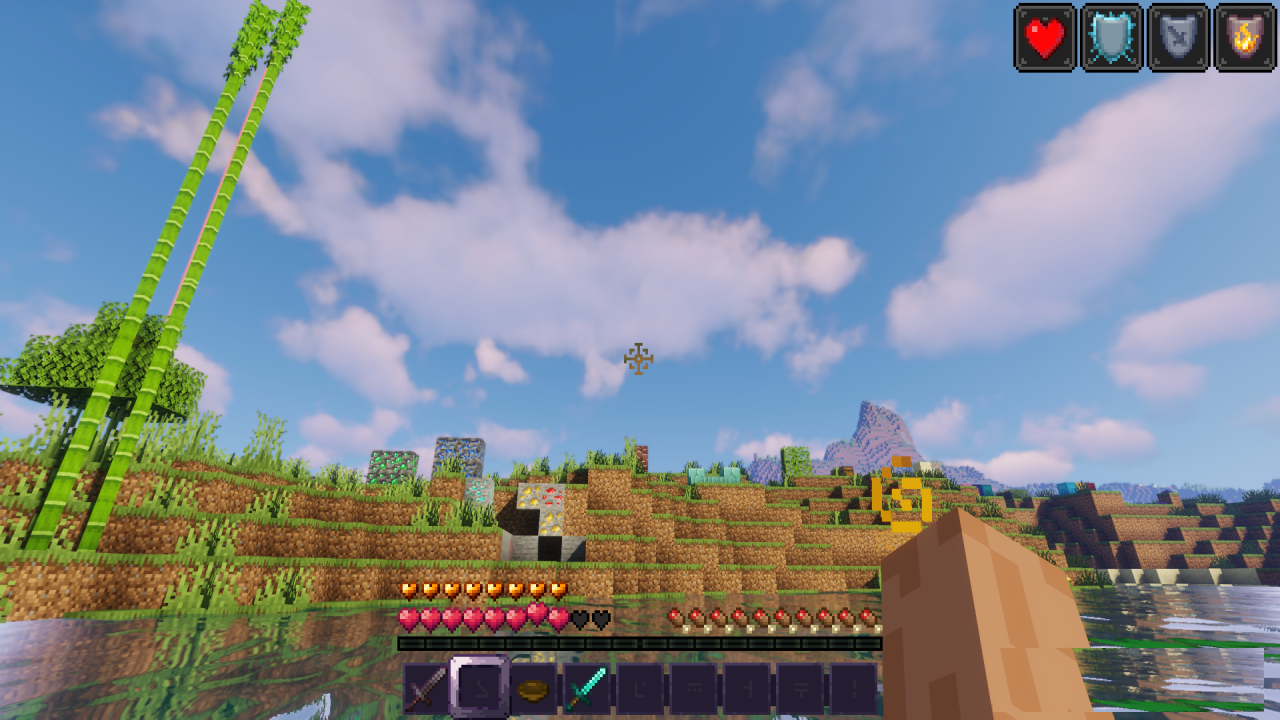
Many players perceive the Minecraft HUD as something unchangeable, but Refreshed HUD pack shows that even a small cosmetic update can significantly improve in-game comfort. It carefully redraws the main interface elements — hearts, the hunger bar, armor icons, and air bubbles — making them clearer, more even, and more harmoniously integrated into the screen.
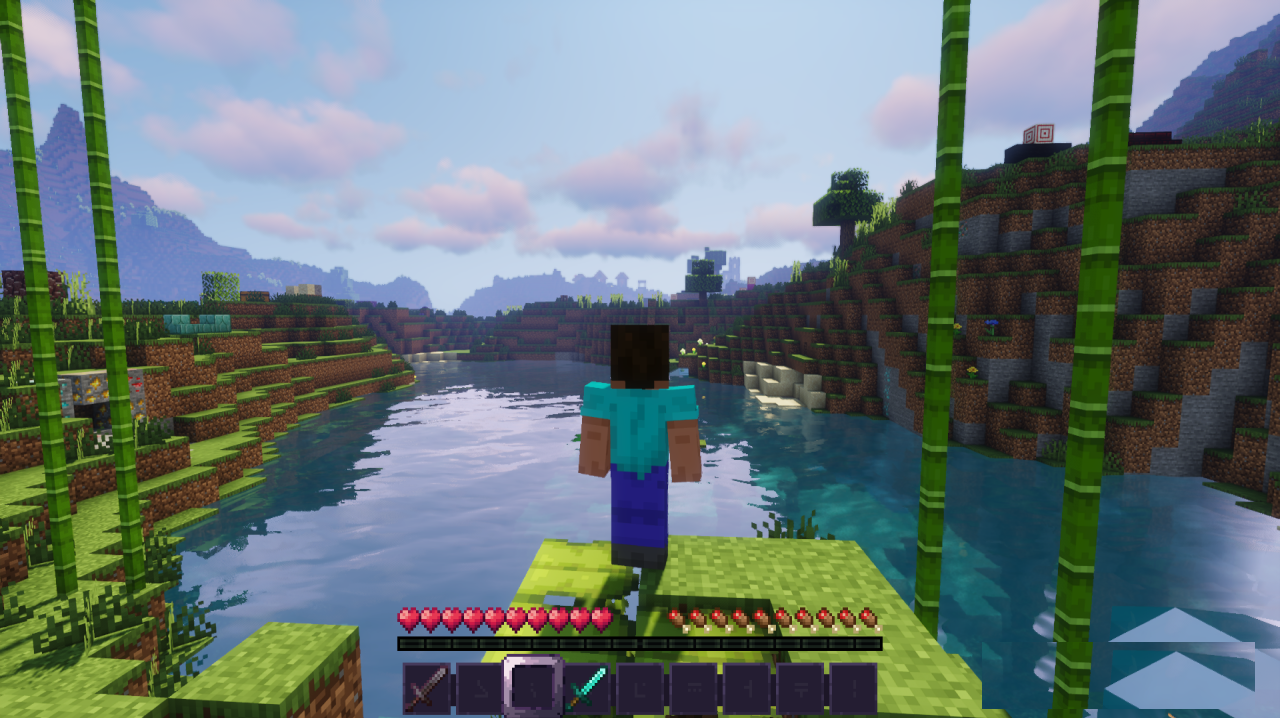
Unlike more radical interface packs, there is no attempt here to change the game’s style or replace its pixel aesthetic. On the contrary, the “vanilla” feel is fully preserved, as if this were simply an updated official HUD released alongside a major patch.
How to install the texture pack:
First step: download and install Refreshed HUD
Second step: copy the texture pack to the C:\Users\USER_NAME\AppData\Roaming\.minecraft\resourcepacks
Third step: in game settings choose needed resource pack.
Comments (0)