



Reimagined GUI (Light) for Minecraft 1.21.8
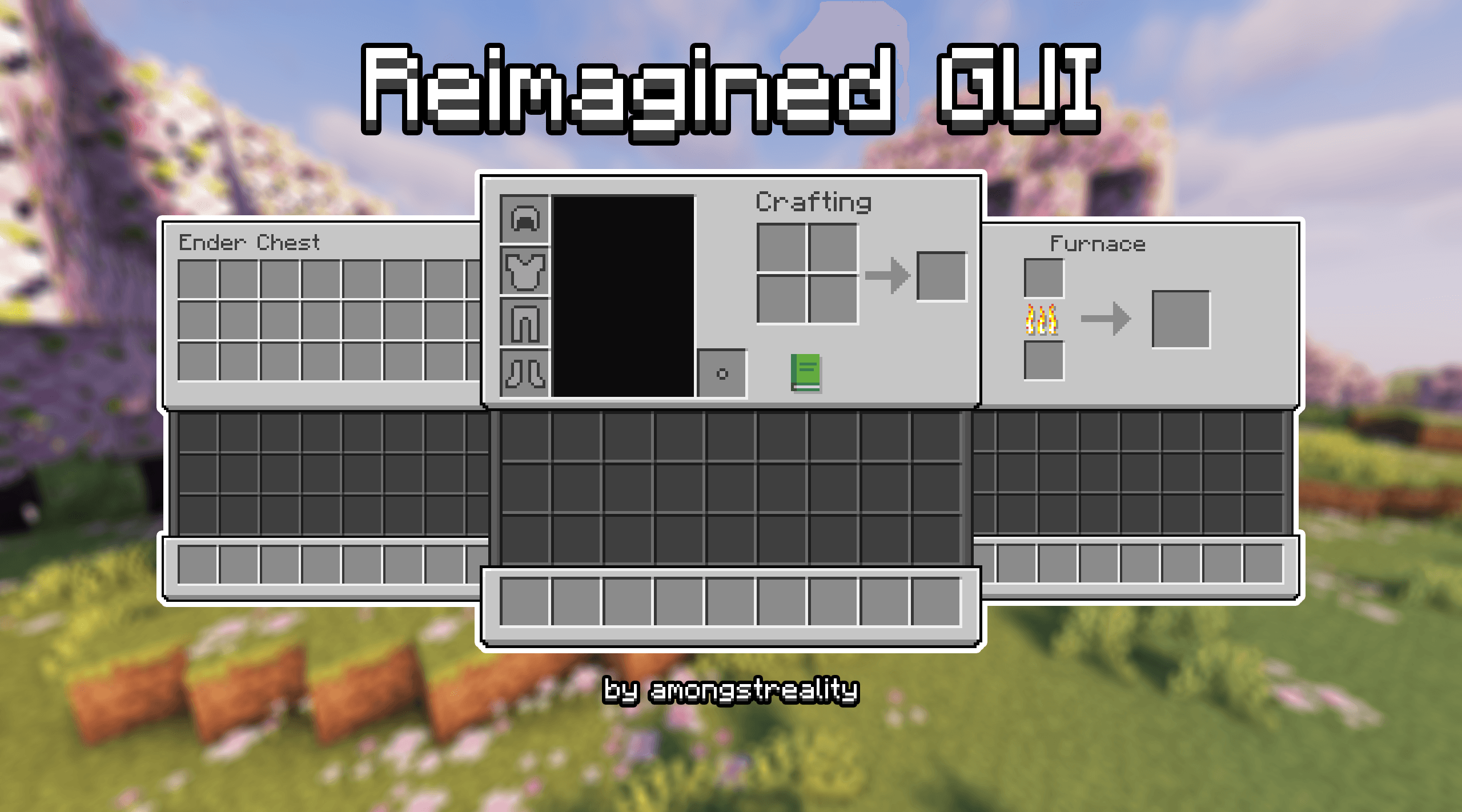
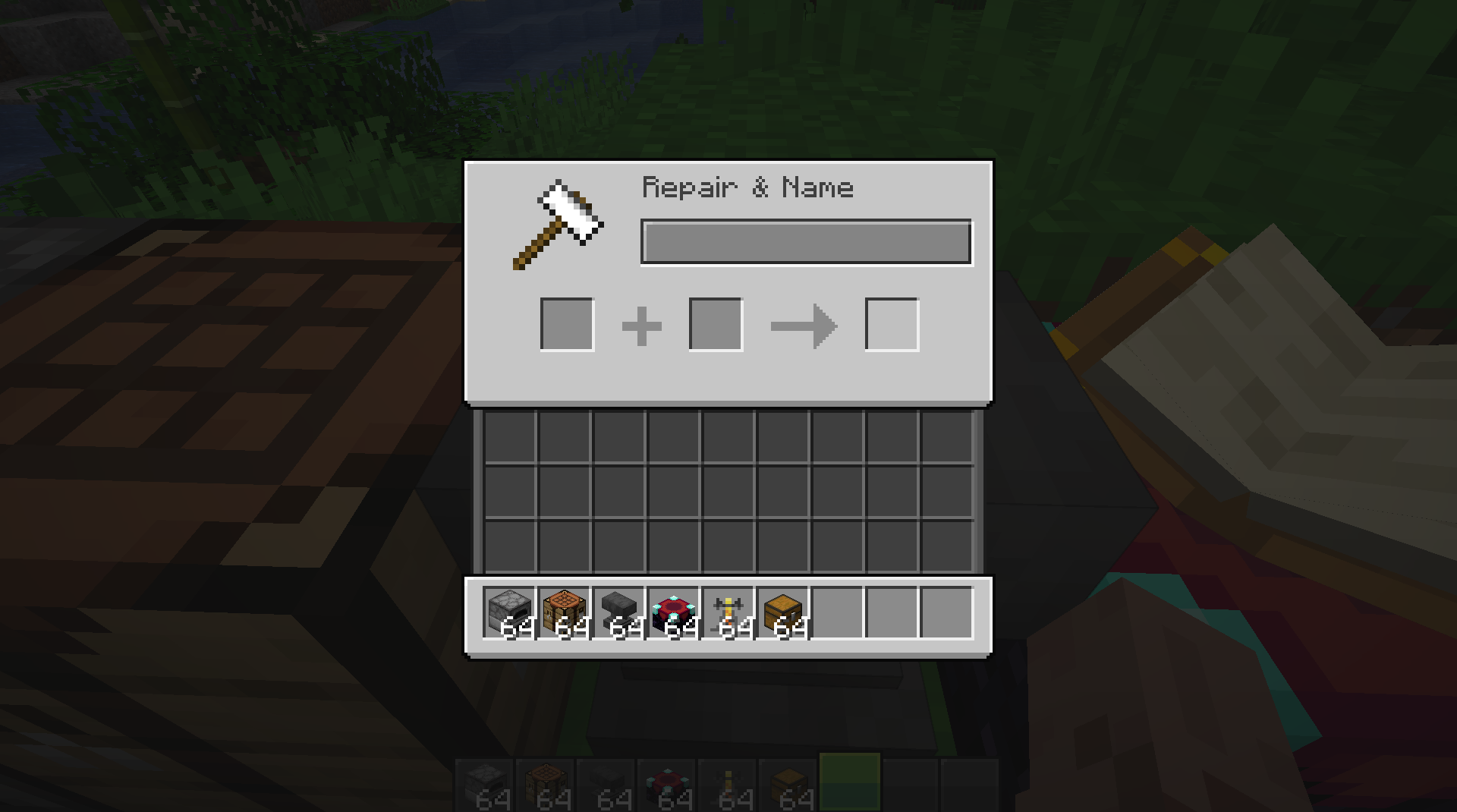
Reimagined GUI (Light) texture set for Minecraft will change the game’s graphical interface, and if you do not like the vanilla design, then this option definitely needs to be used in your build. The GUI becomes much more pleasant, more interesting, all tabs will be lighter, more attractive.
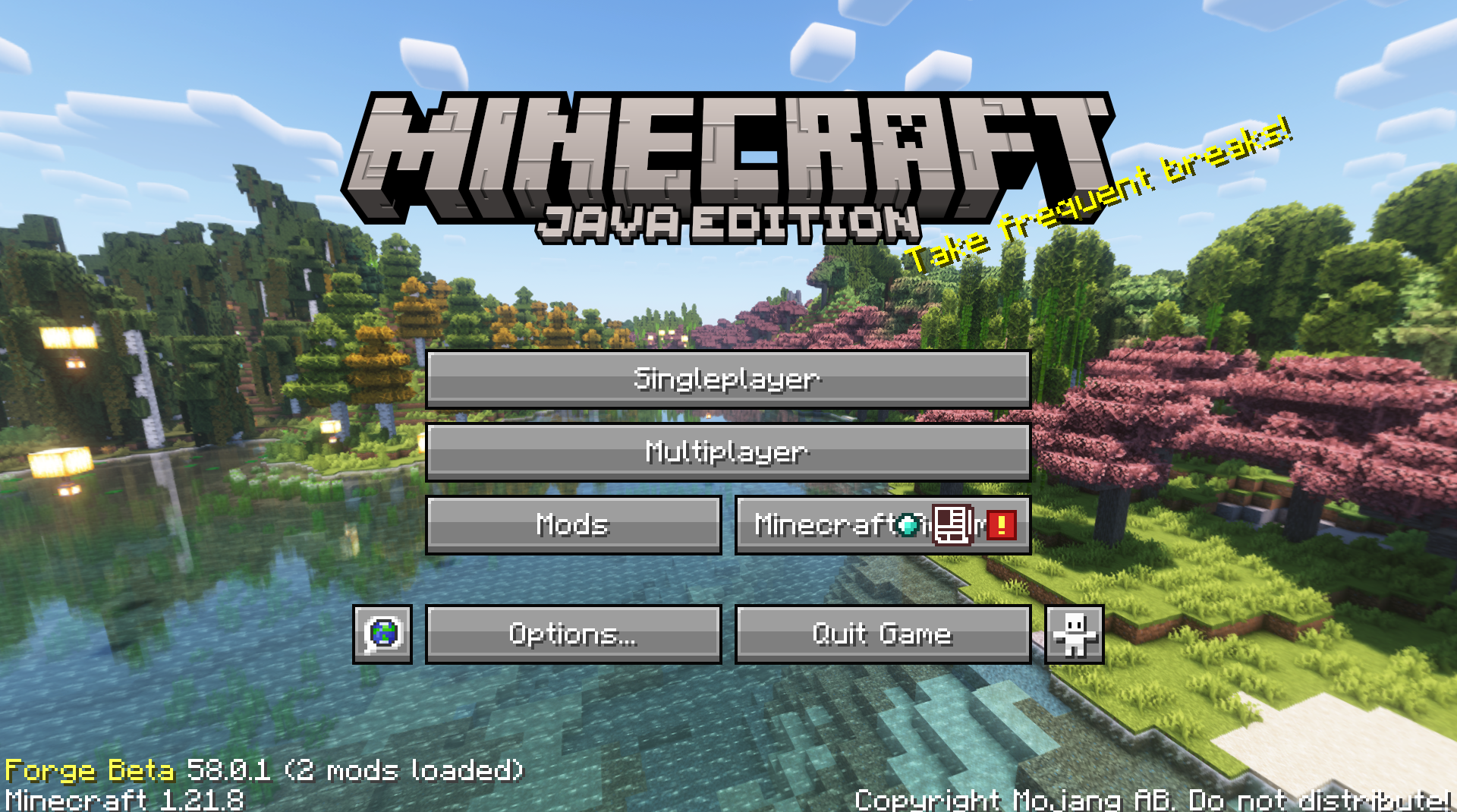
Practically all panels that you see in the game menu are involved, and this is the most simple and “light” texture pack for users. You can safely install it on your weak computer and not worry that the launcher will lag in any way.
How to install the texture pack:
First step: download and install Reimagined GUI (Light)
Second step: copy the texture pack to the C:\Users\USER_NAME\AppData\Roaming\.minecraft\resourcepacks
Third step: in game settings choose needed resource pack.
Comments (0)