



Remove Vignette for Minecraft 1.21.10
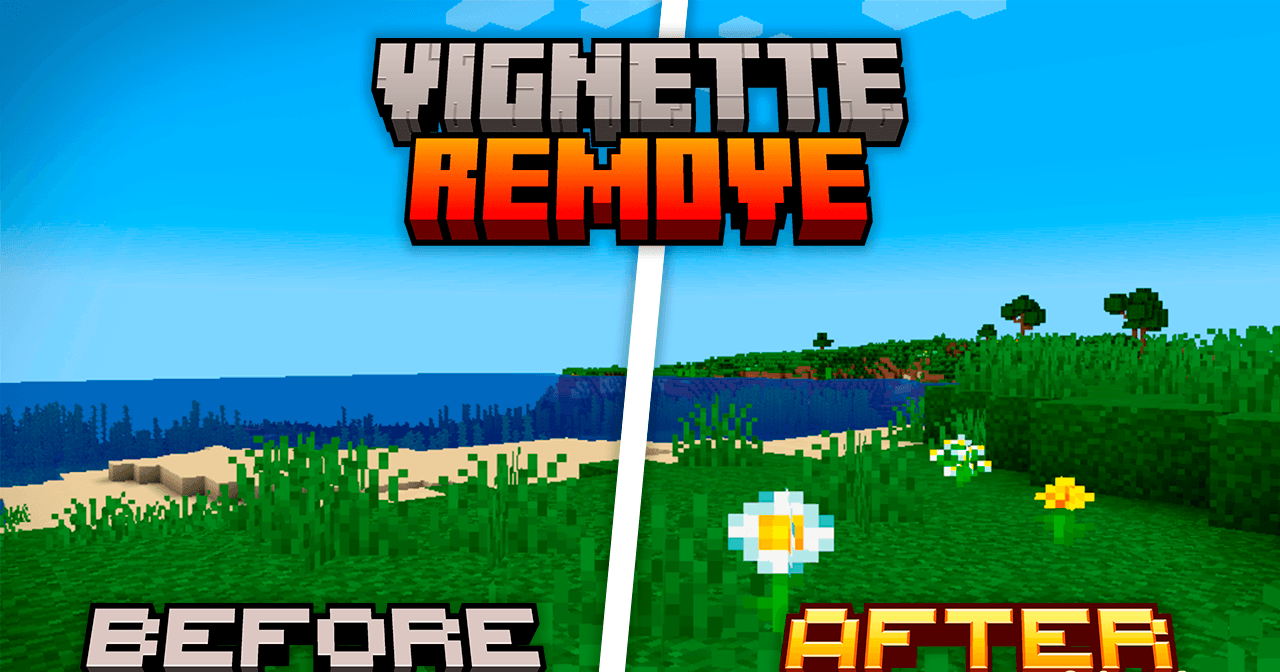
Remove Vignette is designed for players who prefer the cleanest possible image on screen. It removes the dark edges that normally appear in darkness or underground, providing a more open and brighter view. This is especially useful when building in poorly lit areas or exploring caves.
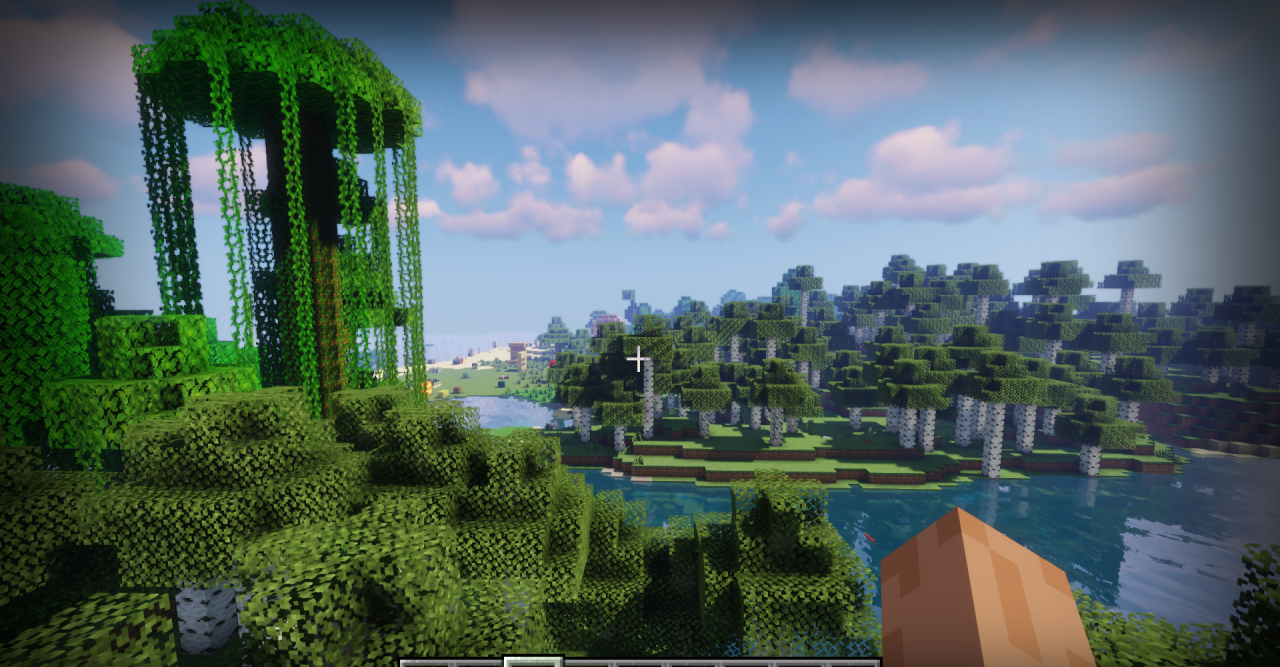
Additionally, the pack weakens the pumpkin overlay effect, making it less intrusive. As a result, gameplay feels freer and visibility is significantly improved. The pack is extremely lightweight, does not alter the game’s style, and is suitable for those who want to get rid of visual distractions while fully preserving the vanilla atmosphere.
How to install the texture pack:
First step: download and install Remove Vignette
Second step: copy the texture pack to the C:\Users\USER_NAME\AppData\Roaming\.minecraft\resourcepacks
Third step: in game settings choose needed resource pack.
Comments (0)