



ReShaded for Minecraft 1.21.11
Sometimes graphical improvement is not about adding detail, but about simplifying it. ReShaded works on exactly this principle, removing harsh shading from block edges and making lighting more even. The world begins to look cleaner, brighter, and visually calmer. Blocks are easier to read, outlines become clearer, and the environment feels less “noisy.”
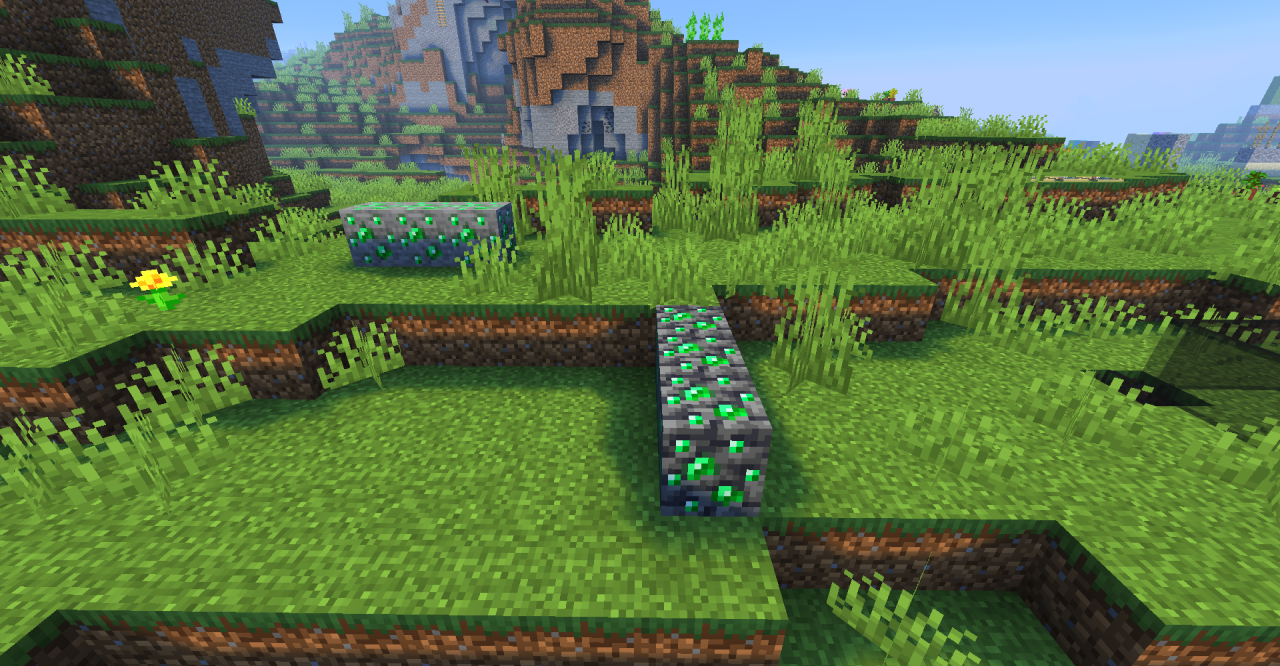
At the same time, the classic resolution and vanilla style are preserved, making the changes feel as natural as possible. The pack creates the impression of a careful visual upgrade that improves world readability and overall visual comfort.
How to install the texture pack:
First step: download and install ReShaded
Second step: copy the texture pack to the C:\Users\USER_NAME\AppData\Roaming\.minecraft\resourcepacks
Third step: in game settings choose needed resource pack.
Comments (0)