



Saffron for Minecraft 1.21.11
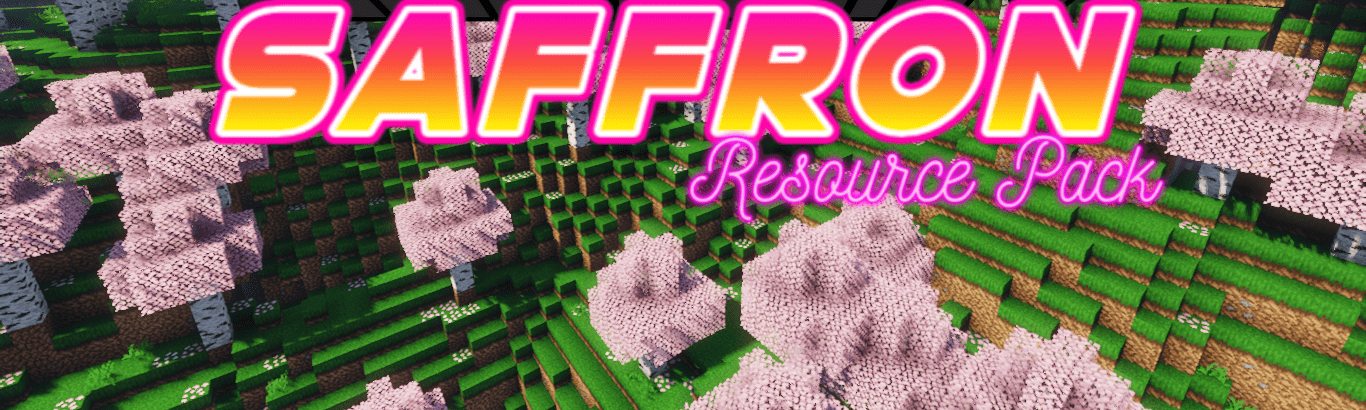
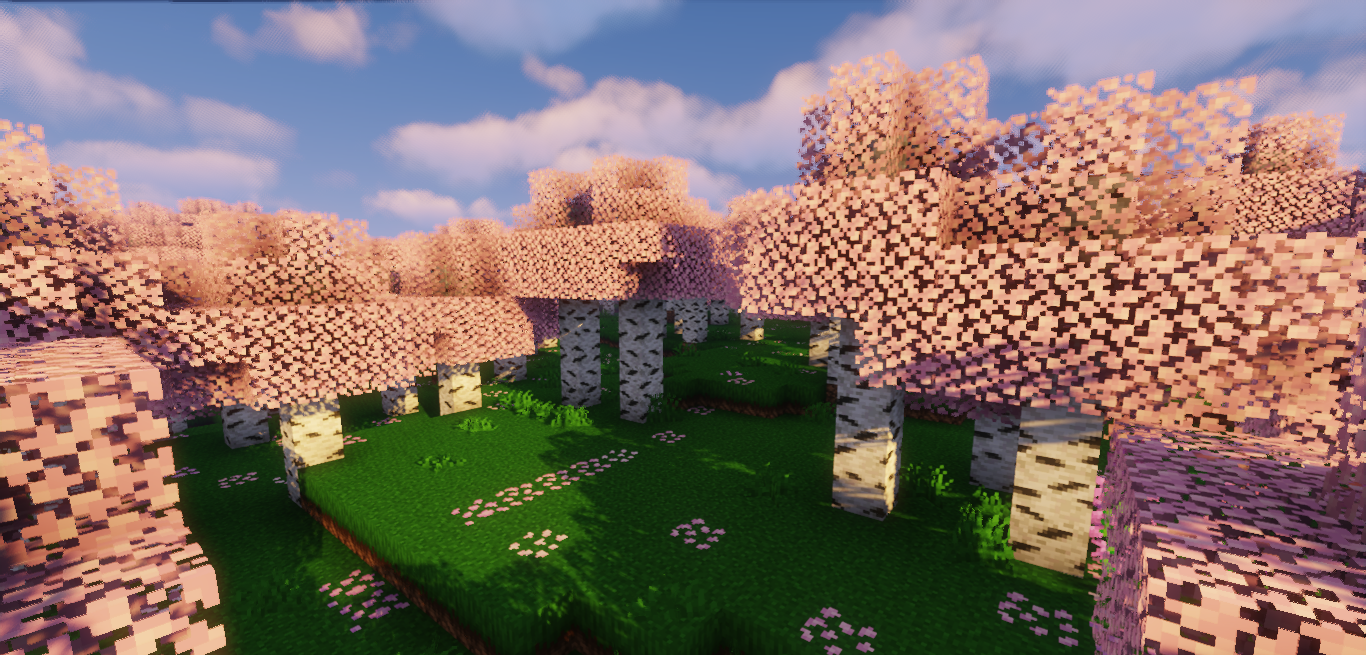
Sometimes, transforming the world does not require radical changes — a few careful touches are enough. This is exactly how Saffron works. This resource pack takes the vanilla style as its foundation and gently enhances it, making nature feel more vibrant and насыщенной → making nature feel more vibrant and lush. Birch and dark oak leaves gain different shades, grass becomes richer, and plants, mushrooms, and roots receive additional variations.
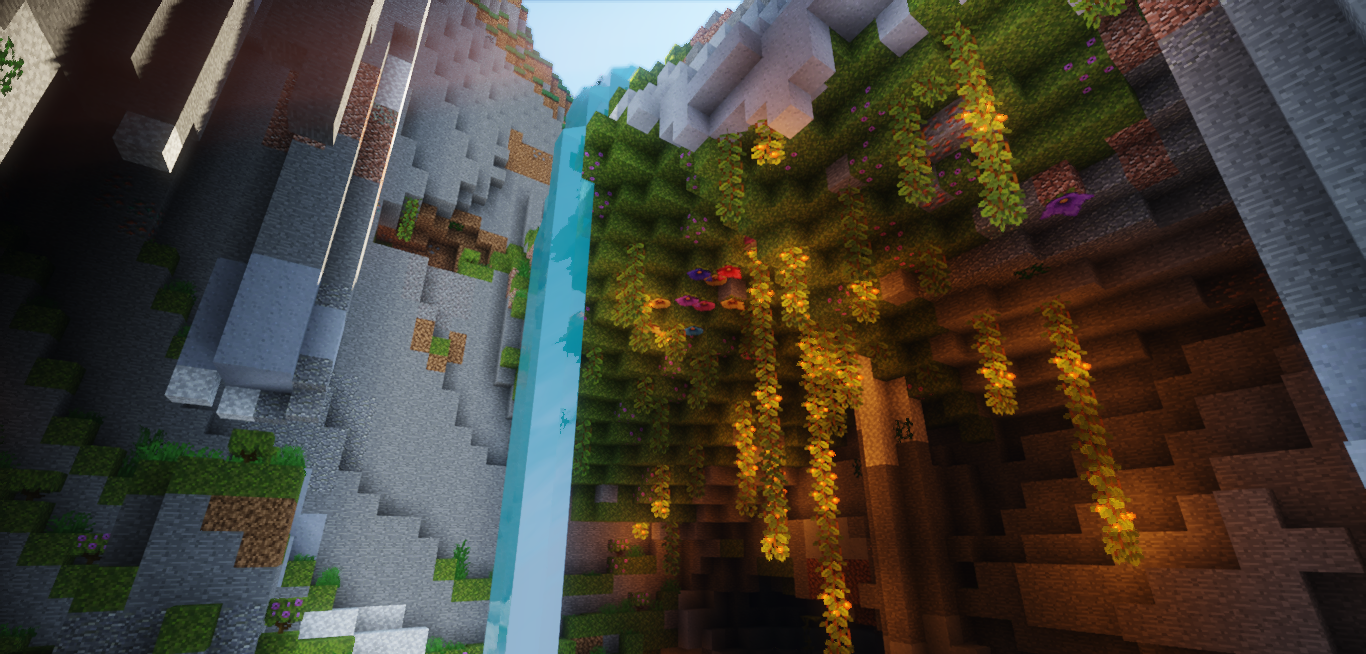
As a result, landscapes no longer look monotonous: forests gain depth, fields acquire natural diversity, and swamps develop a distinctive atmosphere. The pack does not overload textures with unnecessary detail but instead creates the feeling of a careful artistic upgrade that is especially noticeable during long journeys and while building cozy villages.
How to install the texture pack:
First step: download and install Saffron
Second step: copy the texture pack to the C:\Users\USER_NAME\AppData\Roaming\.minecraft\resourcepacks
Third step: in game settings choose needed resource pack.
Comments (0)