



Sapphire’s for Minecraft 1.21.11
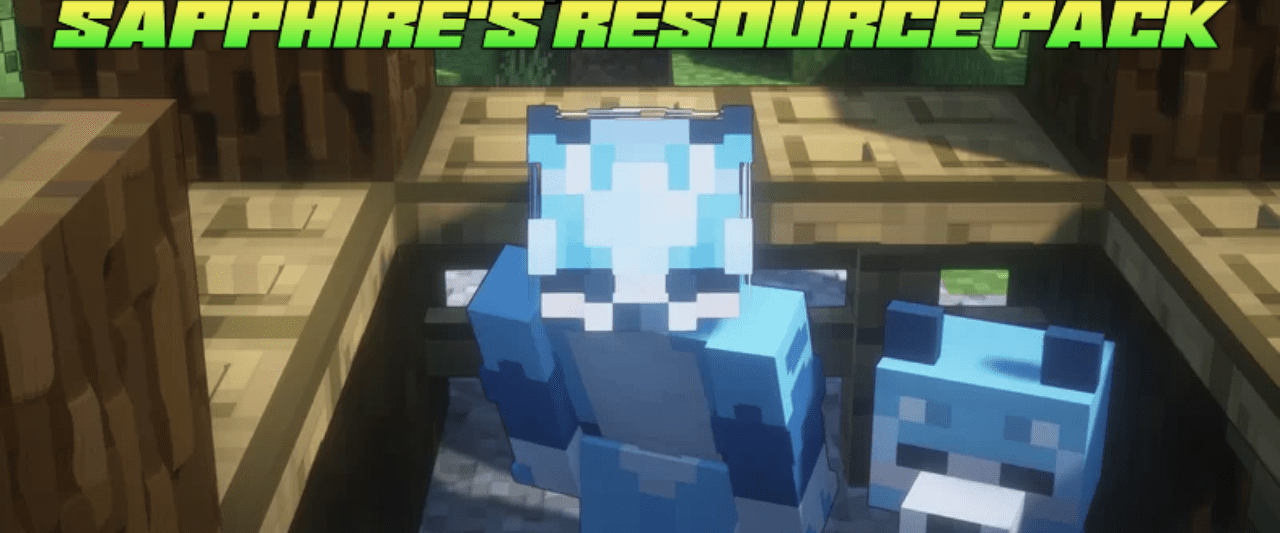
Color plays a key role in how the world of Minecraft is perceived, and Sapphire’s turns it into the main artistic tool. Nearly all elements of the game receive an updated appearance with a dominant blue tone that sets the overall mood. Water areas look deeper and colder, vegetation appears more unusual, and familiar blocks acquire a new character.
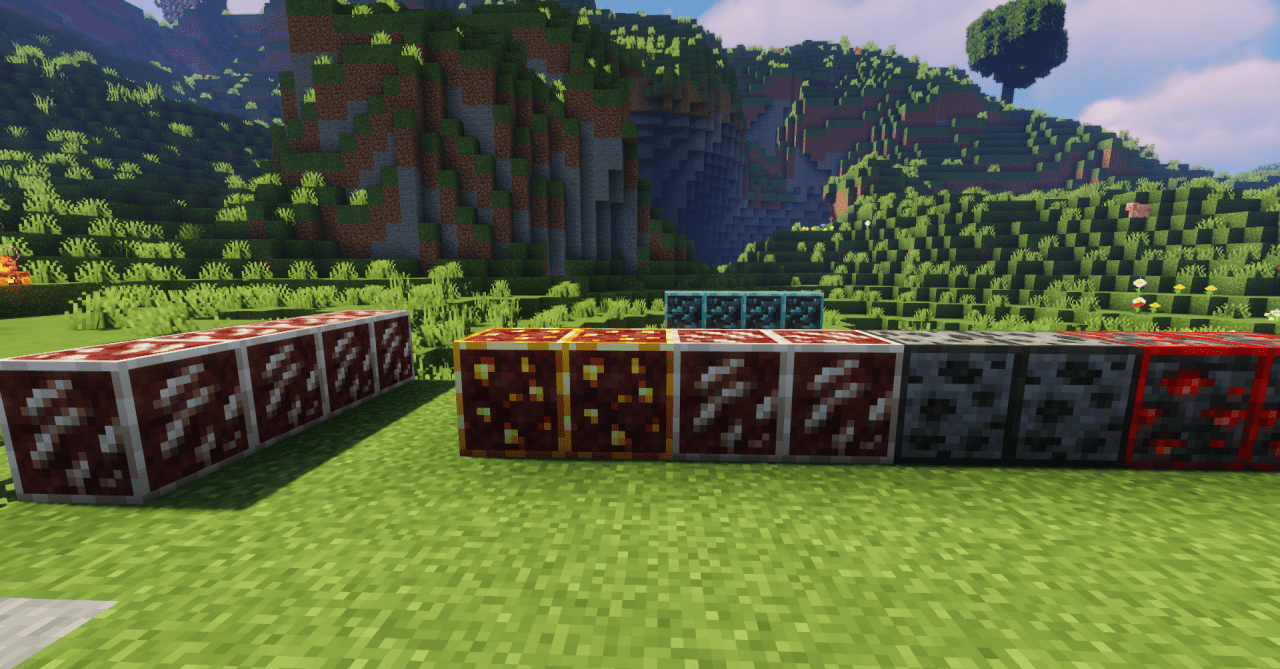
At the same time, the redesign goes beyond simple recoloring: the shades are carefully selected to ensure the world does not look monotonous. The final visual style creates a sense of freshness and clarity, as if the game world exists in an alternative, cooler interpretation.
How to install the texture pack:
First step: download and install Sapphire’s
Second step: copy the texture pack to the C:\Users\USER_NAME\AppData\Roaming\.minecraft\resourcepacks
Third step: in game settings choose needed resource pack.
Comments (0)