



Shadow Effect for Minecraft 1.21.10
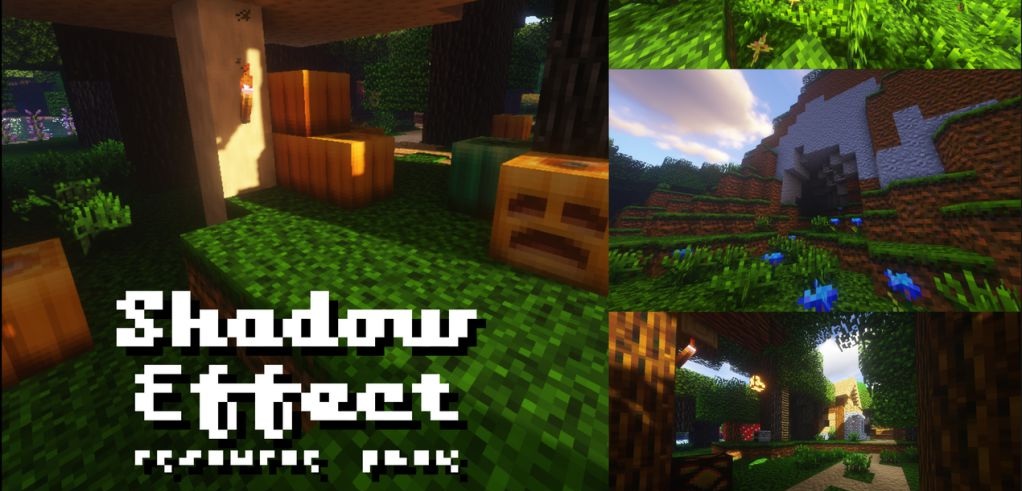
Shadow Effect resource pack creates the illusion of photorealism at a resolution of just 16x — thanks to filters, shadows, and a reworked pixel structure, it looks unusually rich. Textures gain volumetric silhouettes, and the colors receive an adjusted RGB curve, which results in deeper shades.
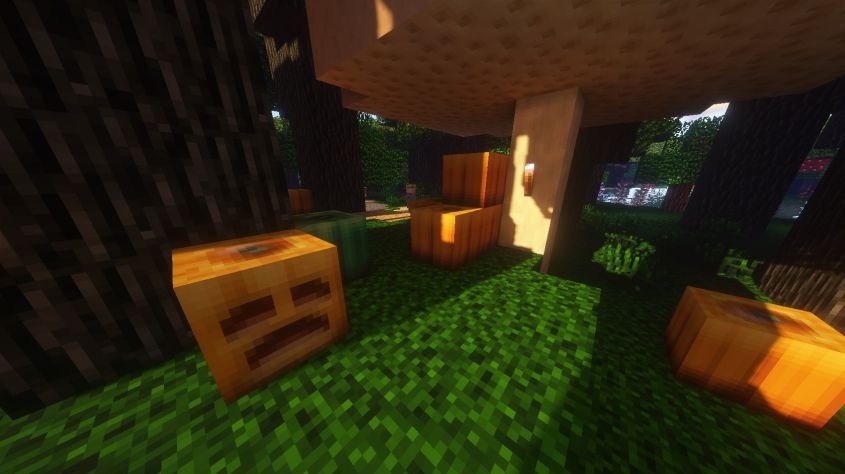
Despite its “fake HD” effect, the game remains lightweight for weak systems, which makes the add-on especially appealing. The world appears denser and more contrasty while still keeping its recognizable forms. This pack is suitable for players who want a striking image without heavy shaders and increased resolutions.
How to install the texture pack:
First step: download and install Shadow Effect
Second step: copy the texture pack to the C:\Users\USER_NAME\AppData\Roaming\.minecraft\resourcepacks
Third step: in game settings choose needed resource pack.
Comments (0)