



Short Armors for Minecraft 1.21.11
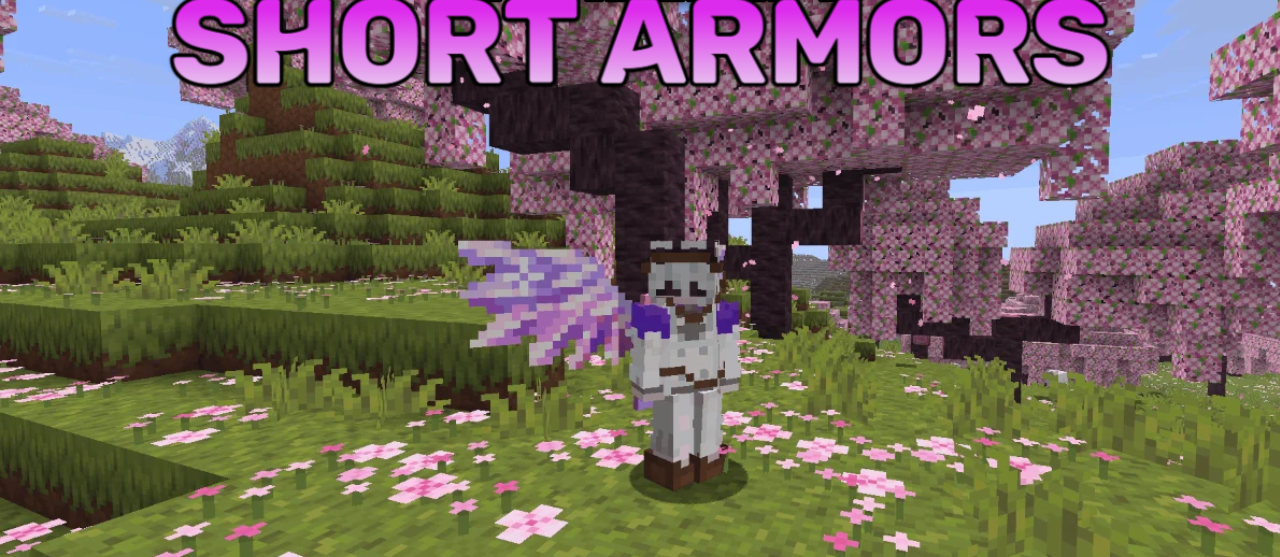
Armor in Minecraft often completely covers the appearance of the character, and this is exactly the problem that Short Armors solves. This resource pack changes the models and textures of armor, making them less bulky. Instead of massive full sets, more compact elements appear that look like neat accessories. Because of this, the player’s skin remains clearly visible even during combat or while exploring the world.
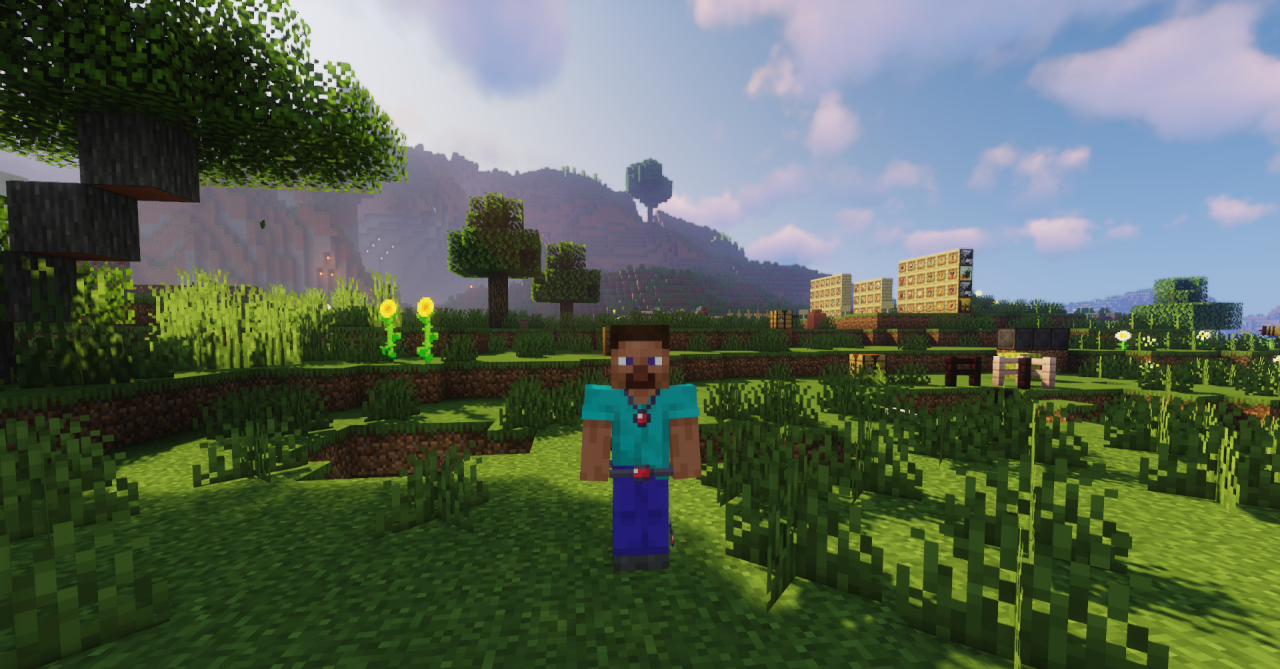
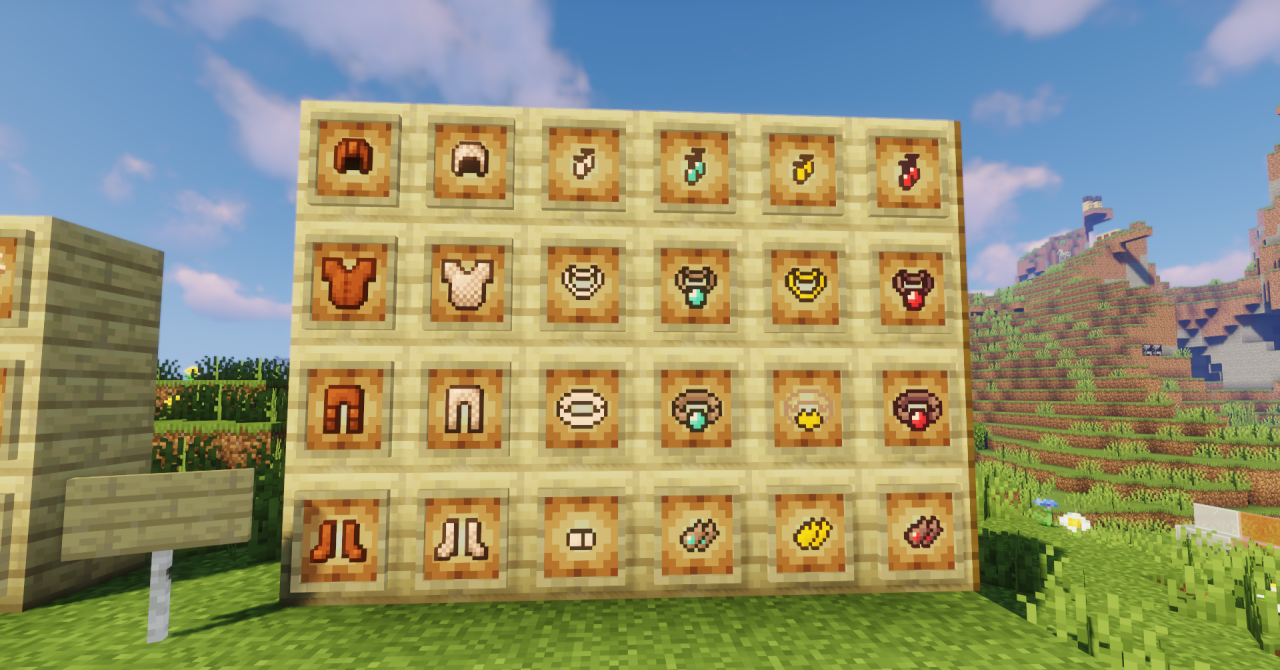
The changes affect all main types of armor — from leather to netherite. Each set keeps its recognizable style but looks lighter and more decorative. This approach will especially appeal to players who want to highlight the individuality of their character.
How to install the texture pack:
First step: download and install Short Armors
Second step: copy the texture pack to the C:\Users\USER_NAME\AppData\Roaming\.minecraft\resourcepacks
Third step: in game settings choose needed resource pack.
Comments (1)