



Shrimp’s Immersive Interfaces for Minecraft 1.21.11
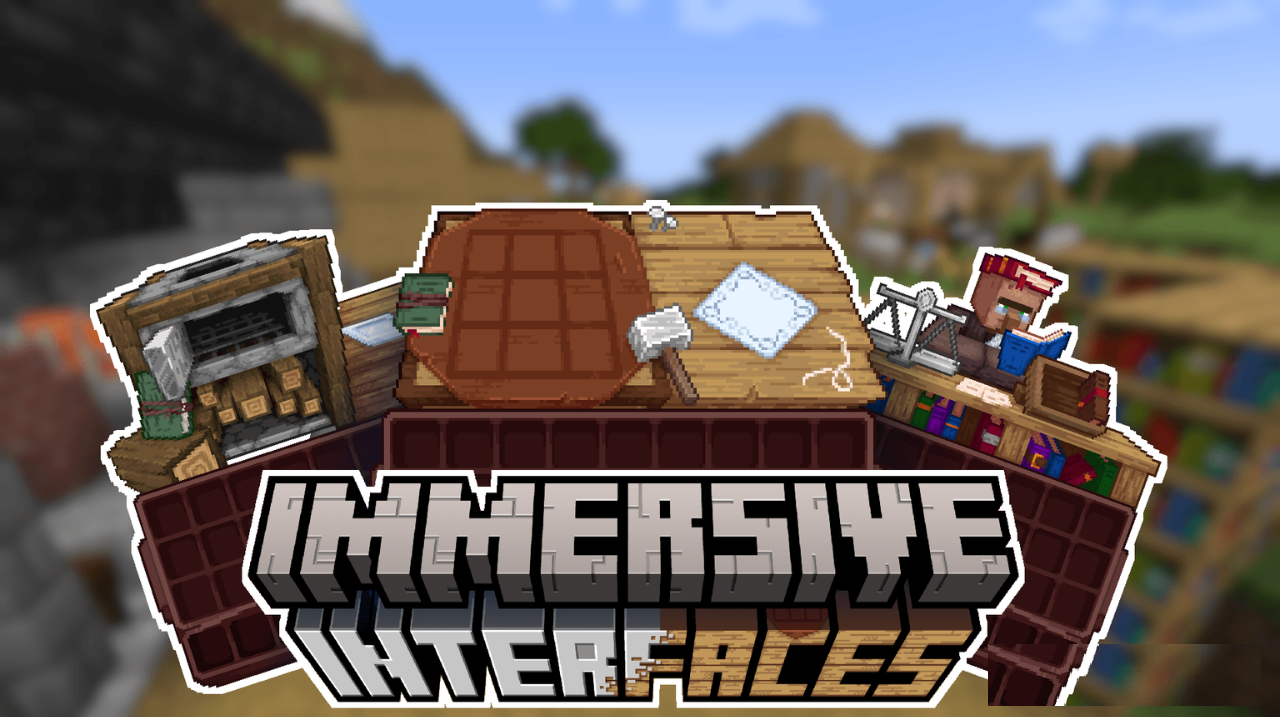
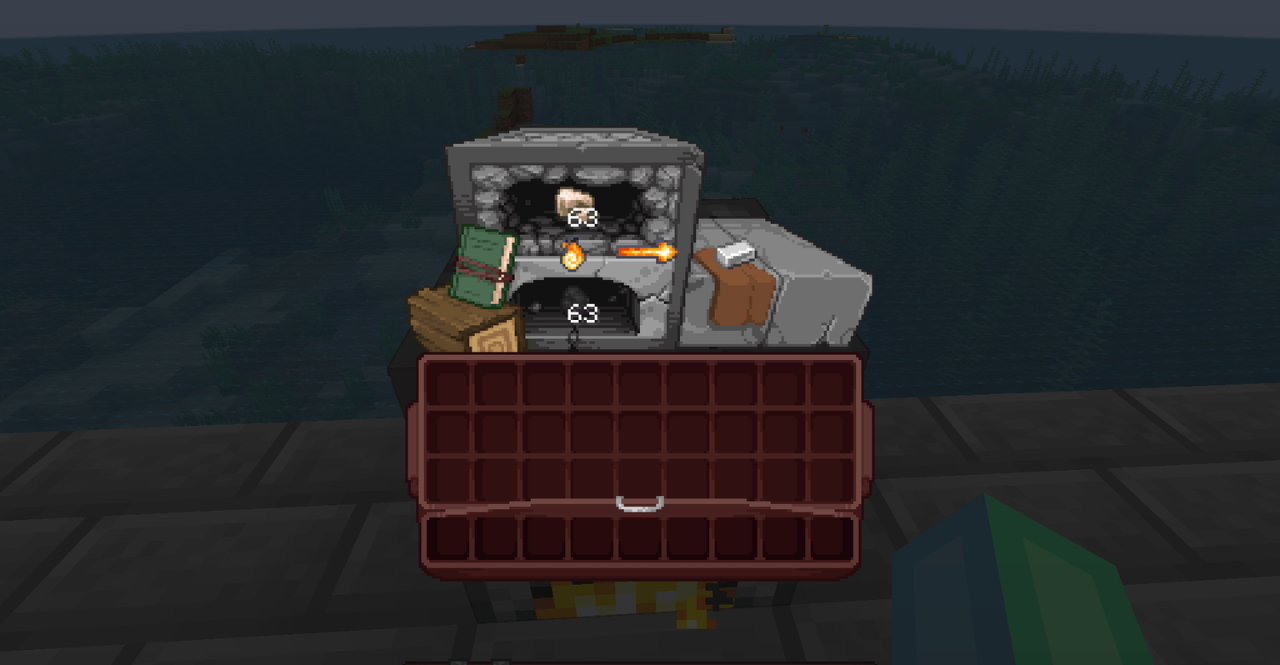
The user interface in Minecraft is rarely perceived as part of the world’s atmosphere — and that is exactly what Shrimp’s Immersive Interfaces changes. This resource pack turns menus, the HUD, and in-game windows into a logical continuation of the surrounding environment. Each interface receives its own stylistic theme that changes depending on the situation: crafting, exploration, combat — everything feels different.
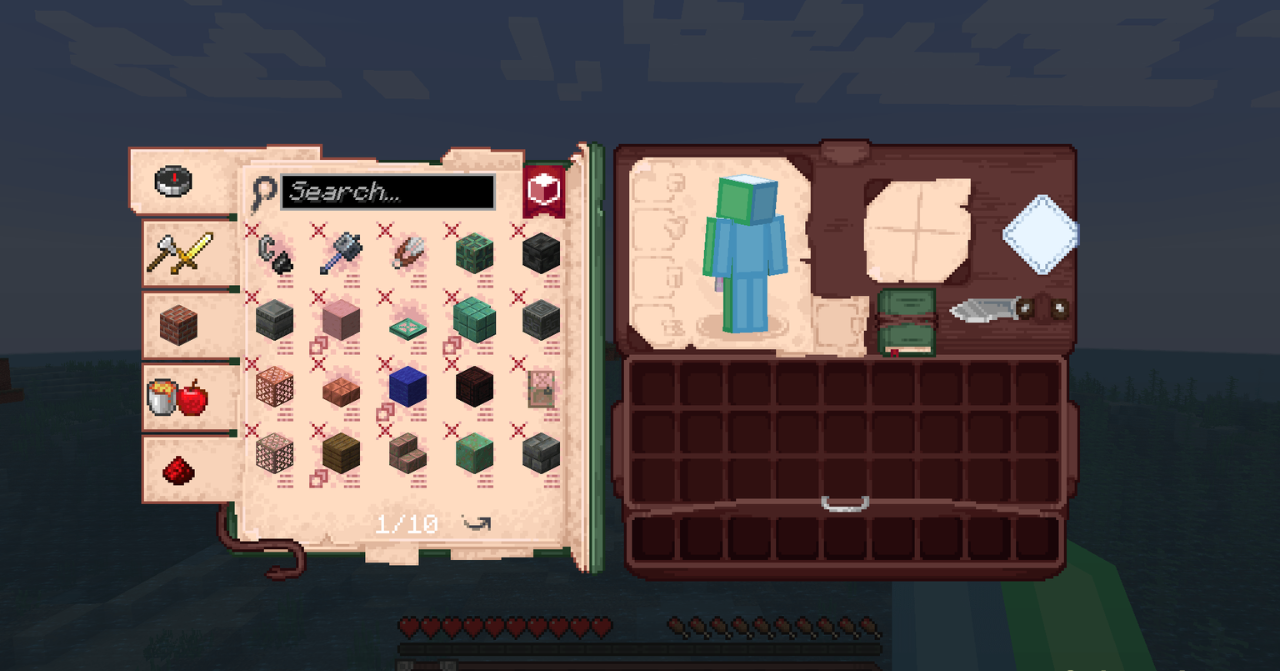
Standard gray elements give way to a more expressive and harmonious design. The interface stops being “a separate layer on top of the game” and becomes part of the gameplay itself.
How to install the texture pack:
First step: download and install Shrimp’s Immersive Interfaces
Second step: copy the texture pack to the C:\Users\USER_NAME\AppData\Roaming\.minecraft\resourcepacks
Third step: in game settings choose needed resource pack.
Comments (1)