



Simple Military for Minecraft 1.21.11
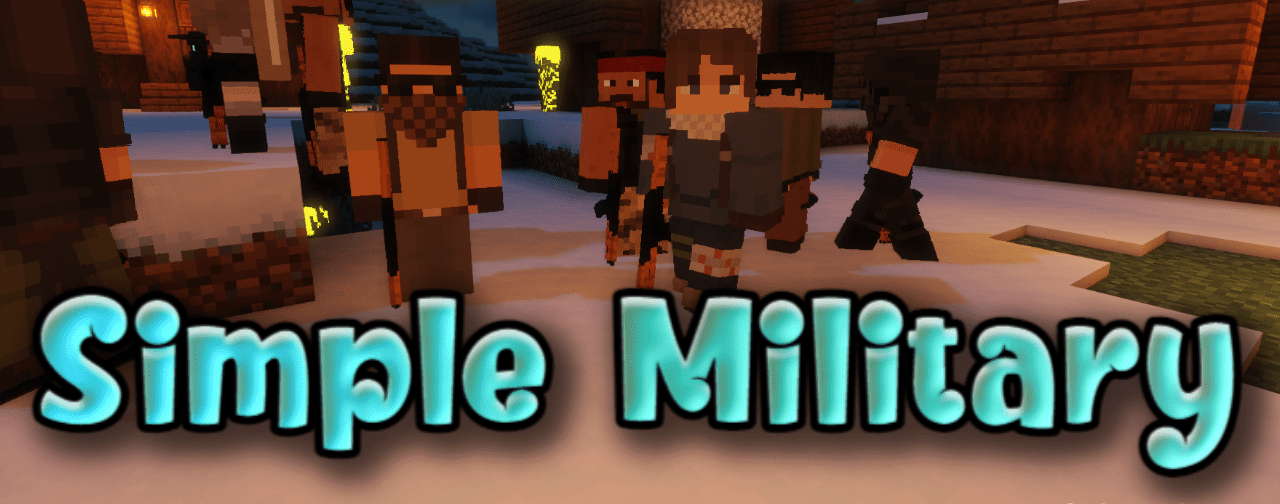
The military style in Simple Military is expressed much more broadly than just replacing individual items. The pack systematically reworks everything related to weapons and combat themes, giving elements a modern army character. Textures become more restrained, with dark, metallic, and camouflage shades dominating the palette. Weapons look functional and practical, without decorative details, which strengthens the sense of realism.
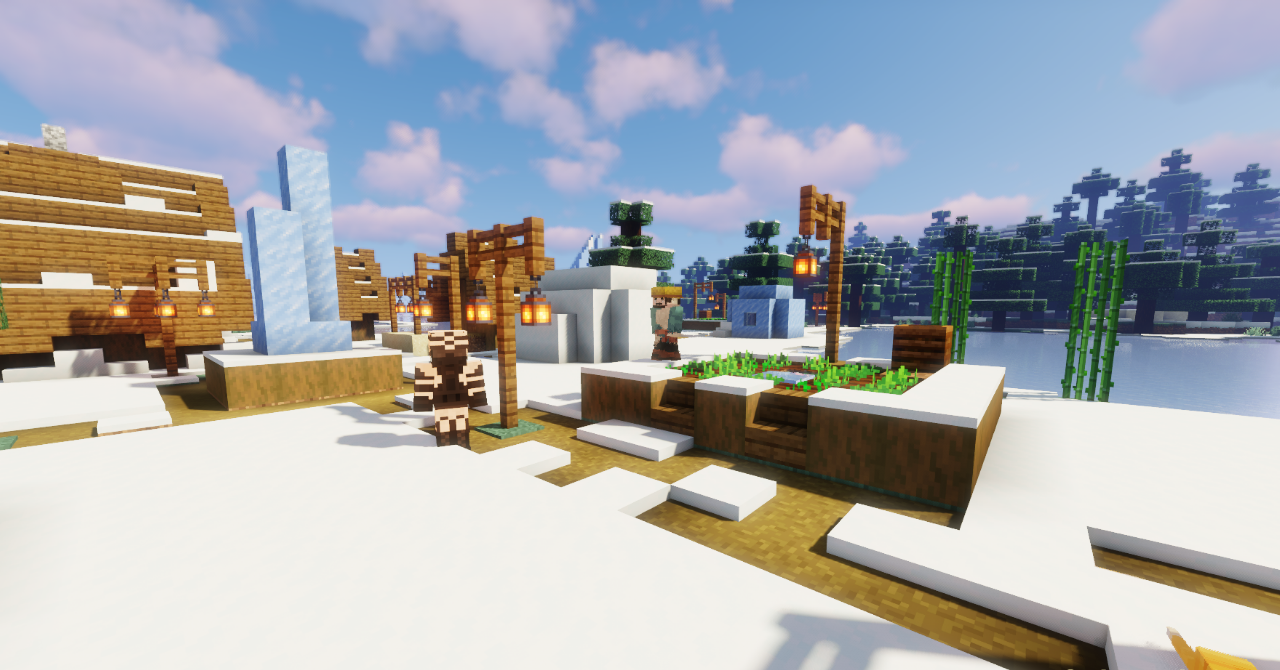
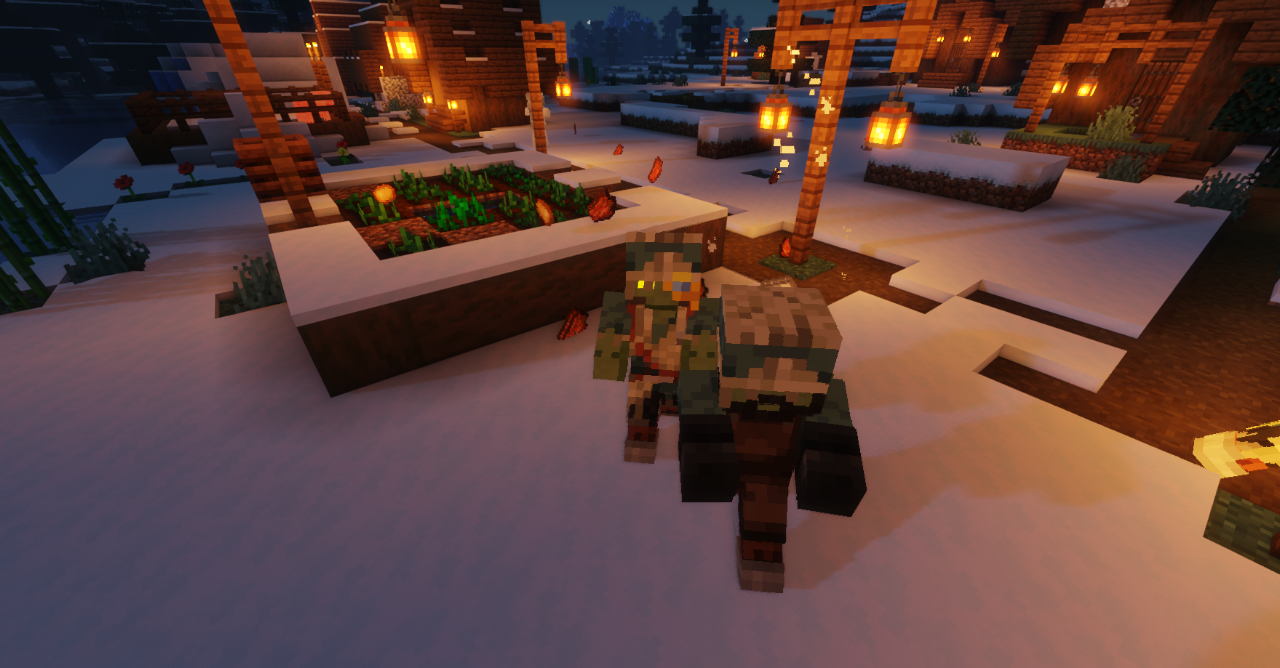
Even related models and equipment elements support the overall concept, creating a cohesive atmosphere of a tactical environment. Visually, the world begins to feel more serious, and combat scenes acquire a clear military tone.
How to install the texture pack:
First step: download and install Simple Military
Second step: copy the texture pack to the C:\Users\USER_NAME\AppData\Roaming\.minecraft\resourcepacks
Third step: in game settings choose needed resource pack.
Comments (0)