



SimpleCraft for Minecraft 1.21.11
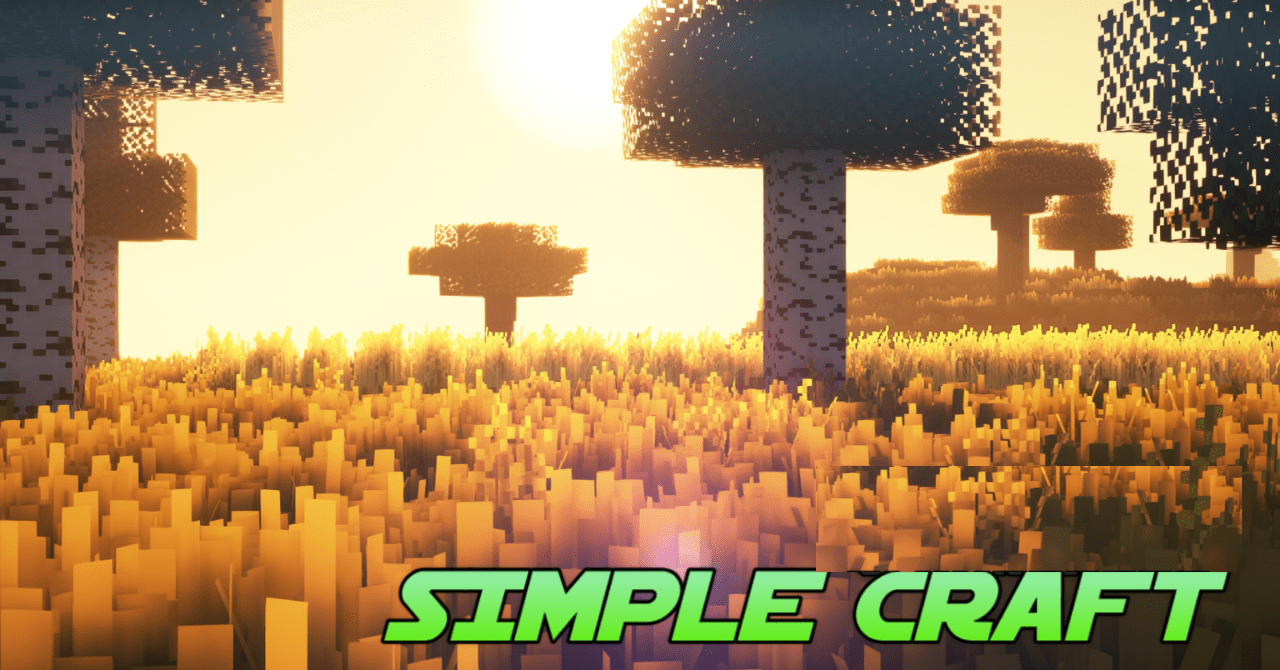
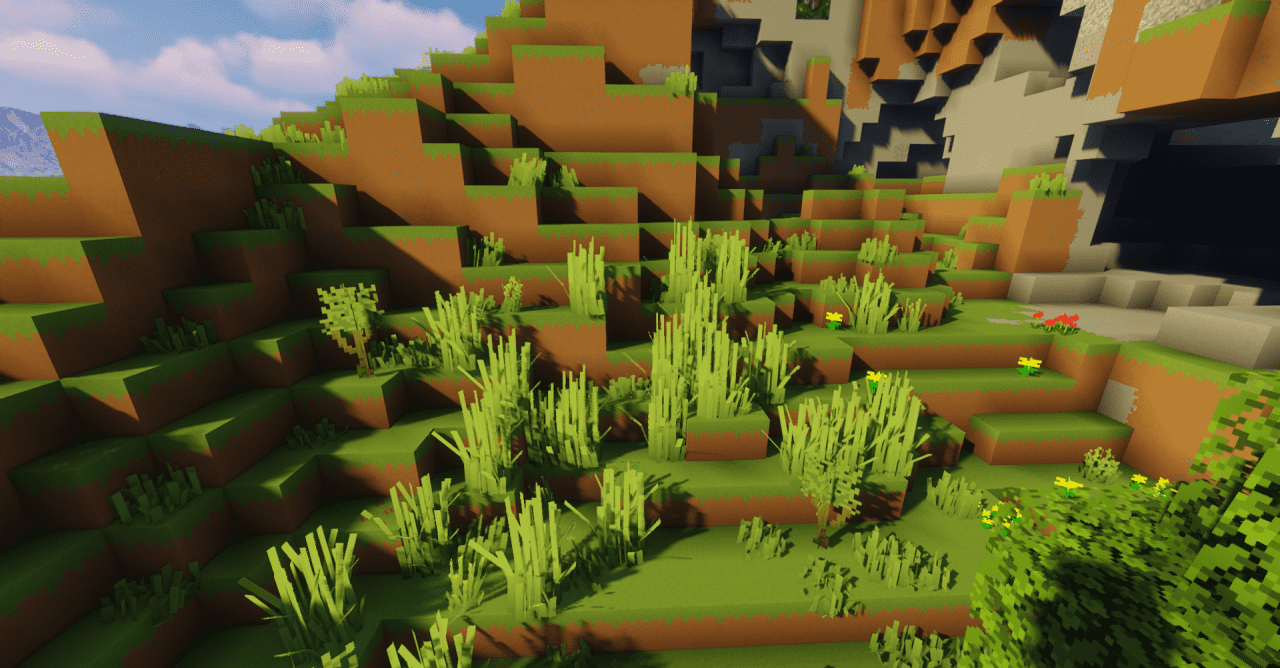
At first glance, the changes in SimpleCraft seem minimal, but that is exactly where its strength lies. The pack rethinks the visual component through simplified forms and a carefully balanced color palette. Textures become cleaner, unnecessary details are removed, which makes blocks look neat and structured. Surfaces are easier to read, and buildings acquire a more composed and tidy appearance.
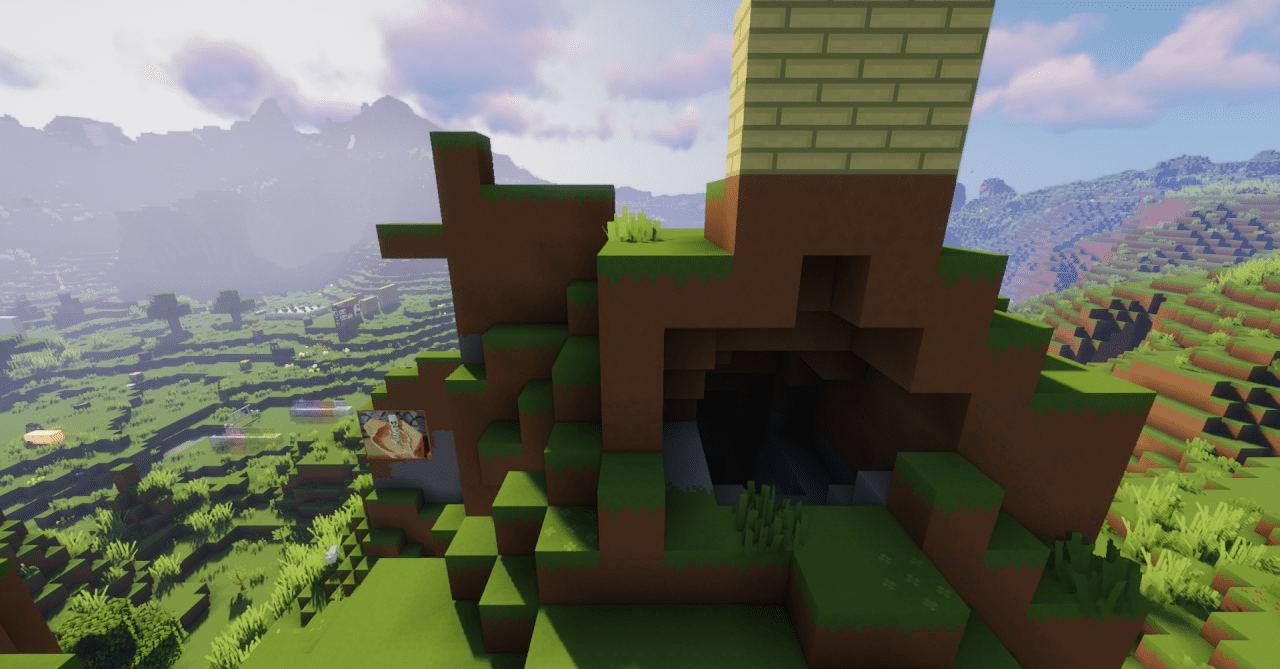
It includes custom models for certain objects, texture animations, and a reworked system for displaying tool durability. The last element stands out in particular: the level of damage feels more visible and fits organically into the overall style.
How to install the texture pack:
First step: download and install SimpleCraft
Second step: copy the texture pack to the C:\Users\USER_NAME\AppData\Roaming\.minecraft\resourcepacks
Third step: in game settings choose needed resource pack.
Comments (0)