



Simplified for Minecraft 1.21.10
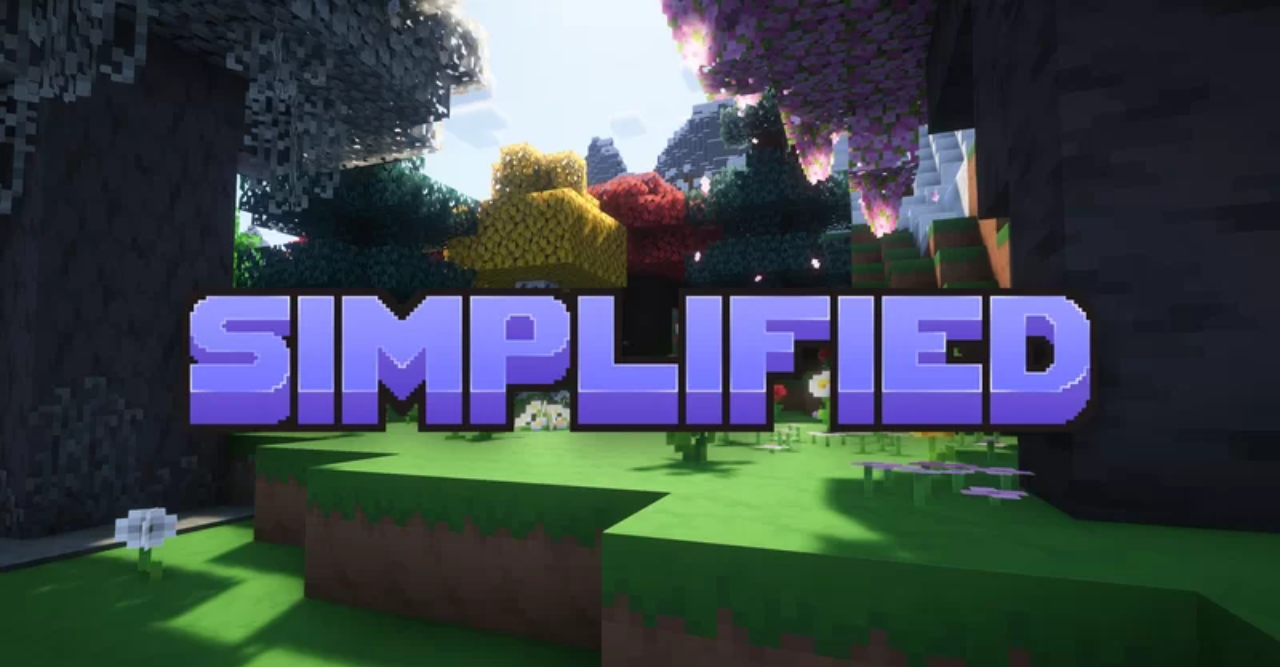
Visual order, clarity, and lightness — that’s what Simplified pack creates. Each texture has become softer and neater while remaining recognizable. Blocks gained sharp, clean shapes, fonts became smoother, and the interface turned calmer. The world seems to have shed visual noise and started to shine with new harmony.
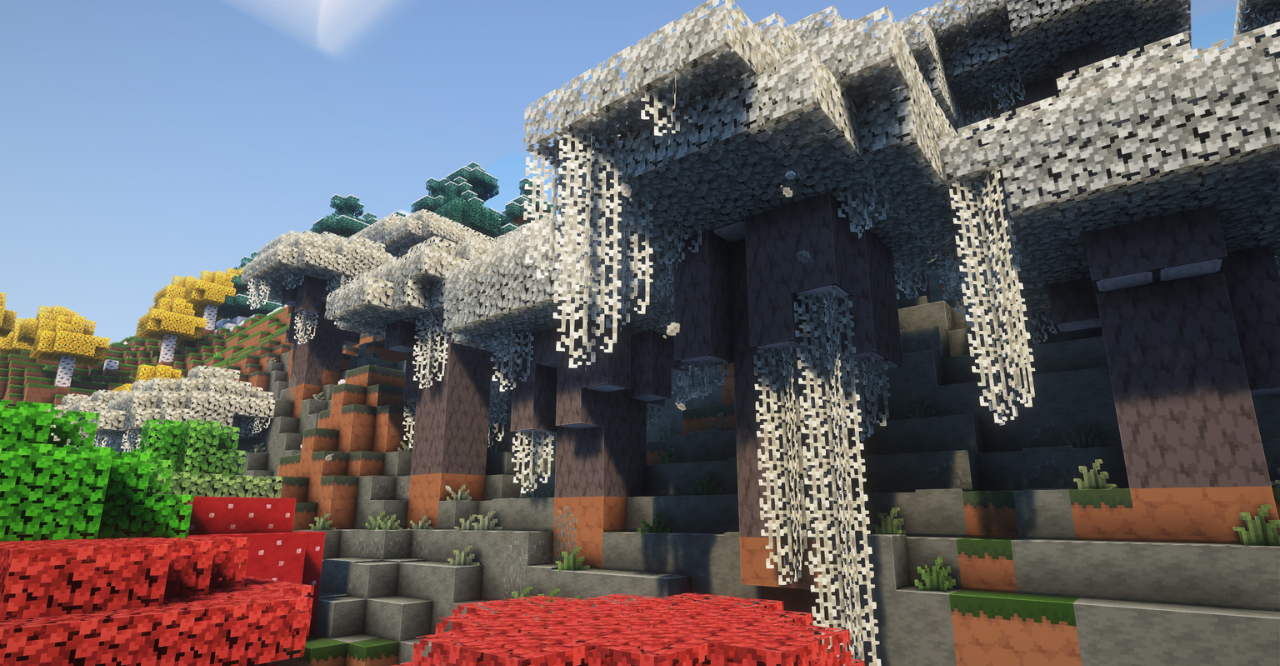
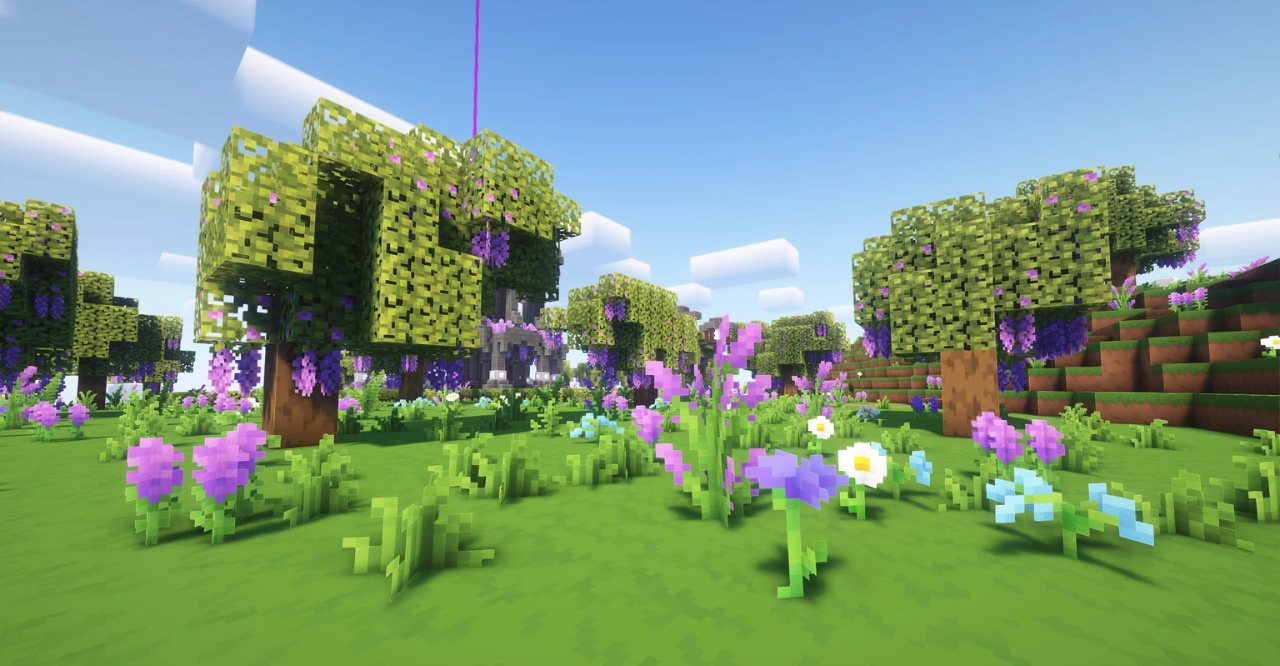
But the pack doesn’t stop at smoothing textures: rotating sunflowers, 3D plants, hanging leaves, and updated ladders make the environment feel natural and easy on the eyes. It’s not just minimalism — it’s the aesthetics of purity, transforming Minecraft into a serene and visually balanced world.
How to install the texture pack:
First step: download and install Simplified
Second step: copy the texture pack to the C:\Users\USER_NAME\AppData\Roaming\.minecraft\resourcepacks
Third step: in game settings choose needed resource pack.
Comments (1)