



Single Pixels for Minecraft 1.21.8
Single Pixels texture pack for Minecraft slightly changes the standard approach to design in the game, offering to replace the standard textures and display them in the form of a single colored pixel. These changes are visible when you come close to the block.
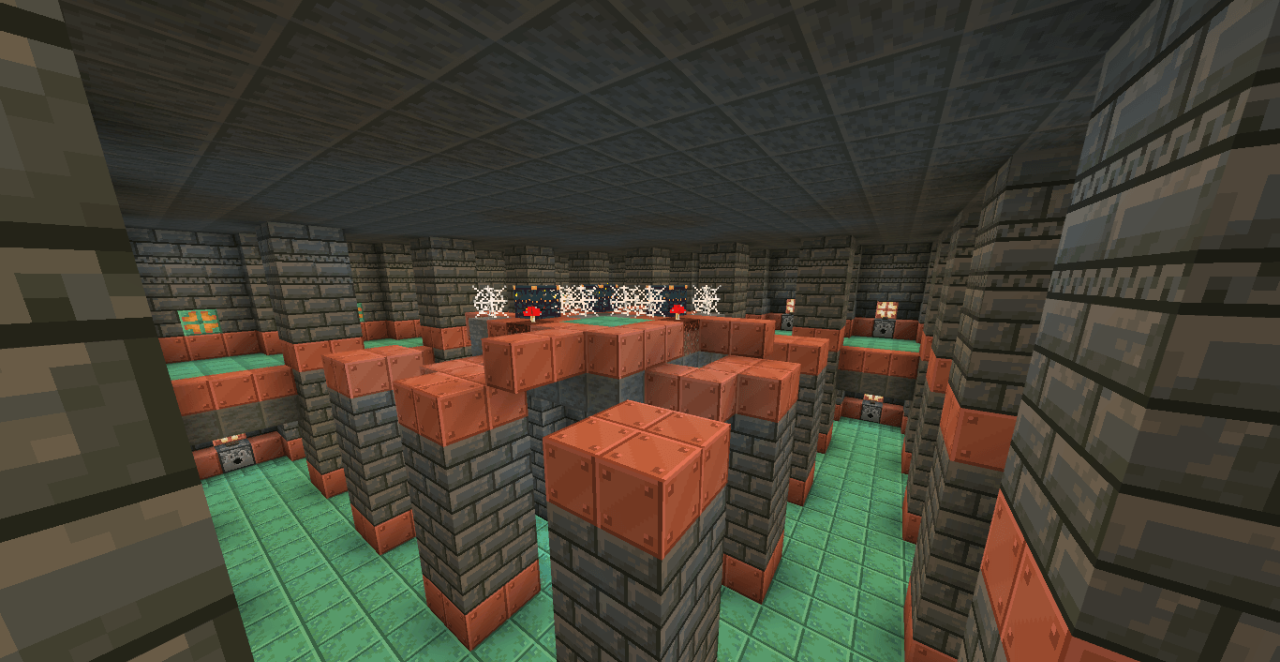
Such a design will allow you to create some special style in the game, try retro aesthetics, and such effects also allow you to optimize the game world as a whole. And if players have a weak computer, then such changes will significantly increase the overall FPS and give a boost to performance. An interesting and unusual set of textures for the game that can be tested.
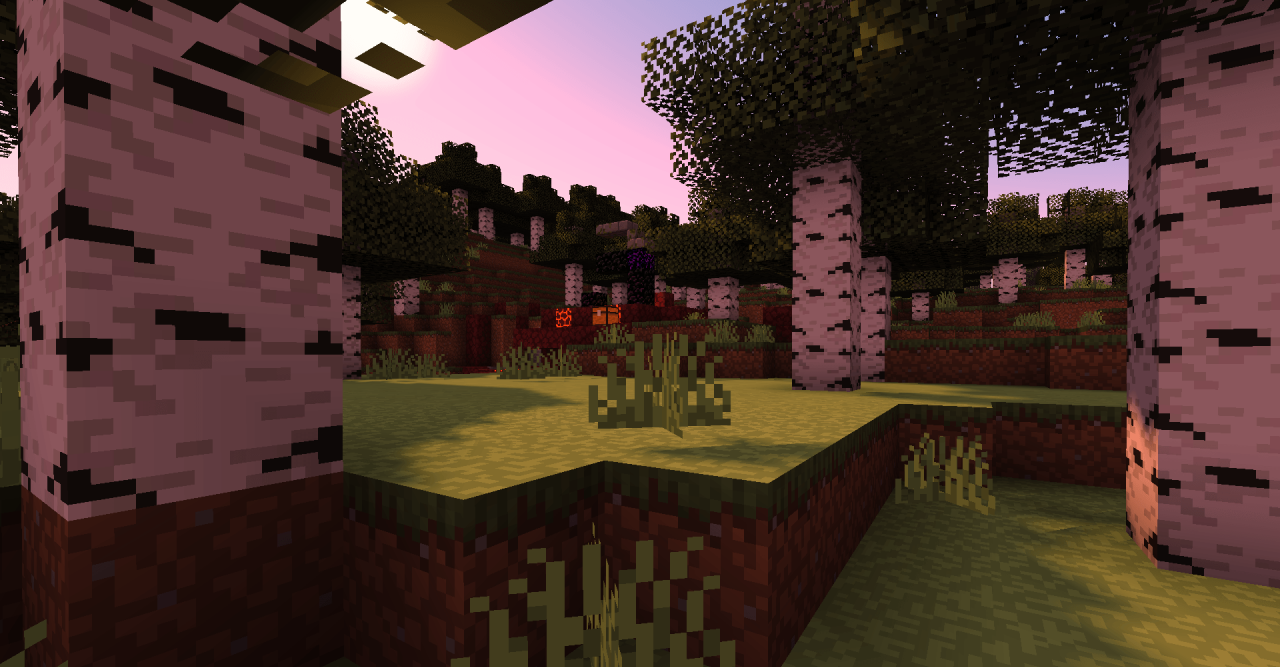
How to install the texture pack:
First step: download and install Single Pixels
Second step: copy the texture pack to the C:\Users\USER_NAME\AppData\Roaming\.minecraft\resourcepacks
Third step: in game settings choose needed resource pack.
Comments (0)