



Smoube for Minecraft 1.21.11
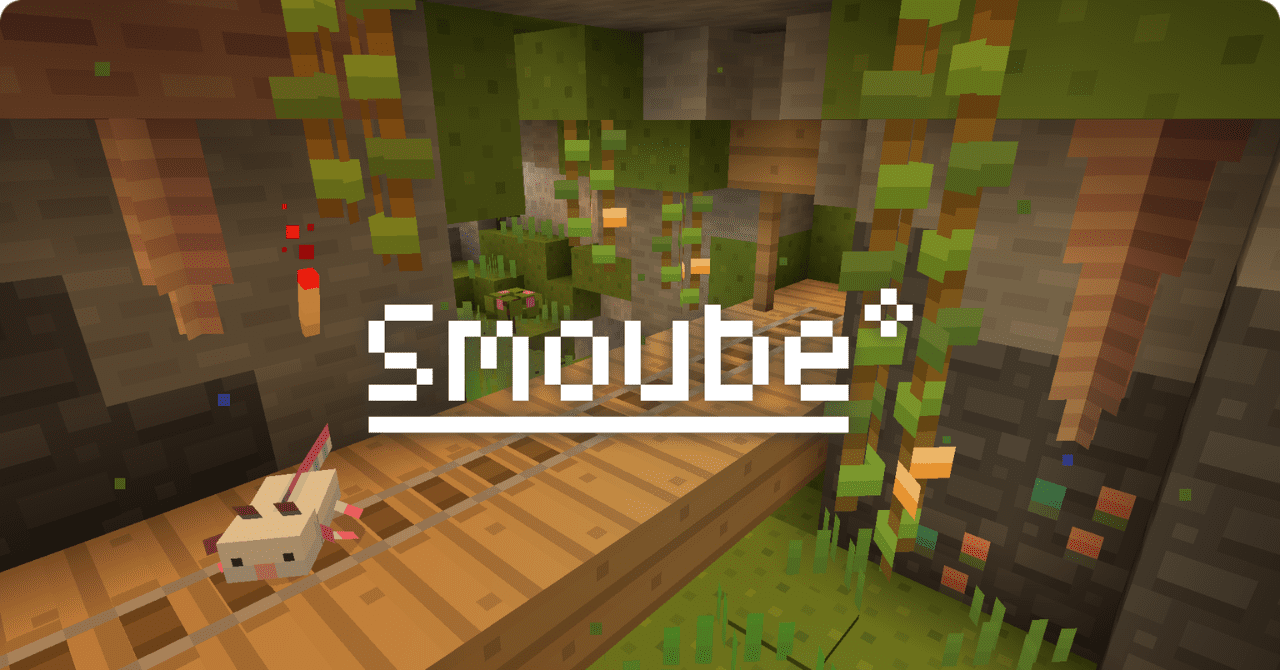
The visual transformation of the world in Smoube is built on color richness and a soft artistic presentation. This resource pack makes the environment brighter and more expressive, enhancing contrast and adding depth to familiar textures. Blocks look smoother, shades become richer, and color transitions are softer and more pleasant to the eye. Because of this, the world begins to resemble an illustration from a colorful book.
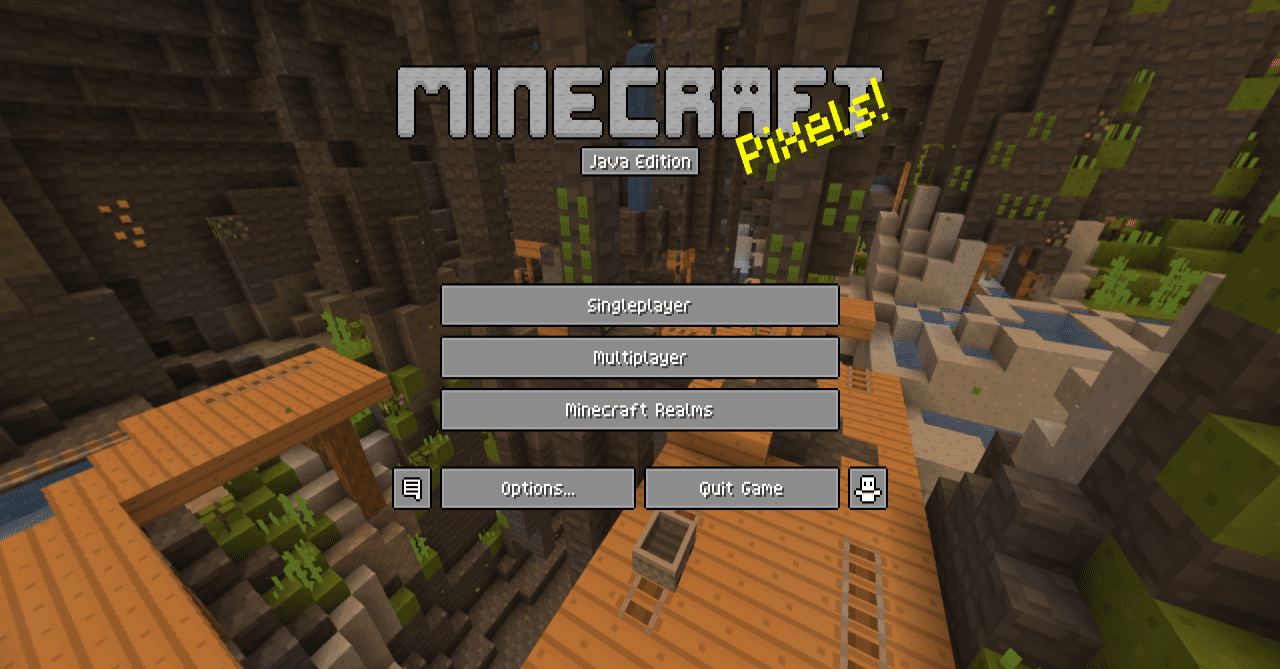
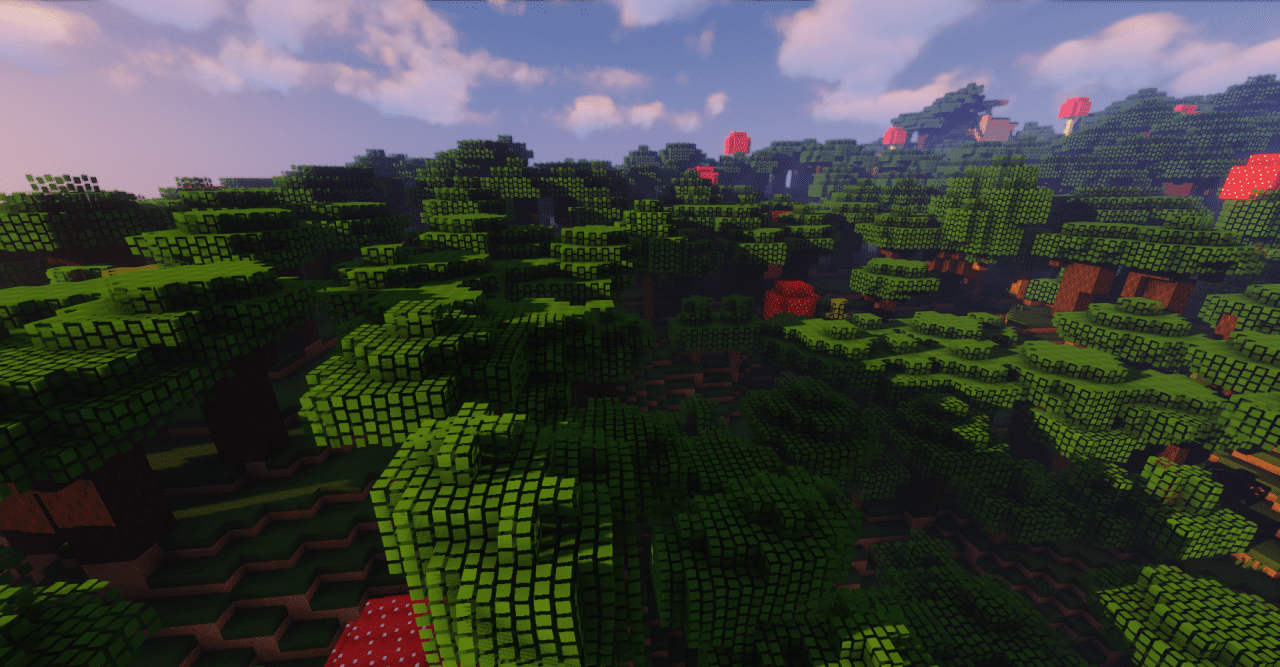
The updated textures create a sense of fairy-tale atmosphere without overloading the scene with details. Each element of the environment supports the overall concept of a bright, almost cartoon-like design. The pack does not change the game mechanics but significantly influences the atmosphere.
How to install the texture pack:
First step: download and install Smoube
Second step: copy the texture pack to the C:\Users\USER_NAME\AppData\Roaming\.minecraft\resourcepacks
Third step: in game settings choose needed resource pack.
Comments (0)