



Snowy Rework for Minecraft 1.21.11
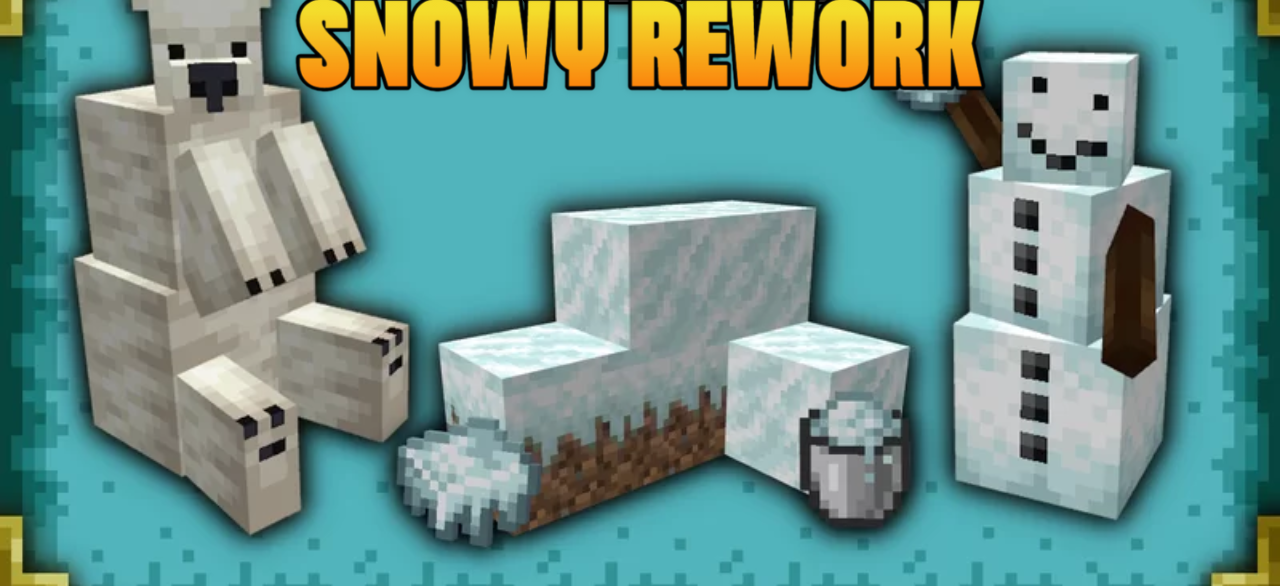
Cold biomes can look especially beautiful when their textures are slightly updated. Snowy Rework focuses specifically on the snowy atmosphere of the game. The pack reworks the appearance of regular snow and powder snow, making them more contrasted and clearer. Because of this, snowy surfaces become more noticeable and look neater. The appearance of the snow golem is also updated — its textures become more detailed, and its arms receive a redesigned look.
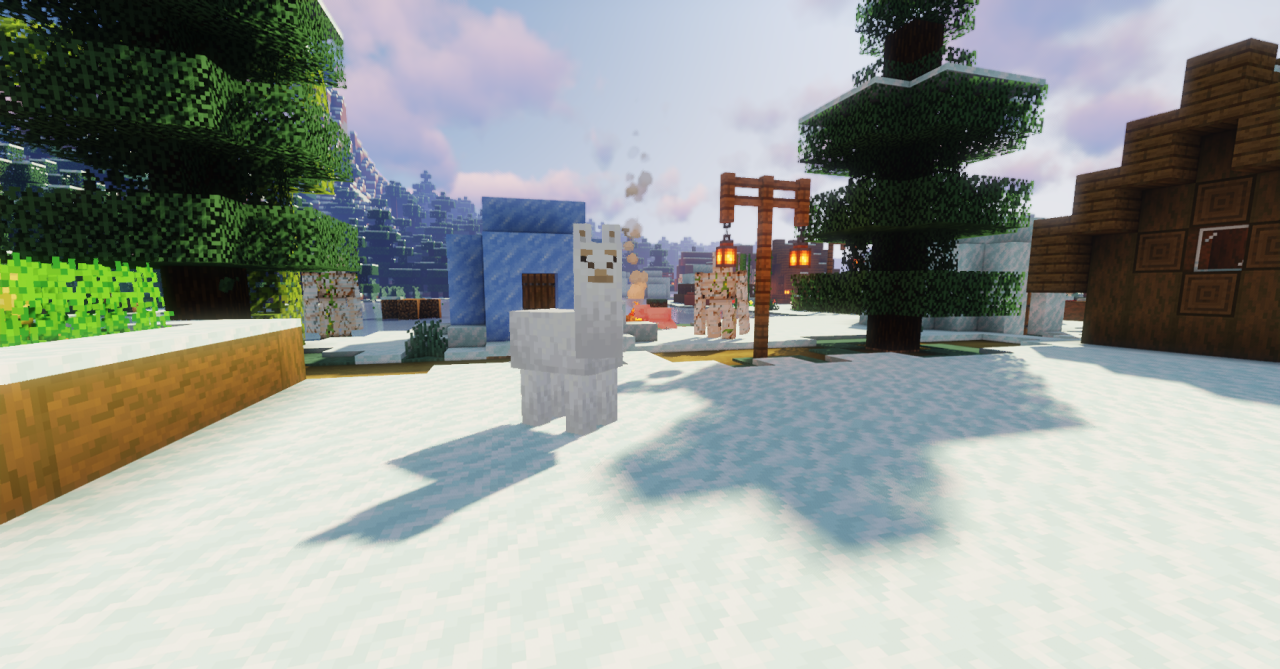
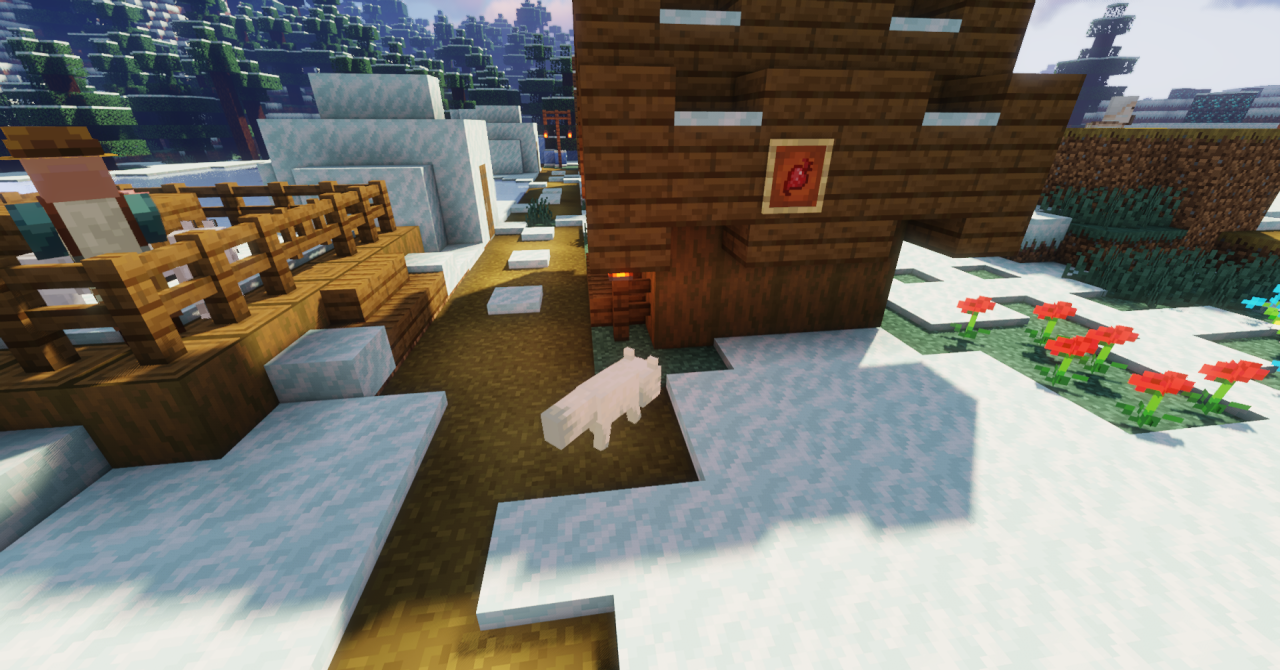
As a result, snowy regions look a little brighter and more atmospheric. The pack does not change the game mechanics, but it makes cold biomes visually more interesting and gives them a fresher and cleaner style.
How to install the texture pack:
First step: download and install Snowy Rework
Second step: copy the texture pack to the C:\Users\USER_NAME\AppData\Roaming\.minecraft\resourcepacks
Third step: in game settings choose needed resource pack.
Comments (0)