



Soft Bits for Minecraft 1.21.10
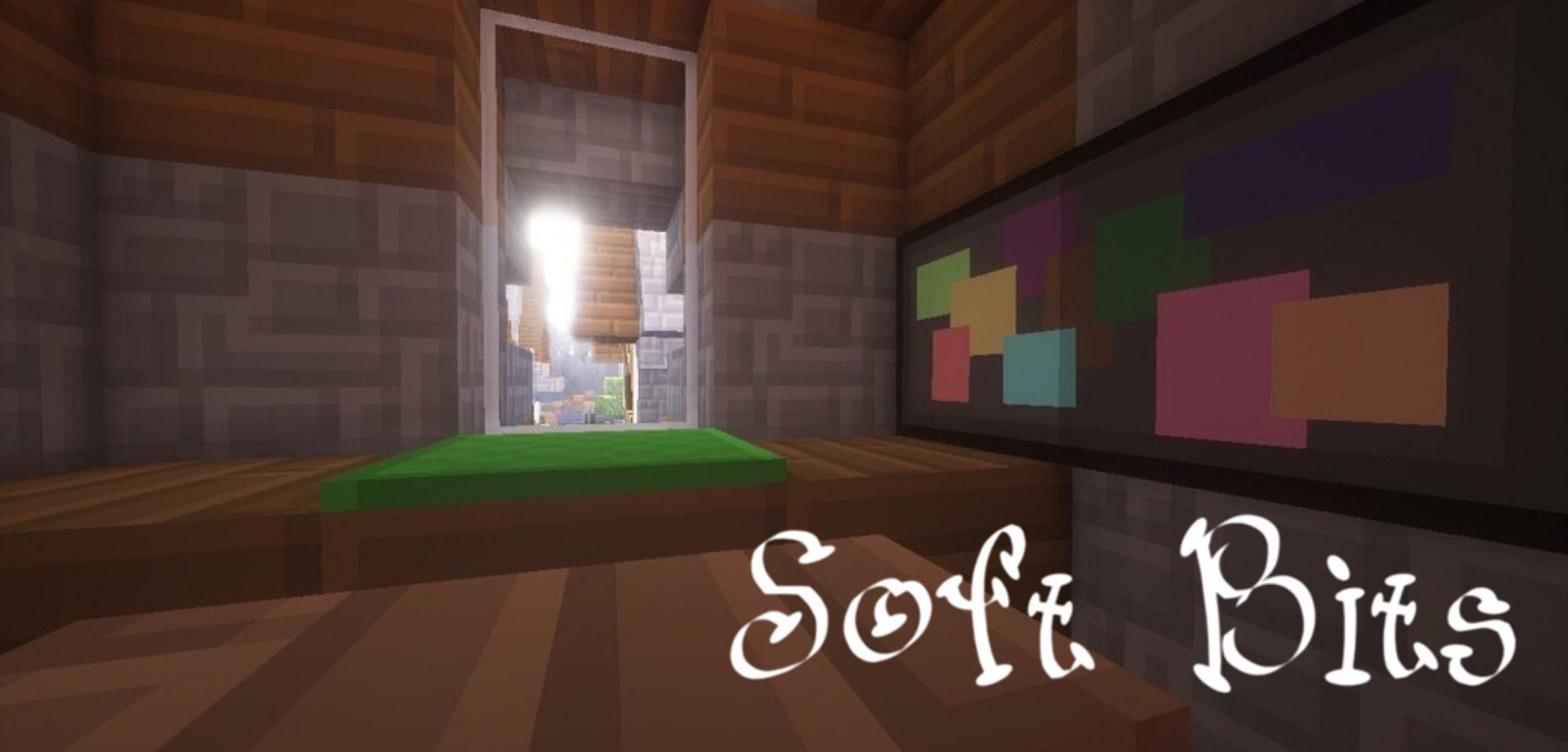
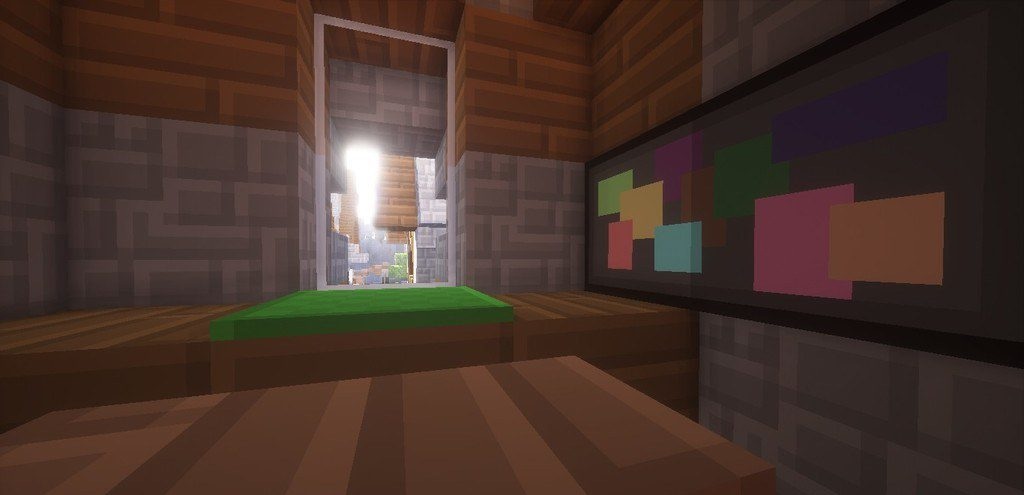
The visual style of Minecraft with Soft Bits resource pack takes on an unexpectedly soft and almost “rubbery” character. The textures here are intentionally simplified to create an even, smooth picture without excessive sharpness. At the same time, the recognizability of blocks and items is fully preserved: the colors are clear, the outlines are clean, and interacting with the environment is still convenient.

The add-on creates a sense of calm — as if the world has become more friendly and orderly. Materials look neat, and the overall palette makes the game less straining on the eyes. This style is suitable for those who want a light, relaxed visual experience, but at the same time do not wish to stray too far from the familiar vanilla format.
How to install the texture pack:
First step: download and install Soft Bits
Second step: copy the texture pack to the C:\Users\USER_NAME\AppData\Roaming\.minecraft\resourcepacks
Third step: in game settings choose needed resource pack.
Comments (0)