



Spook’s Tweaks for Minecraft 1.21.10

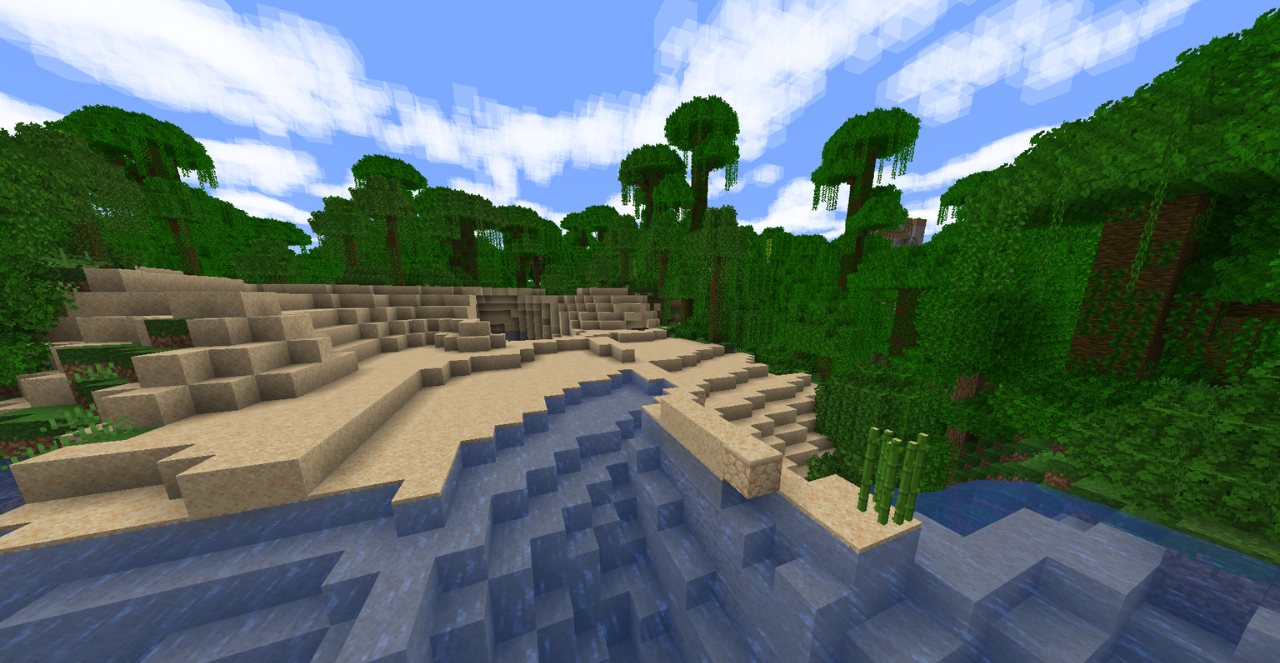
In the world of Minecraft, there is sometimes just a slight lack of expressiveness for familiar landscapes to feel fresh again. Spook’s Tweaks provides exactly this kind of subtle refinement, enhancing the visual atmosphere without drastic changes. Foliage gains a softer and richer texture, biomes receive a pleasant depth of color, and surrounding blocks look cleaner and more polished, as if the game had undergone a light cosmetic upgrade.
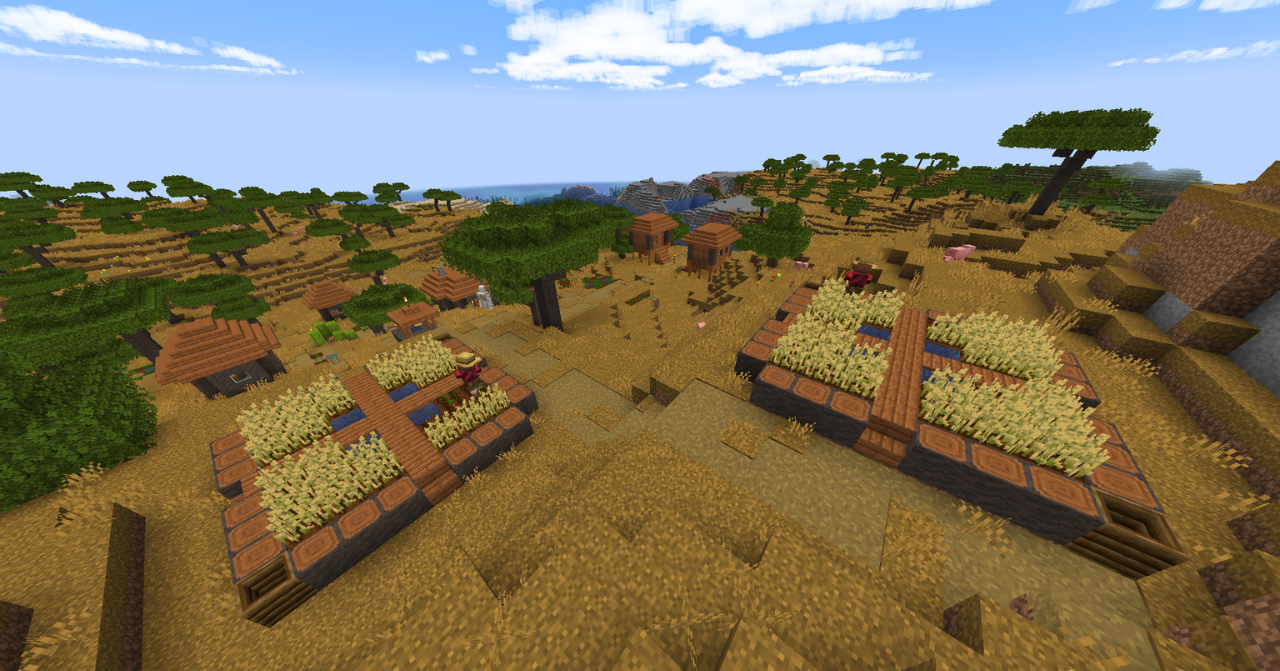
As a result, the world becomes more comfortable for long journeys and building. Despite being noticeable, the improvements remain delicate, preserving the feeling of a vanilla game.
How to install the texture pack:
First step: download and install Spook’s Tweaks
Second step: copy the texture pack to the C:\Users\USER_NAME\AppData\Roaming\.minecraft\resourcepacks
Third step: in game settings choose needed resource pack.
Comments (0)