



Stylized Potions for Minecraft 1.21.11
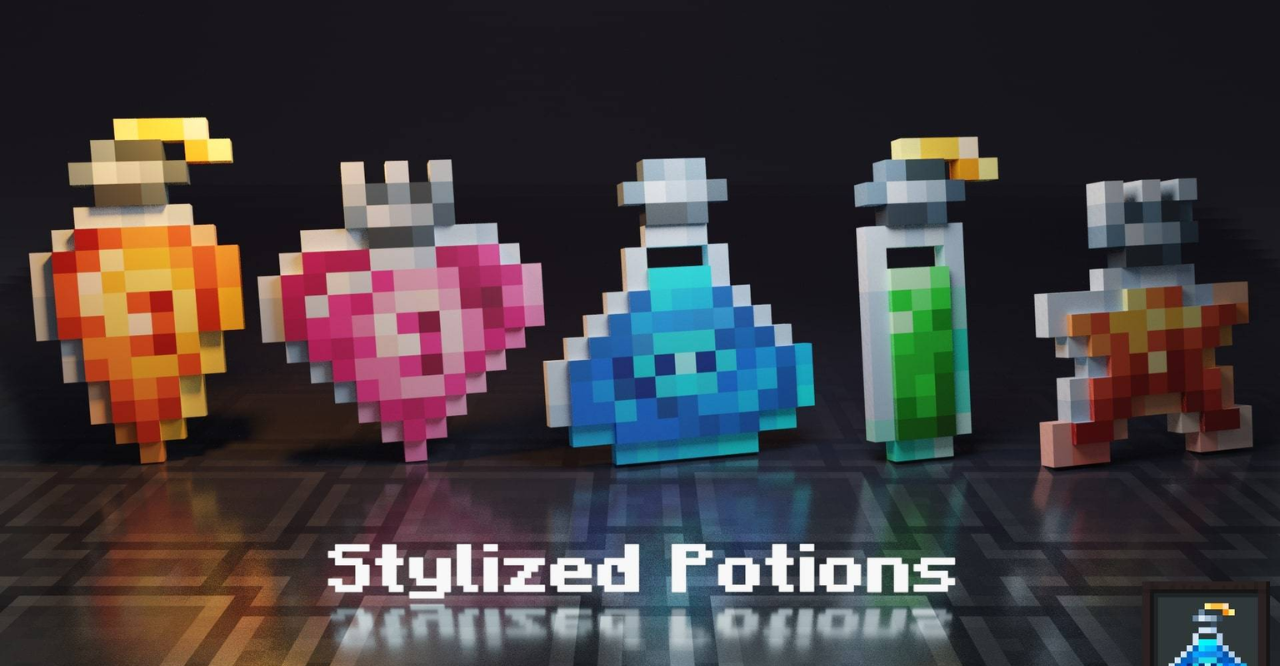
The visual design of potions plays a major role in inventory readability, and Stylized Potions places a clear emphasis on this. Bottles receive a neater shape, richer colors, and a stylized design that immediately distinguishes different potion types. Items look cleaner and more modern while remaining easily recognizable.
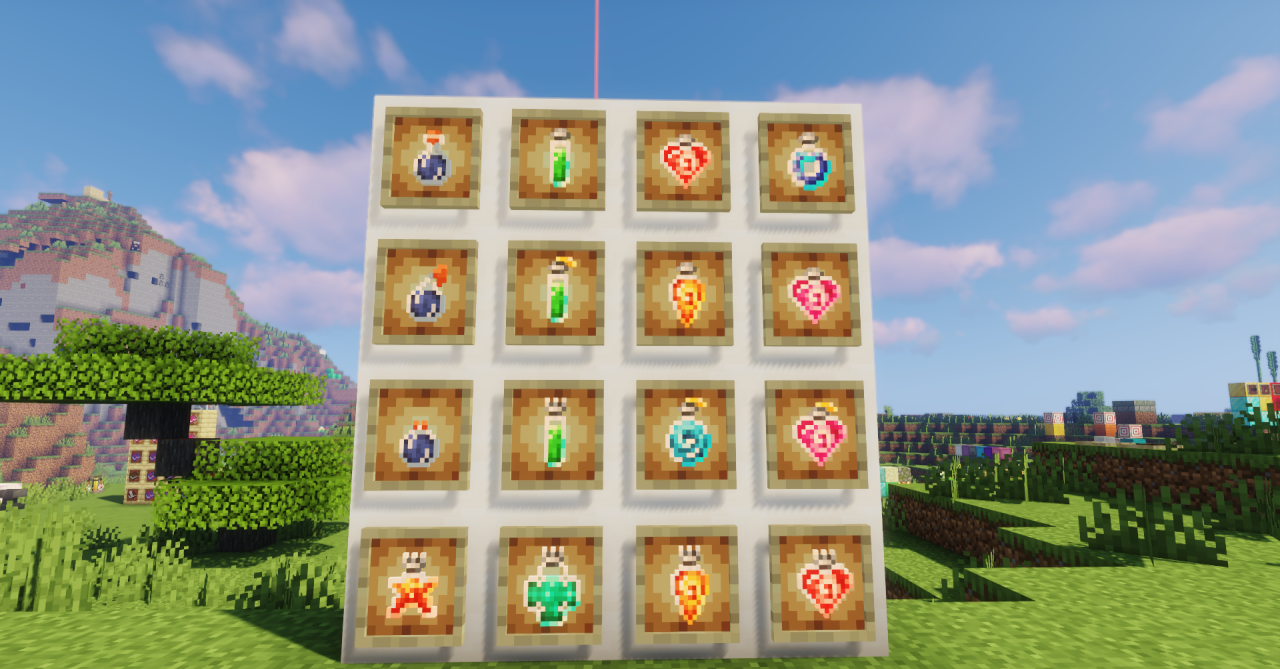
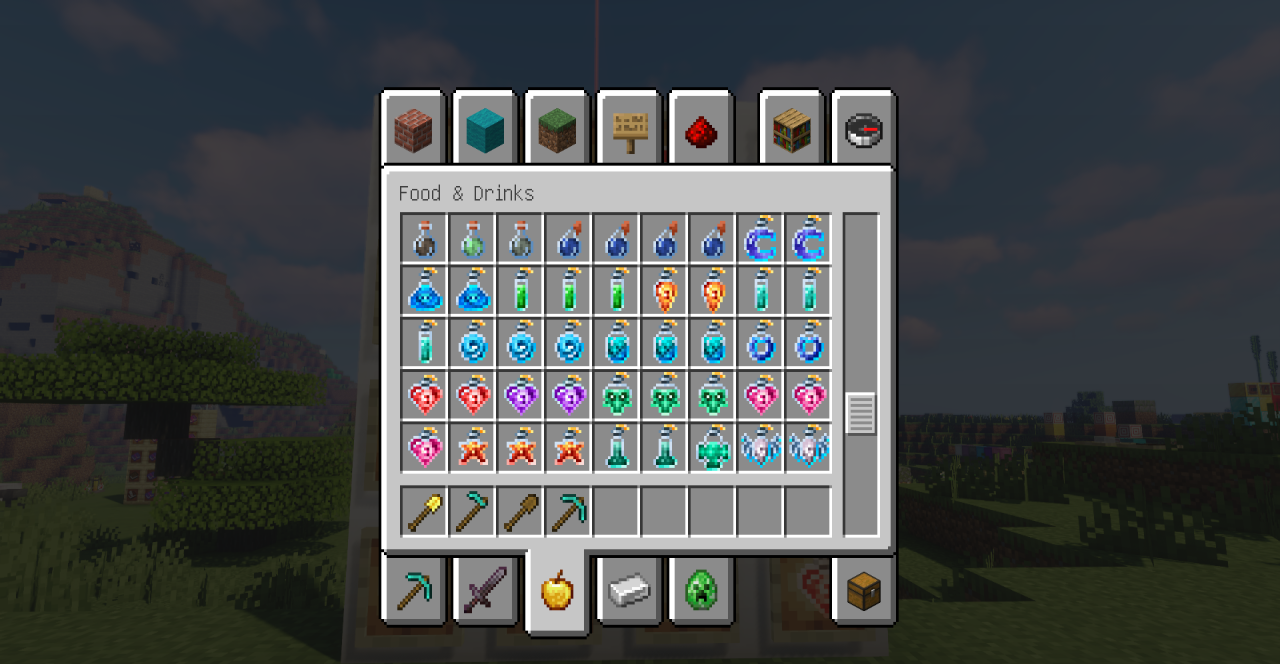
This update makes the hotbar and inventory feel more visually organized, reducing confusion during active potion use. The pack does not aim for excessive detail but neatly emphasizes functionality through visual style.
How to install the texture pack:
First step: download and install Stylized Potions
Second step: copy the texture pack to the C:\Users\USER_NAME\AppData\Roaming\.minecraft\resourcepacks
Third step: in game settings choose needed resource pack.
Comments (0)