



Unique Dark for Minecraft 1.21.8
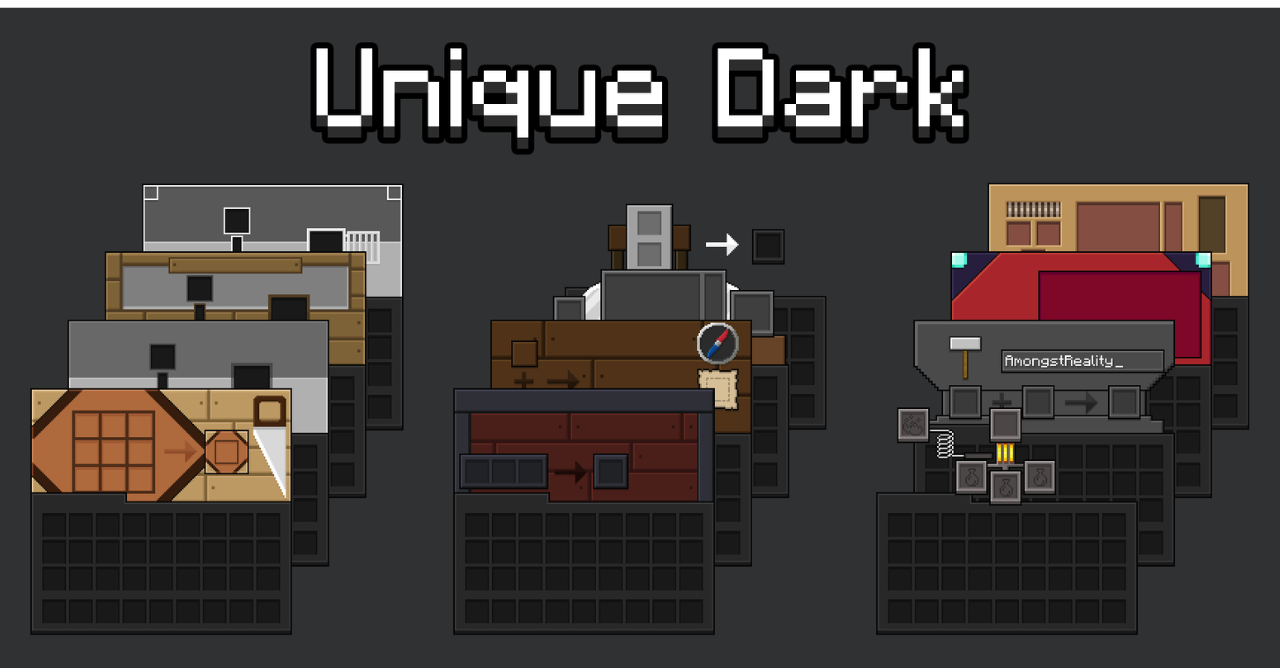
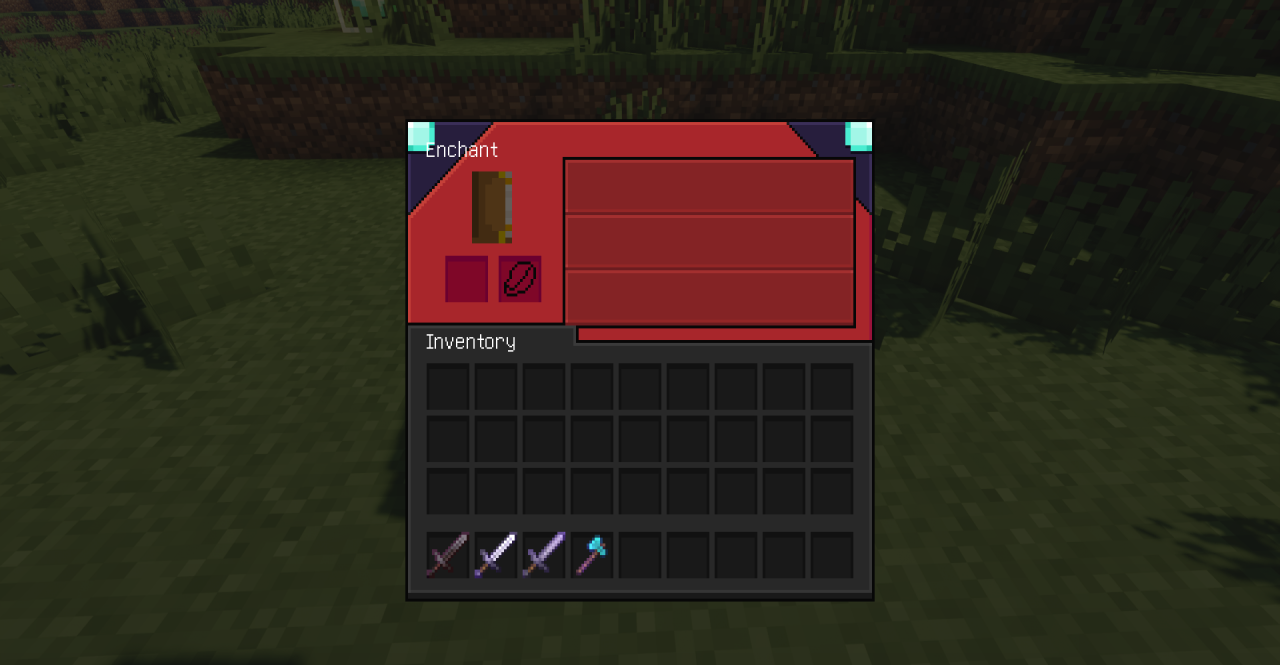
Unique Dark completely updates the visual style of interfaces, replacing the standard light panels with deep dark shades. The screens of inventory, crafting table, chests, furnaces, enchanting table, anvil, shulker boxes, recipe book, hotbar, and buttons are reworked. Thanks to this pack, menus look neater and more modern, and eyes get less tired during long play, especially in low lighting conditions or at night.

Such a design is convenient for streamers and players who spend a lot of time crafting and working with interfaces, while valuing strict minimalism and visual balance.
How to install the texture pack:
First step: download and install Unique Dark
Second step: copy the texture pack to the C:\Users\USER_NAME\AppData\Roaming\.minecraft\resourcepacks
Third step: in game settings choose needed resource pack.
Comments (0)