



Unity: Dark Mode for Minecraft 1.21.11
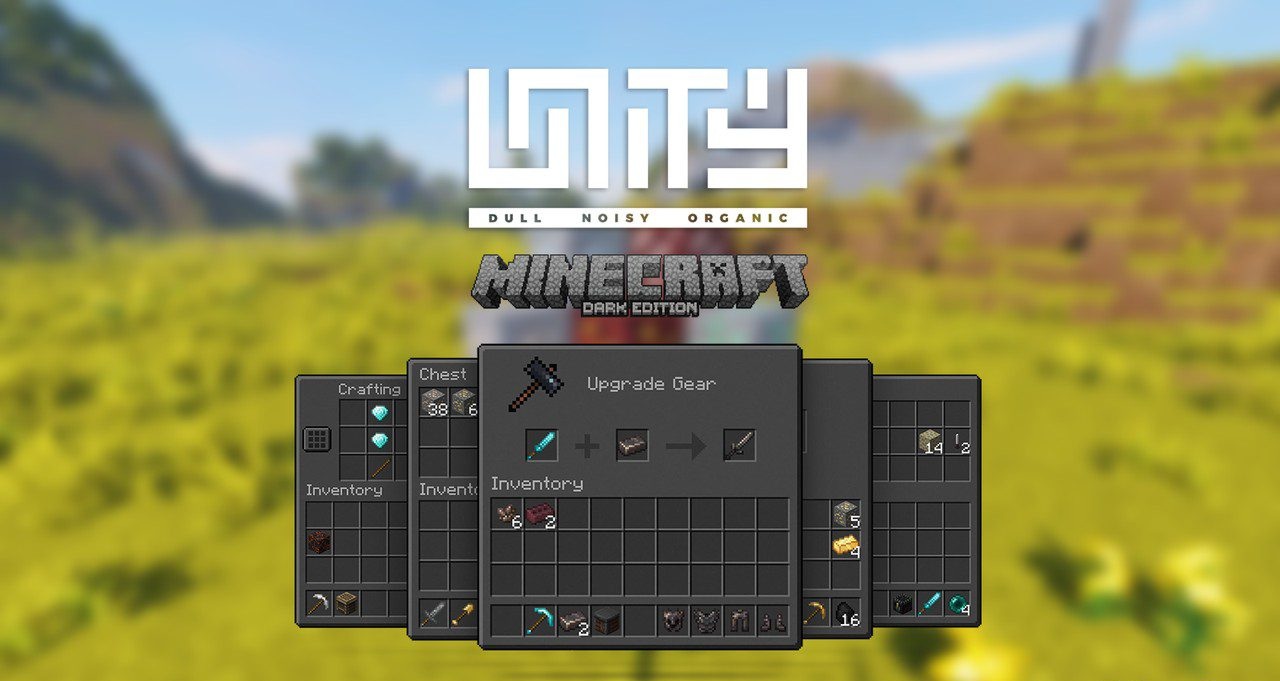
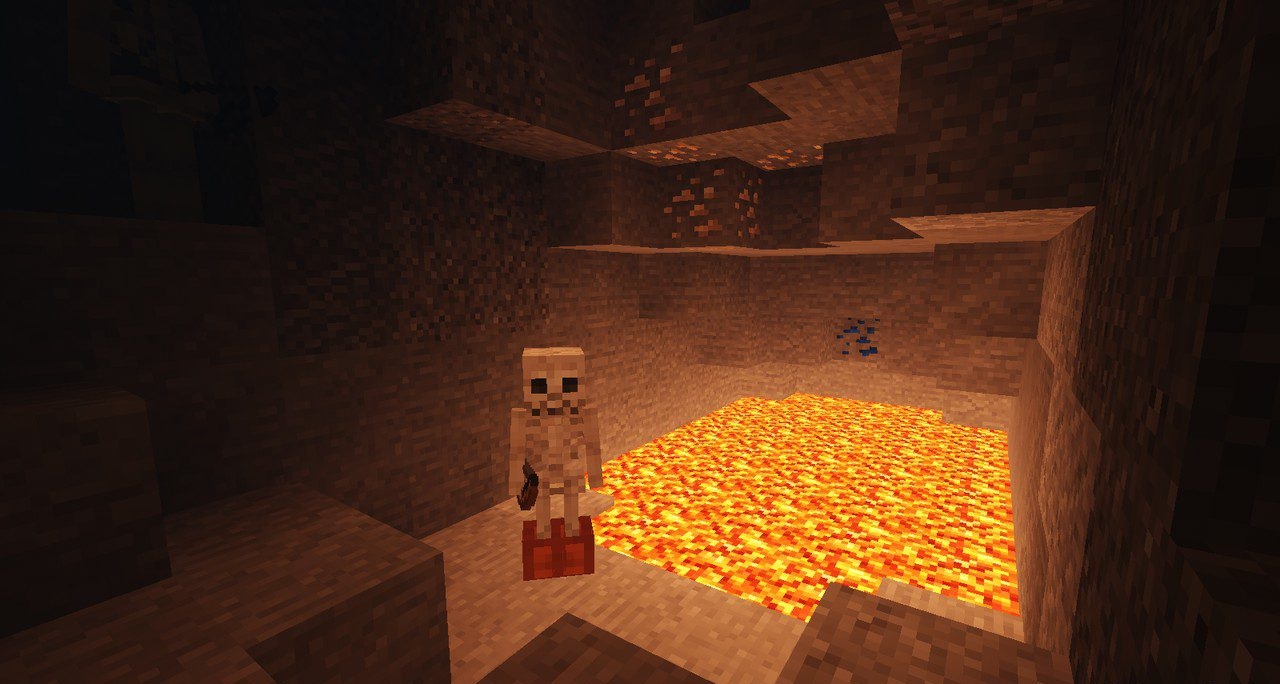
Some resource packs radically change the appearance of the game. But Unity: Dark Mode takes a different path. Its task is to carefully improve the game’s familiar style. The textures keep their recognizable look, but become slightly softer in color and gain a little depth. As a result, the world looks more natural, but still remains recognizable.
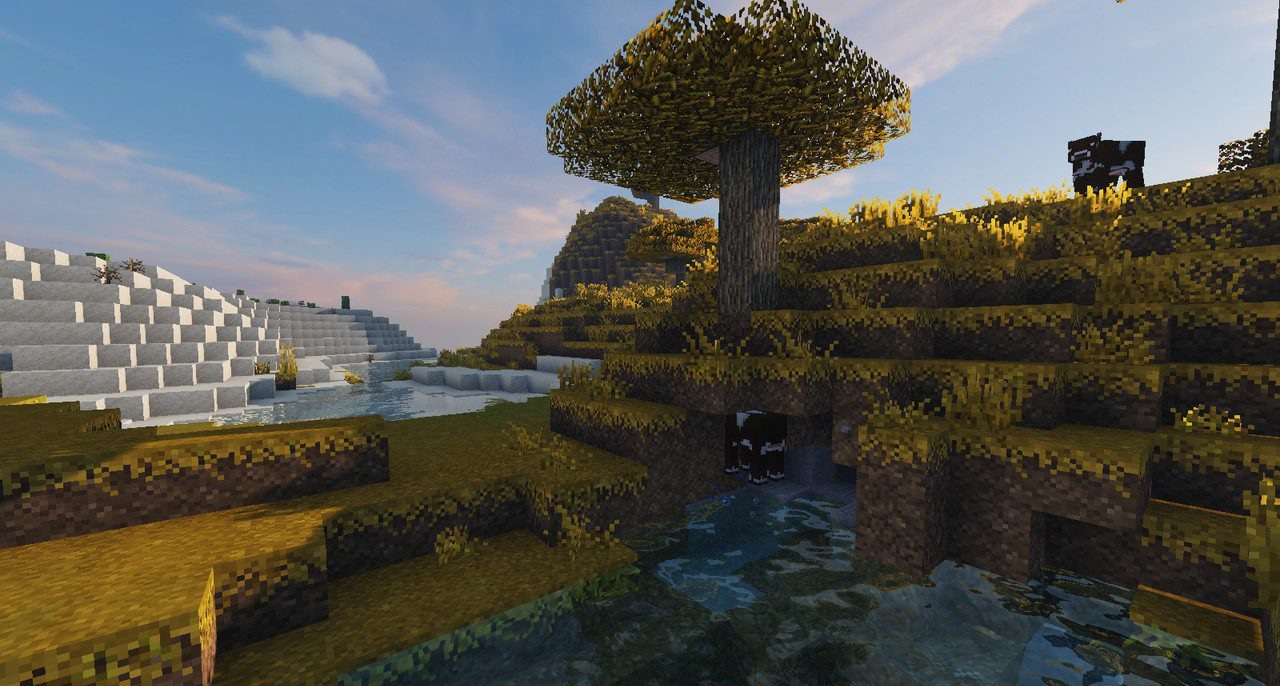
An additional bonus is the dark version of the interface, thanks to which the menu and inventory look modern and do not irritate the eyes. Visually, the game begins to resemble an improved vanilla version — as if the standard textures have simply received a neat update.
How to install the texture pack:
First step: download and install Unity: Dark Mode
Second step: copy the texture pack to the C:\Users\USER_NAME\AppData\Roaming\.minecraft\resourcepacks
Third step: in game settings choose needed resource pack.
Comments (4)