



Vanilla Pixels for Minecraft 1.21.11

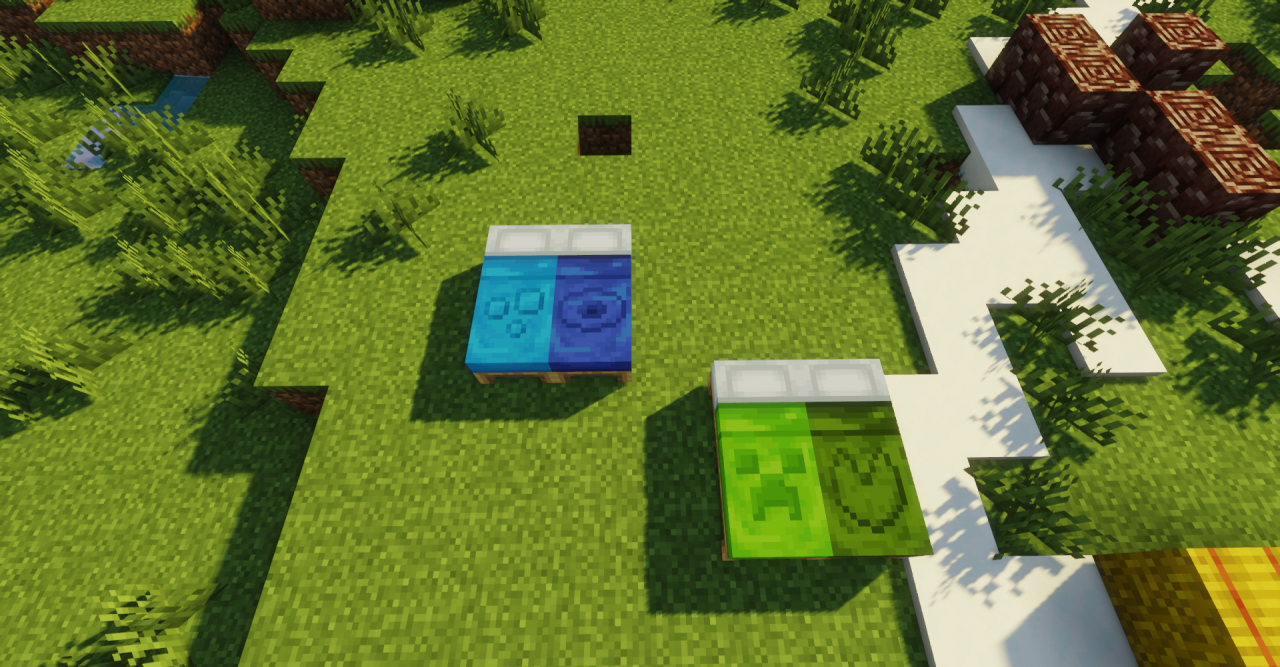
There is a special kind of magic in how simple textures form an entire world, and Vanilla Pixels aims to preserve this magic while slightly improving the visual component. It does not try to replace the game’s style; on the contrary, it carefully emphasizes it by adding clarity, detail, and soft visual transitions. As a result, the world feels familiar yet more neatly rendered, as if after a light restoration.
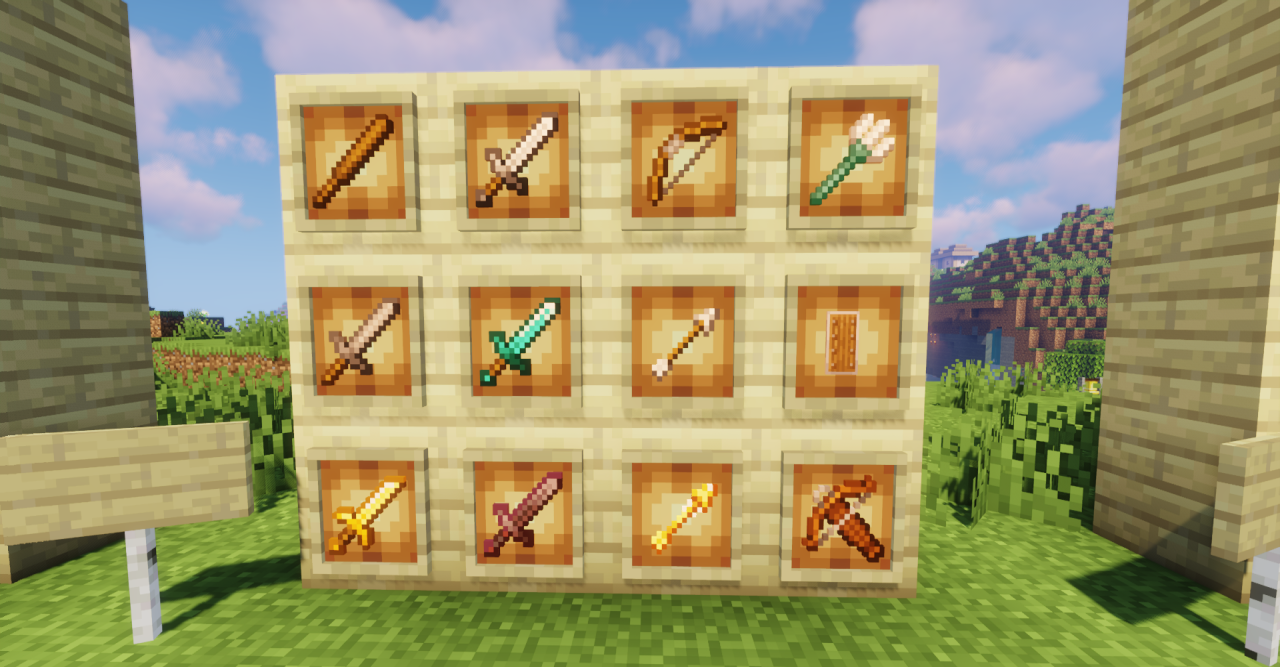
Blocks, items, and mobs look a bit cleaner and more pleasant, while the game does not lose its cubic simplicity. If you want to stay within classic Minecraft but get a slightly more modern, polished look, this pack handles the task subtly and carefully.
How to install the texture pack:
First step: download and install Vanilla Pixels
Second step: copy the texture pack to the C:\Users\USER_NAME\AppData\Roaming\.minecraft\resourcepacks
Third step: in game settings choose needed resource pack.
Comments (0)