



Vanilla Weapons Ultra for Minecraft 1.21.11
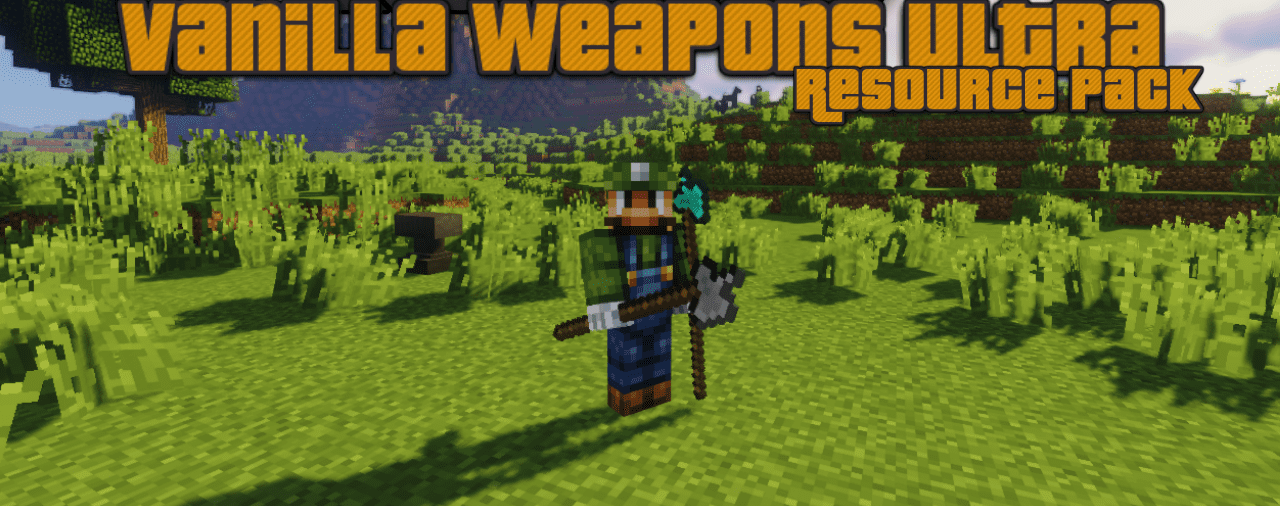
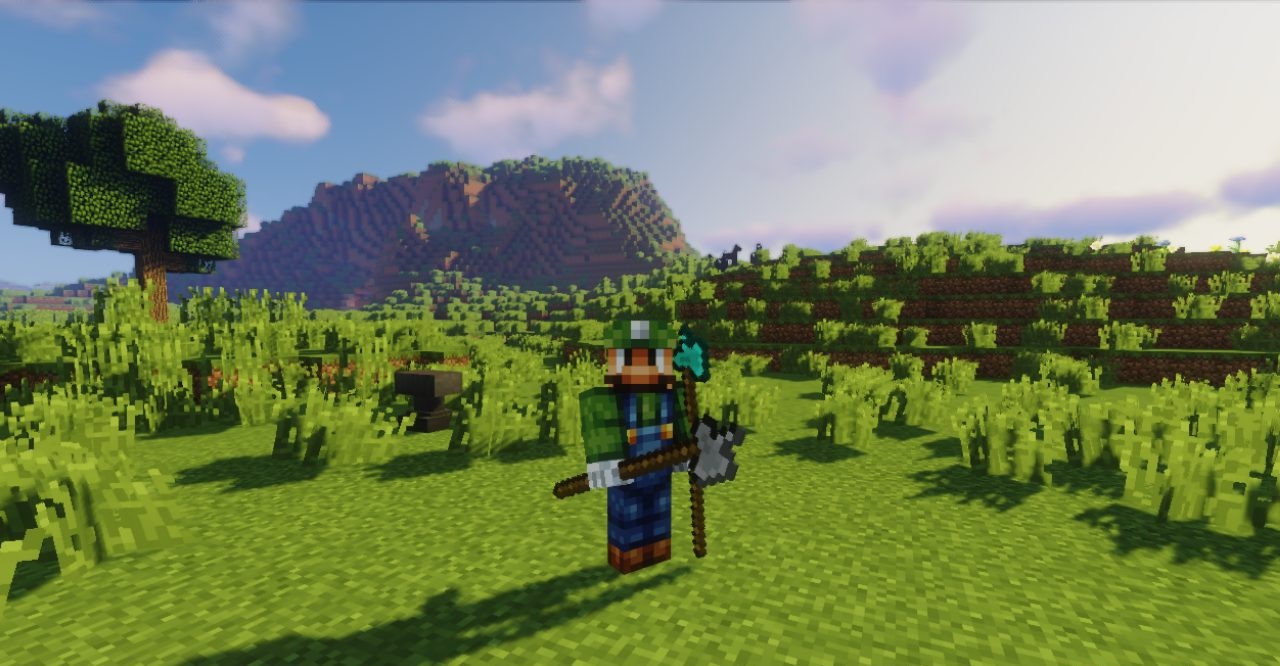
Vanilla Weapons Ultra carefully expands the standard selection of weaponry without straying far from the original style. The new weapons look natural and harmonious, as though they had always been part of the game. They bring variety to combat while preserving familiar mechanics. Inspired by more detailed concepts, the pack remains simple and user-friendly.
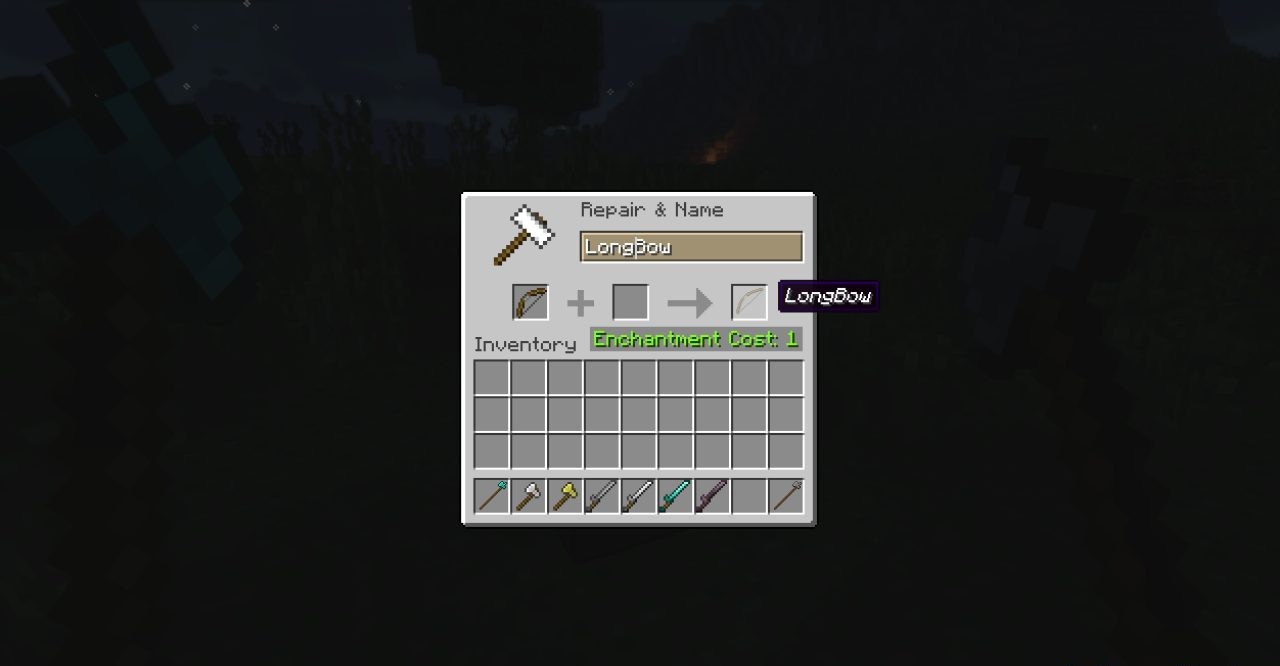
Renaming items unlocks additional visual variations, adding interest to customization. This texture pack is ideal for players who want to refresh the combat experience without radically changing the overall aesthetic.
How to install the texture pack:
First step: download and install Vanilla Weapons Ultra
Second step: copy the texture pack to the C:\Users\USER_NAME\AppData\Roaming\.minecraft\resourcepacks
Third step: in game settings choose needed resource pack.
Comments (0)