



Vintage – Programmer Art Remade for Minecraft 1.21.10
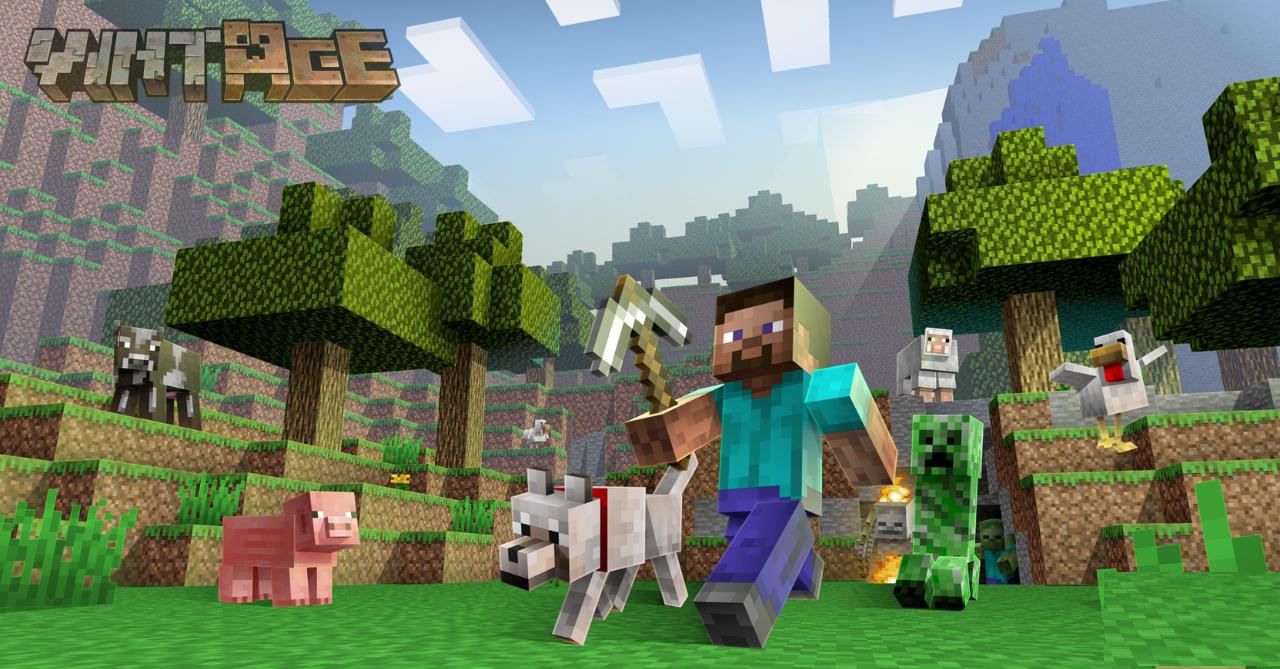
Vintage – Programmer Art Remade turns to the early versions of the game, offering an updated take on classic textures. It preserves the spirit of “old” Minecraft while removing visual roughness. Colors become more even, details sharper, and the overall image cleaner, while the Programmer Art style remains recognizable.
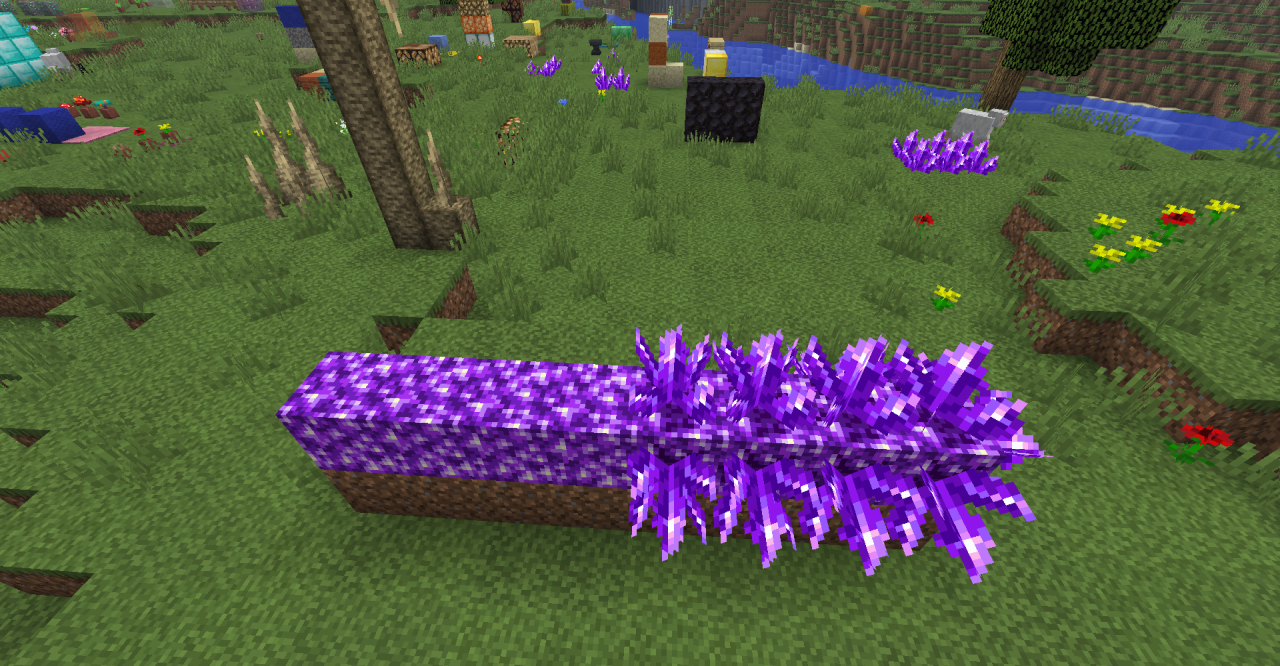
The pack is well suited for those who feel nostalgic for early graphics but want to play on modern versions. It carefully bridges the past and the present, allowing players to enjoy a retro atmosphere without the sense of outdated textures.
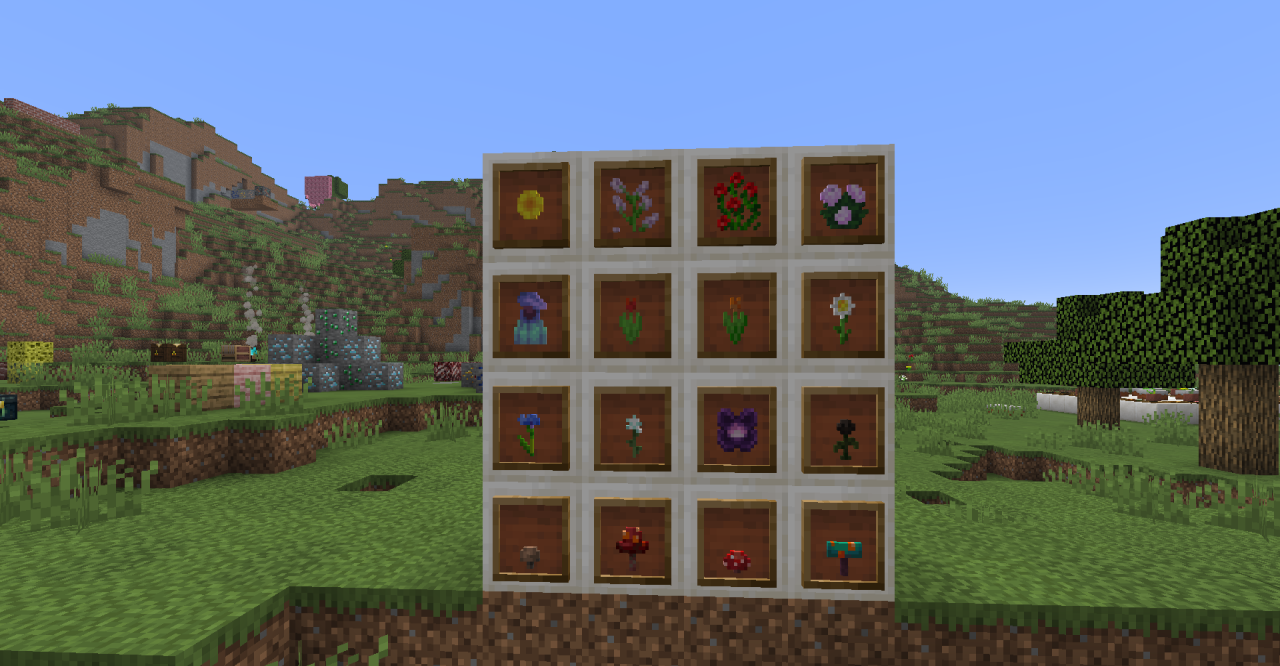
How to install the texture pack:
First step: download and install Vintage – Programmer Art Remade
Second step: copy the texture pack to the C:\Users\USER_NAME\AppData\Roaming\.minecraft\resourcepacks
Third step: in game settings choose needed resource pack.
Comments (0)