



Vintage – Programmer Art Remade for Minecraft 1.21.11
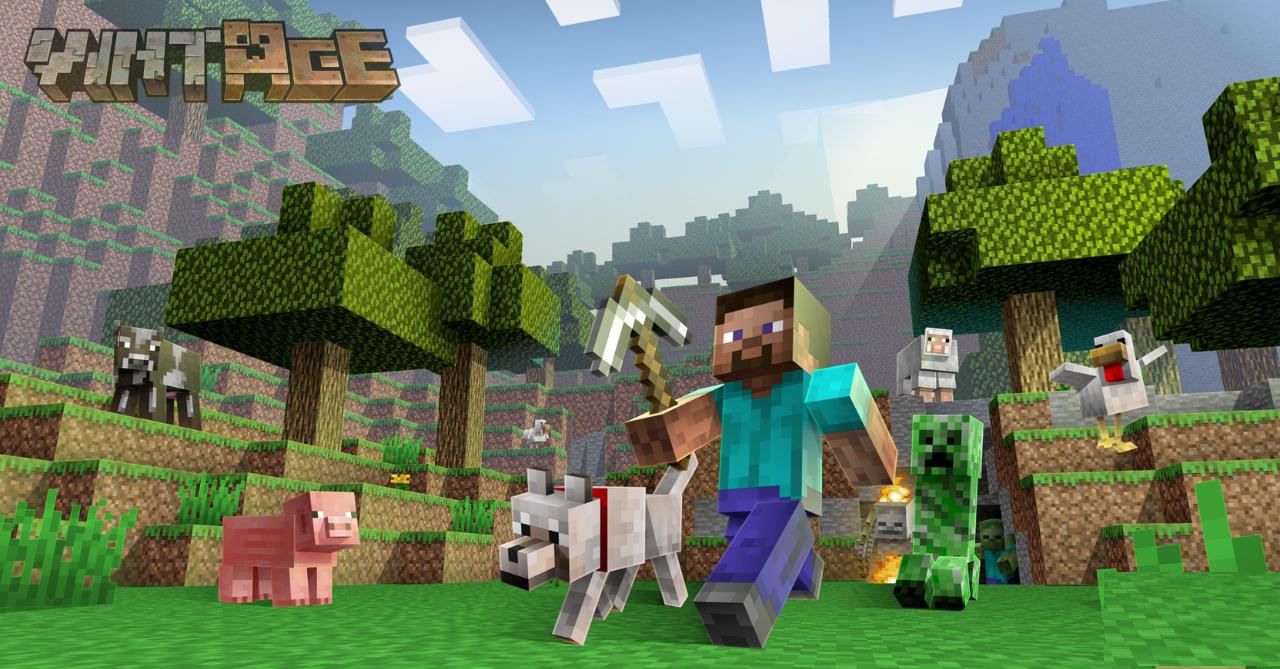
This resource pack is a true letter to the past for everyone who remembers the old visual style of Minecraft. Vintage – Programmer Art Remade carefully recreates the classic “programmer art” textures, preserving their recognizable colors, shapes, and atmosphere, while making them clearer, cleaner, and more visually consistent.
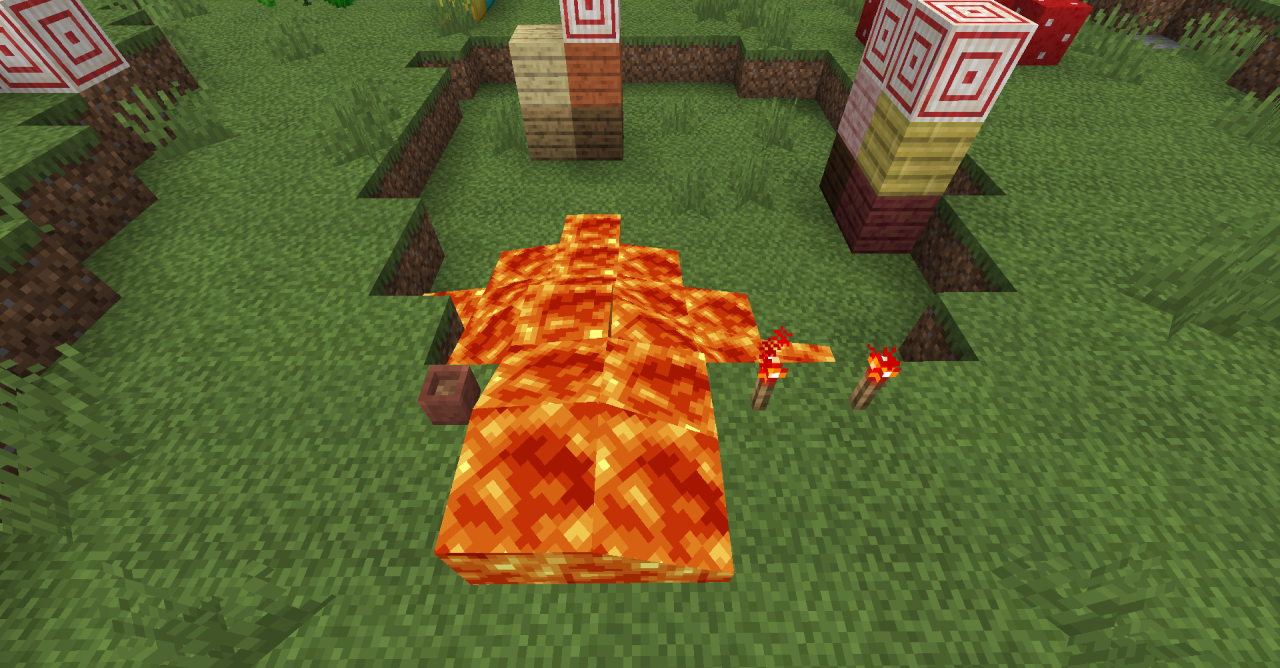
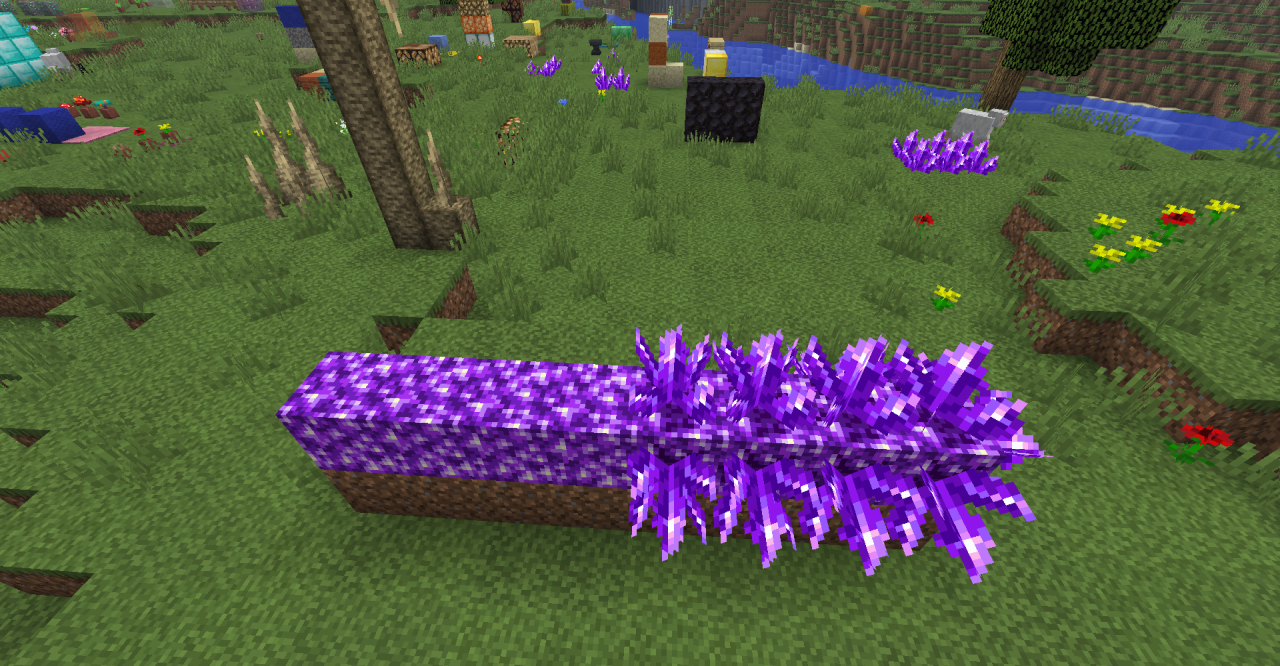
Blocks, items, and the interface look as if you have returned to the early versions of the game, but without blur, rough lines, or visual inaccuracies. It creates a feeling of a warm return to the past while remaining comfortable for the eyes even during long play sessions.
How to install the texture pack:
First step: download and install Vintage – Programmer Art Remade
Second step: copy the texture pack to the C:\Users\USER_NAME\AppData\Roaming\.minecraft\resourcepacks
Third step: in game settings choose needed resource pack.
Comments (0)