



Visible Amount Food for Minecraft 1.21.8
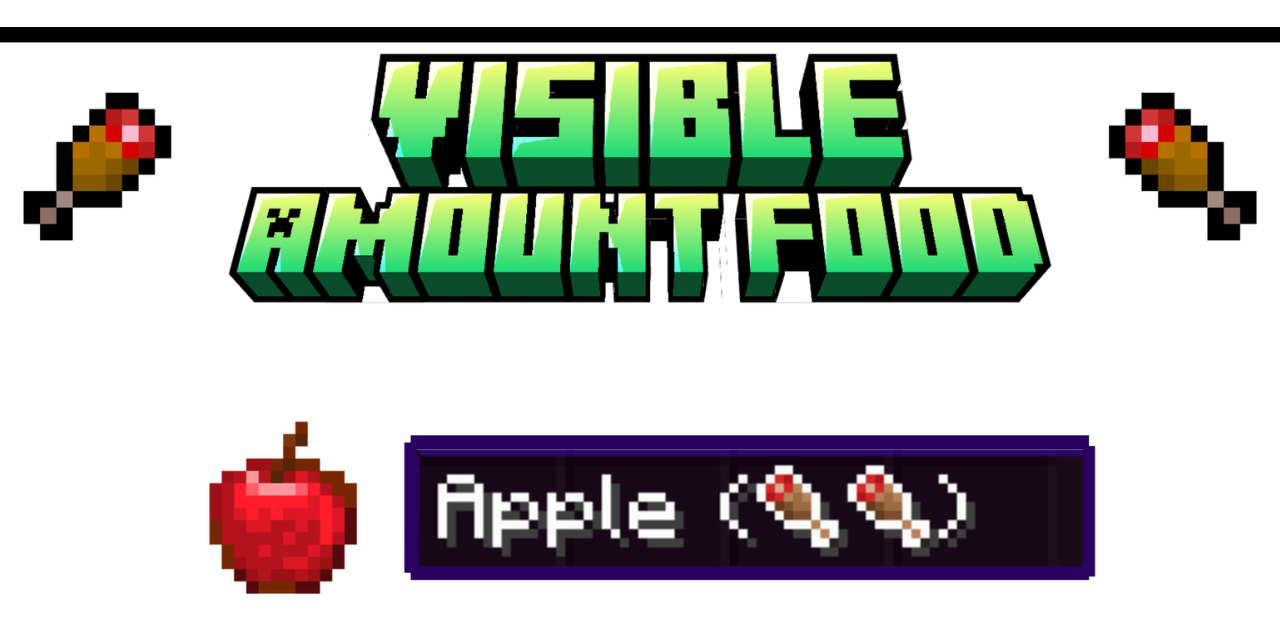
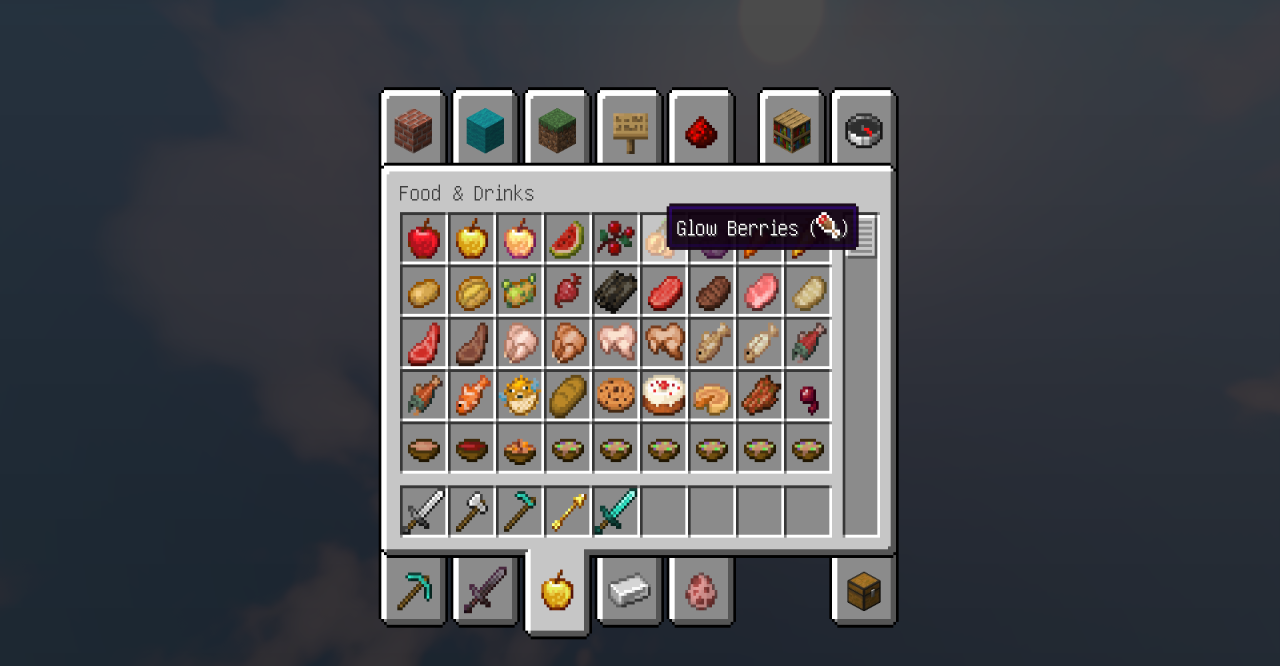
Visible Amount Food texture pack clearly shows how many saturation units each food item restores, right on the icon or in the name of the item. Thanks to this, it’s easy to decide which product to eat without referring to guides. The interface remains clean and concise: instead of boring numbers you hover the cursor and see the exact quantitative value.
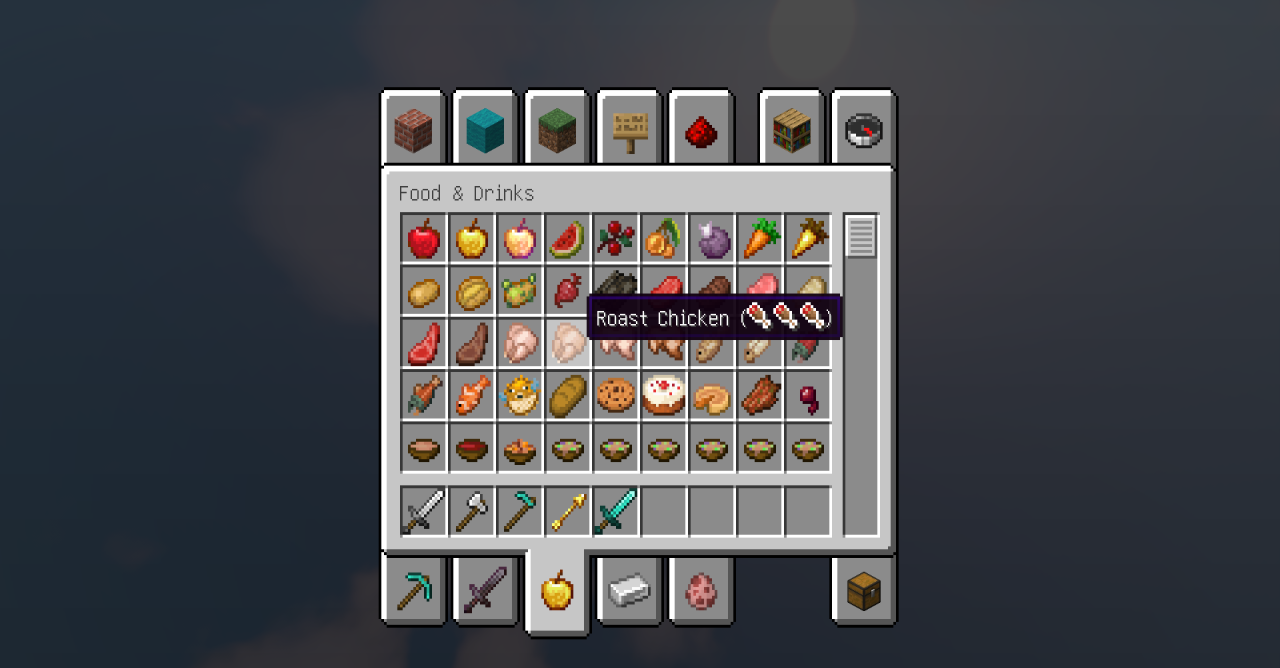
Especially convenient for long survival or playing in hardcore mode, because the function helps save resources and plan the diet. The minimalist approach and functionality in action make this pack truly useful for every player.
How to install the texture pack:
First step: download and install Visible Amount Food
Second step: copy the texture pack to the C:\Users\USER_NAME\AppData\Roaming\.minecraft\resourcepacks
Third step: in game settings choose needed resource pack.
Comments (0)